Gaming at 1080p vs 1440p: Choosing the Right Graphics Card for Your Display
2 June 2026
Let’s be honest—choosing between 1080p and 1440p gaming isn’t easy, especially when your budget, performance needs, and the ever-expanding world of graphics cards are thrown into the mix. If you’re sitting there wondering what resolution is best for your setup and what GPU you should pair with it, you're definitely not alone.
In this in-depth guide, we're going to break down everything, from frame rates and visual quality to GPU recommendations and future-proofing your rig. So, buckle up, fellow gamer—it's time to dive into the resolution war: 1080p vs 1440p.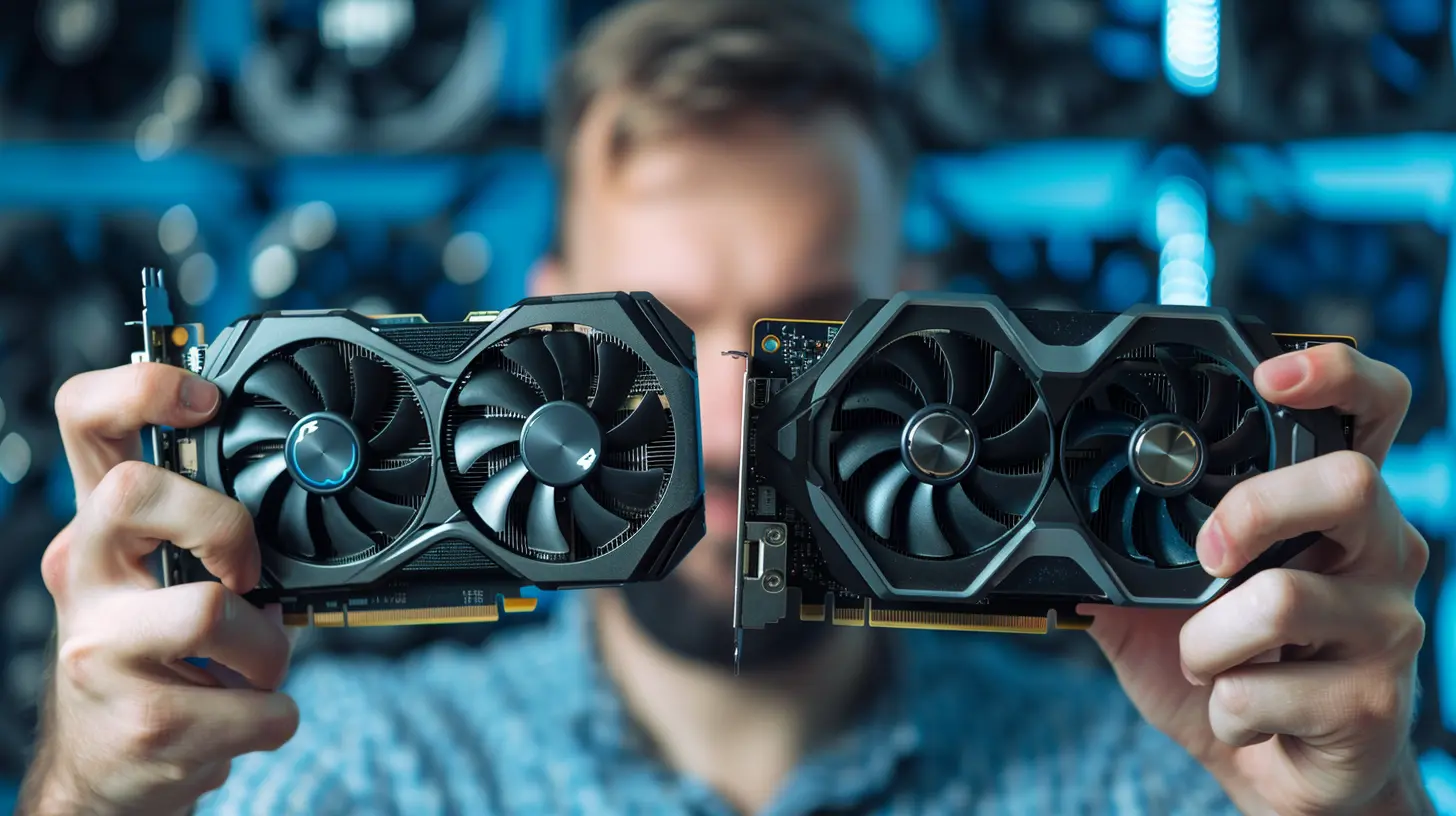
? The Basics: What’s the Difference Between 1080p and 1440p?
At a glance:- 1080p (aka Full HD): 1920×1080 pixels
- 1440p (aka Quad HD or 2K): 2560×1440 pixels
That means 1440p packs about 77% more pixels than 1080p. In simple terms? Sharper, crisper visuals that make everything pop—especially on larger monitors.
But here's the catch: more pixels = more work for your graphics card. So before you get hypnotized by eye candy, you need to think about your hardware.
? Why Resolution Matters for Gaming
Resolution directly impacts your gaming experience. It affects:- Game visuals: Higher resolution = better detail
- Frame rate performance: More pixels = more strain on your GPU
- System requirements: You'll need stronger hardware to maintain high frame rates at higher resolutions
- Immersion: Some resolutions just look more “real,” especially on bigger displays
If smooth gameplay gives you joy like a fresh loot drop, the resolution you choose can make or break your experience.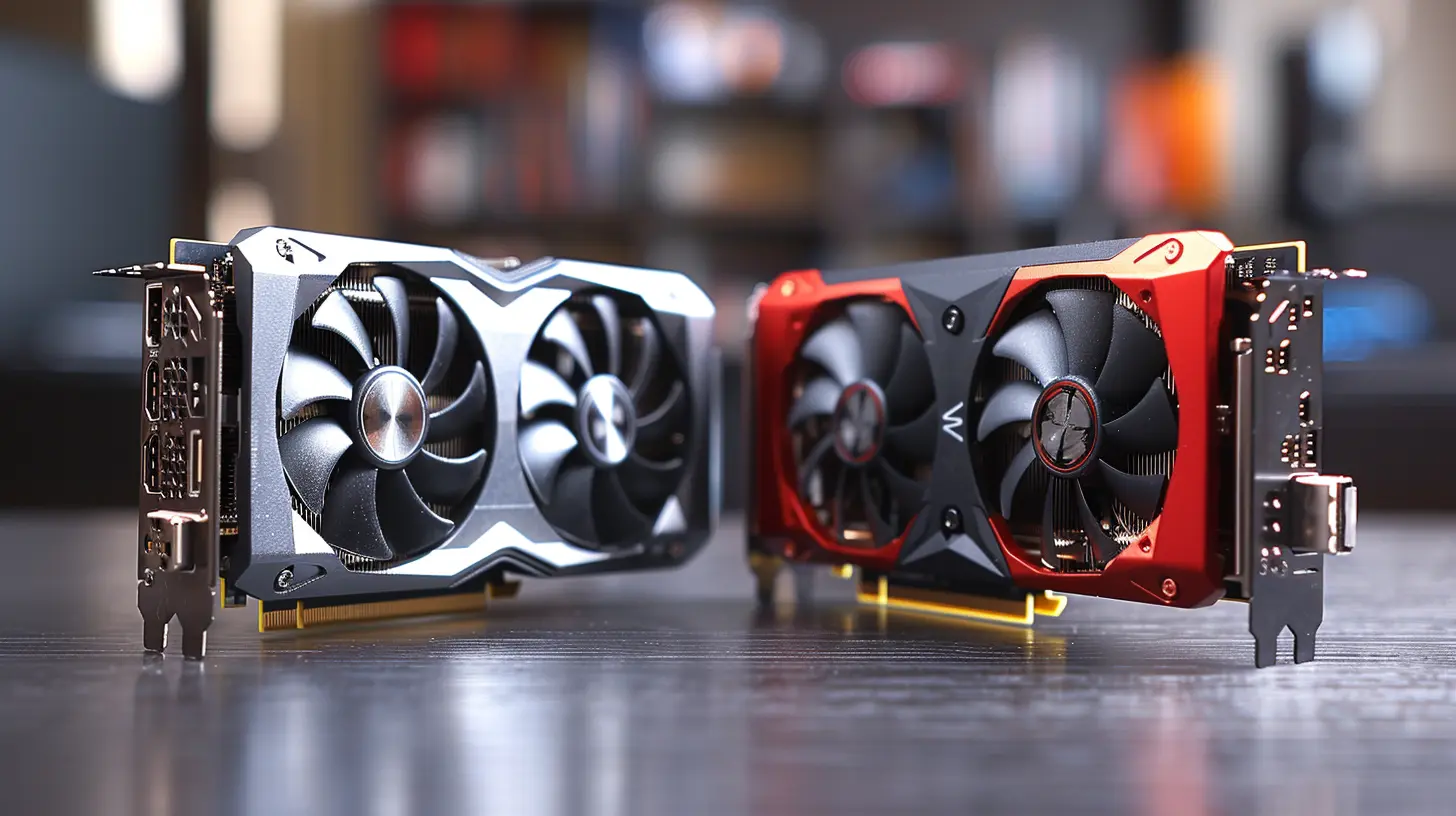
? Frame Rates: The Hidden Hero of Gaming
Okay, let's talk frame rates. We all drool over the buttery-smooth 60 FPS (or more!), but can your GPU deliver that at 1440p? That’s where things get interesting.- At 1080p, even mid-range GPUs can hit 60-100+ FPS in most games.
- At 1440p, you’ll need a beefier card to maintain 60 FPS, especially in AAA titles.
Let’s not forget: Competitive gamers thrive on high frame rates. So if you play fast-paced shooters like Apex Legends or Valorant, frame rate matters just as much—if not more—than sheer resolution.
? Performance vs. Visuals: What's More Important to You?
Here’s where you need to ask yourself: What kind of gamer are you?- Do you prioritize visuals and immersion? Then 1440p might be your sweet spot.
- Do you need ultra-smooth performance for competitive gaming? 1080p still reigns supreme for maximum FPS with modest hardware.
- Are you a hybrid gamer who wants both? Time to find the right GPU that balances both worlds.
? The Sweet Spot: Monitor Size and Viewing Distance
Size matters. No, really. Your screen size can influence whether you’ll even notice the difference between 1080p and 1440p.- On a 24-inch monitor, the difference between 1080p and 1440p is subtle.
- On a 27-inch or larger monitor, 1440p shines with sharper images and less pixelation.
- If you’re sitting close to your monitor (like most PC gamers), 1440p offers noticeably better clarity.
So, a larger screen + closer distance = better payoff with higher resolution.
⚙️ GPU Performance Showdown: Which Cards Are Ready for 1080p or 1440p?
Alright, let’s get into the meat of it—graphics cards. Here’s a quick and dirty breakdown of which GPUs are ideal for each resolution.? Best GPUs for 1080p Gaming
- NVIDIA GeForce RTX 3060 / GTX 1660 Super- AMD Radeon RX 6600 / RX 580
- Intel Arc A750 (Yes, Intel’s in the game too now)
These cards can handle modern games at high or ultra settings at 1080p, delivering anywhere from 60-144 FPS, depending on the title.
And the best part? You don’t need to sell your kidney. Most of these are budget or mid-tier GPUs.
? Best GPUs for 1440p Gaming
- NVIDIA GeForce RTX 3070 / 4070 / 3080- AMD Radeon RX 6700 XT / 6800
- Intel Arc A770 (Capable of 1440p, depending on the game)
These cards are more expensive, sure. But they pack enough punch to drive 1440p gaming at high frame rates with gorgeous visuals.
And if you’re into ray tracing or want to dabble in 3D rendering or streaming, these cards offer more VRAM and horsepower.
? Budget Considerations: Bang for Your Buck
Here's the thing: gaming hardware prices fluctuate like loot chances in RNG-based games. But generally:- 1080p builds are cheaper. Less GPU power = smaller price tags.
- 1440p builds cost more upfront but can be better long-term investments if you plan to keep your system for a while.
And don’t forget—higher resolutions often demand stronger CPUs, more RAM, and better cooling. It’s not just about the GPU.
? Benchmark Time: 1080p vs. 1440p Real-World FPS Comparisons
Let’s throw some real numbers at you (rounded estimates based on average performance):| Game | GPU | 1080p FPS | 1440p FPS |
|--------------------|------------------|-----------|-----------|
| Cyberpunk 2077 | RTX 3070 | 85 | 60 |
| Call of Duty: MW2 | RX 6700 XT | 120 | 90 |
| Fortnite | RTX 3060 Ti | 144+ | 100+ |
| Elden Ring | RX 6600 | 60 | 40 |
Notice the FPS drop when jumping to 1440p? That’s the extra pixel power coming into play.
? Upgradability & Future-Proofing
Want to build a PC that lasts for a few years? 1440p is more "future-friendly." Games are getting more graphically intense, and developers are optimizing for higher resolutions.That said, don’t throw out your 1080p dreams just yet. If you’re happy with your display and mostly play competitive titles, 1080p is still more than relevant in 2024.
Quick tip? Grab a GPU that leaves headroom for future upgrades. You might snag a 1440p monitor on Black Friday and be glad your GPU can keep up.
? Other Key Factors: More Than Just Pixels
Let’s not get tunnel vision. A few other things to think about:- Refresh Rate: 144Hz or 165Hz monitors need a GPU that can back up those frames.
- Adaptive Sync: G-SYNC (Nvidia) and FreeSync (AMD) eliminate screen tearing—make sure your GPU and monitor support the same tech.
- VRAM: More resolution = more VRAM needed. For 1440p, shoot for GPUs with 8GB+.
? The Verdict: Which Should You Choose?
Pick 1080p if:
- You're on a budget- You play esports or competitive titles
- You're okay with slightly lower graphical fidelity in exchange for high FPS
Pick 1440p if:
- You want a balance of visuals and performance- You're building a newer rig or upgrading your GPU
- You play immersive AAA titles and care about detail
? Final Tips Before You Hit 'Buy'
- Match your GPU to your monitor (don’t overspend on a 4K card if you game at 1080p)- Check benchmarks for the GPU + game combo you care about
- Think long-term—a little extra now might save you from upgrading sooner
If in doubt, 1440p with an RTX 4070 or RX 6800 XT is a killer sweet spot in 2024. But for most casual and competitive gamers, 1080p is still very much alive and kickin’.
? TL;DR – Quick Comparison Table
| Feature | 1080p | 1440p ||------------------------|-------------------------------|--------------------------------|
| Resolution | 1920×1080 | 2560×1440 |
| Visual Quality | Good | Excellent |
| Frame Rates | Higher | Lower (Needs Better GPU) |
| GPU Needed | Mid-Range | Mid to High-End |
| Monitor Size Sweet Spot | 22"–24" | 27" and above |
| Cost | Budget-Friendly | More Expensive |
| Future-Proofing | Moderate | Better |
? Closing Thoughts
At the end of the day, your choice between 1080p and 1440p comes down to how you game, what games you play, and what kind of visuals you want. There's no one-size-fits-all answer, but hopefully now, you're armed with enough info to make the best decision for your setup.So, are you Team 1080p or Team 1440p? Whichever route you take, may your frames be high and your lobbies be lag-free.
all images in this post were generated using AI tools
Category:
Graphics CardsAuthor:

Pierre McCord
Discussion
rate this article
1 comments
Taryn Roberson
Choosing between 1080p and 1440p impacts performance and visuals significantly. A higher resolution demands better hardware, so consider your gaming habits and budget before deciding.
June 20, 2026 at 3:42 AM