How Advanced Cooling Solutions Are Shaping the Future of Graphics Cards
29 June 2026
When it comes to gaming PCs or high-performance workstations, there’s one thing that stands out: the graphics card (GPU). GPUs are the heart of any gaming rig or a creative powerhouse, driving everything from high-definition gaming to 3D rendering. But there's one pesky problem that comes with all that power – heat. Lots of it. That’s where advanced cooling solutions come into play. Without proper cooling, all that power would be wasted, or worse, your GPU could overheat and fry itself.
So, how exactly are advanced cooling solutions shaping the future of graphics cards? Let’s dive right in!
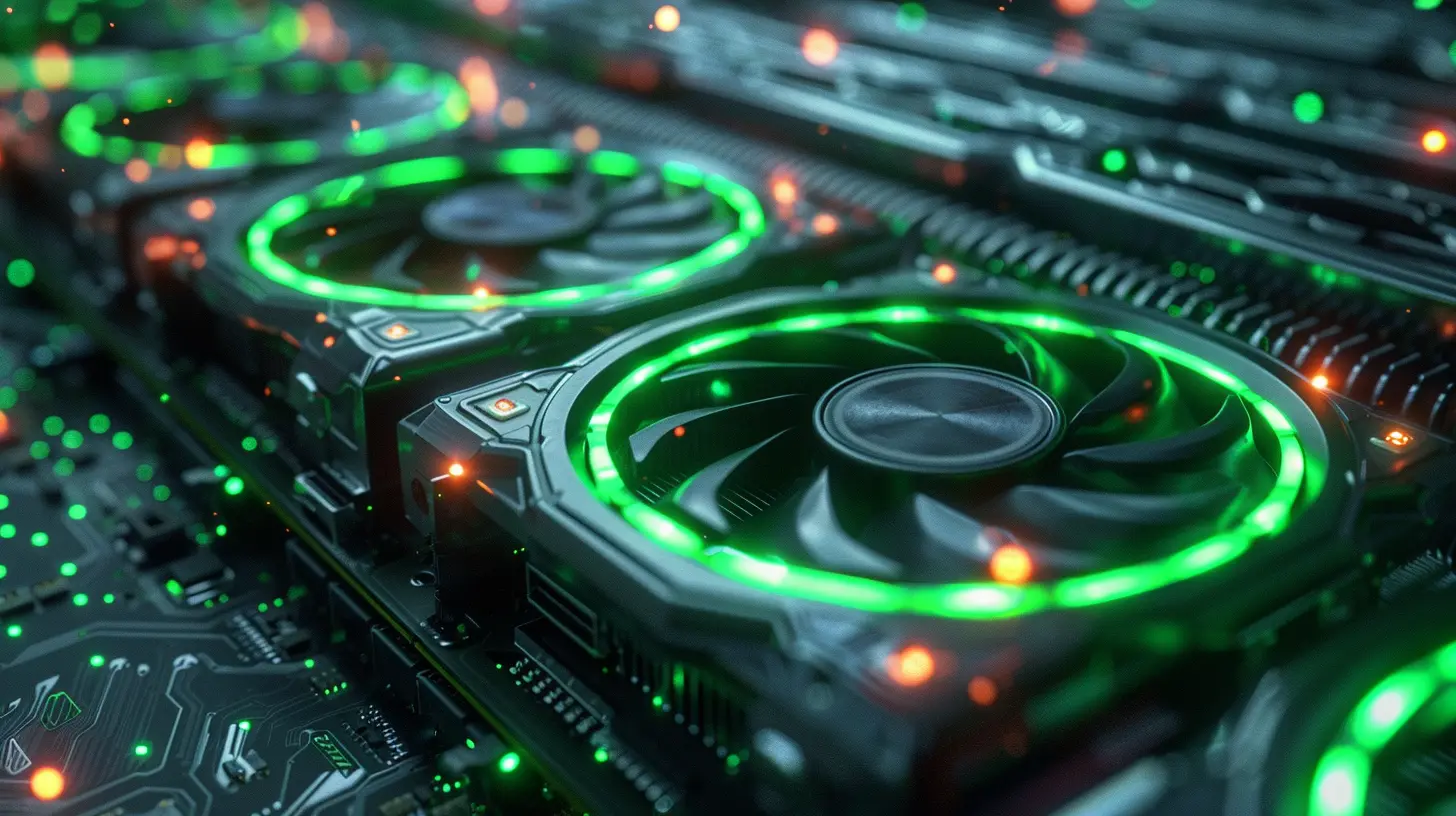
Why GPUs Need Serious Cooling
First off, let's talk about why GPUs generate so much heat in the first place. Graphics cards have become absolute powerhouses, packing in more computing power than ever before. This means more transistors, higher clock speeds, and more energy consumption. And with more energy consumption comes — you guessed it — more heat.If you’ve ever touched the side of your PC after a long gaming session and felt it was hot enough to cook eggs, you know what I’m talking about.
Without adequate cooling, not only could performance take a nosedive due to thermal throttling (where the GPU reduces its own speed to avoid overheating), but in worst-case scenarios, the hardware could get damaged. Think of it like a car engine — run it too hard without proper cooling, and you’ll end up with smoke coming out of the hood. No one wants that, especially when graphics cards can cost as much as a full-blown gaming console these days.
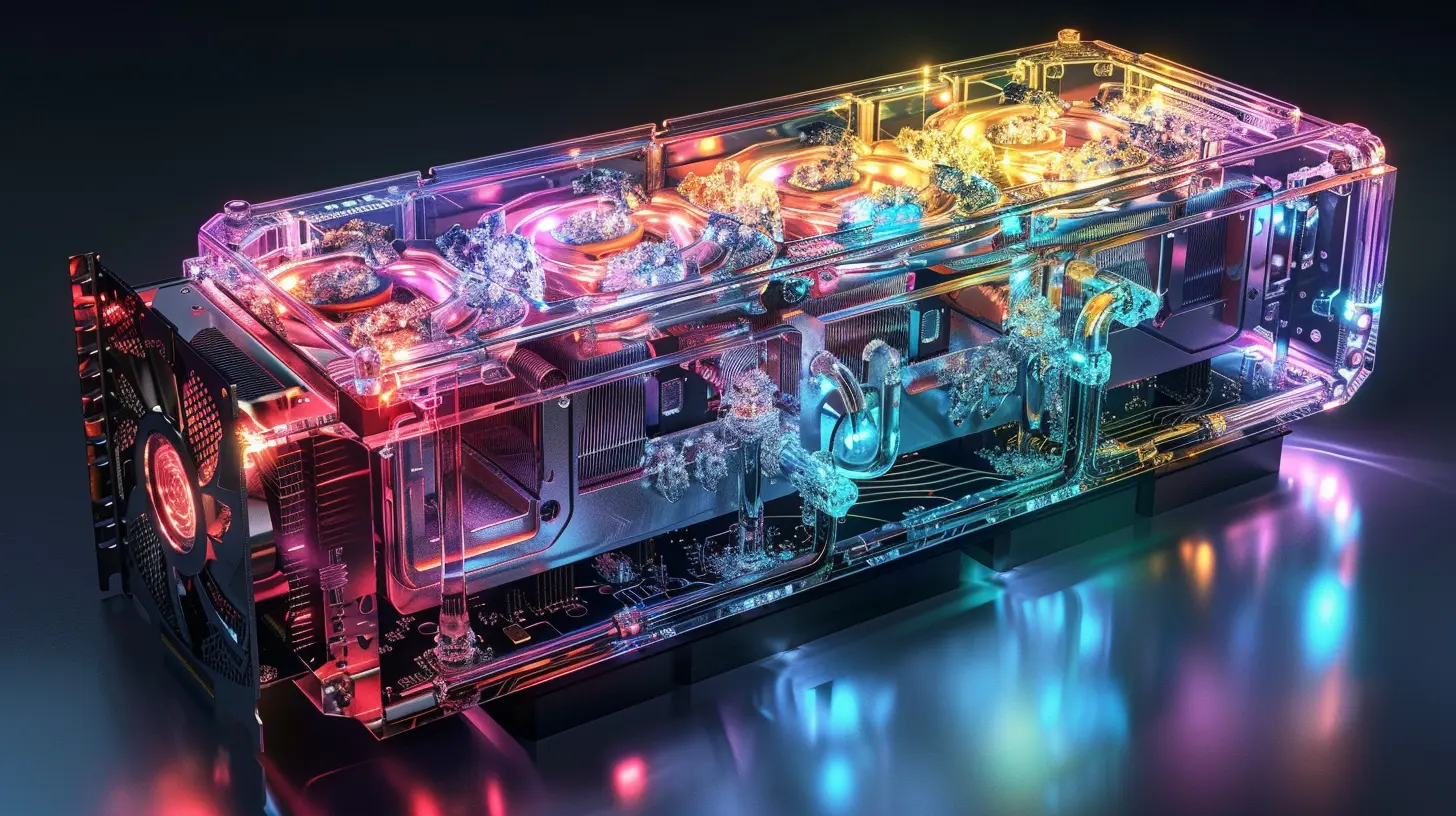
The Evolution of GPU Cooling Solutions
When GPUs were simpler, cooling them was easy. The basic fan-and-heatsink combo did the trick for years. But as GPUs became more powerful and started looking like mini-supercomputers, manufacturers had to get creative. That’s when we started seeing advancements in cooling tech.Air Cooling: The Old Reliable
Air cooling is still the most common type of GPU cooling you’ll find today. It works just like a fan blowing air over a hot engine to cool it down. A heatsink made of metal (usually aluminum or copper) draws heat away from the GPU core, and fans blow that hot air away. Simple, right?But as graphics cards became more power-hungry, air cooling started to face limitations. Fans can only spin so fast, and pushing more air means more noise. Plus, air cooling is limited to the ambient temperature in your room. If you’re gaming in a hot room during the summer, your GPU is going to feel it.
Liquid Cooling: Taking It Up a Notch
Enter liquid cooling — the next step up in cooling efficiency. Think of liquid cooling like the radiator in a car. Instead of blowing air, liquid (usually a mixture of water and coolant) is circulated through tubes that absorb heat from the GPU and move it away to a radiator, where fans then cool it down.Liquid cooling is far more efficient than air cooling because water can absorb more heat than air. This means your GPU can stay cooler, even under heavy loads. Plus, liquid cooling systems are generally quieter because the fans don’t have to work as hard.
You’ll often see liquid cooling in custom-built gaming rigs or workstations, but some high-end GPUs come with factory-installed liquid coolers. However, liquid cooling can be more expensive and requires more maintenance than air cooling. You don’t want a leak in your setup, trust me!
Hybrid Cooling: The Best of Both Worlds
For those who can’t decide between air and liquid cooling, hybrid cooling solutions offer a middle ground. Hybrid coolers combine air and liquid cooling systems to maximize efficiency. They usually use a liquid loop to cool the GPU core and air cooling to handle other components, like VRMs (voltage regulator modules).This approach provides the cooling power of liquid without the need for a fully custom loop, making it a popular choice for enthusiasts who want better performance without going all-in on liquid.
Vapor Chamber Cooling: Mind-Blowing Technology
Now, here’s where things get really interesting. Vapor chamber cooling is one of the latest innovations in GPU cooling. Imagine a thin, sealed metal plate filled with a liquid that evaporates when it gets hot, and then condenses back into liquid when it cools down. That’s essentially how a vapor chamber works. It’s like a mini heat pump right on your GPU.Vapor chambers are incredibly efficient at transferring heat, allowing manufacturers to create thinner, more compact cooling systems without sacrificing performance. This tech is especially useful in high-end GPUs where space is at a premium, like in slim gaming laptops or compact desktop builds.
Thermoelectric Cooling: Sci-Fi Tech in Your PC
If vapor chambers sound cool, wait until you hear about thermoelectric cooling. This is the kind of technology that sounds like it belongs in a sci-fi movie. Thermoelectric coolers use the Peltier effect, where electricity is used to create a temperature difference between two surfaces. One side gets super cold, and the other side gets super hot. By placing the cold side against the GPU, you can achieve temperatures much lower than traditional cooling methods.However, thermoelectric cooling is still pretty rare in consumer GPUs. It’s expensive, and the hot side of the cooler still needs to be managed, usually with a traditional air or liquid cooling system. But as the technology improves, we might see more thermoelectric coolers in the future.
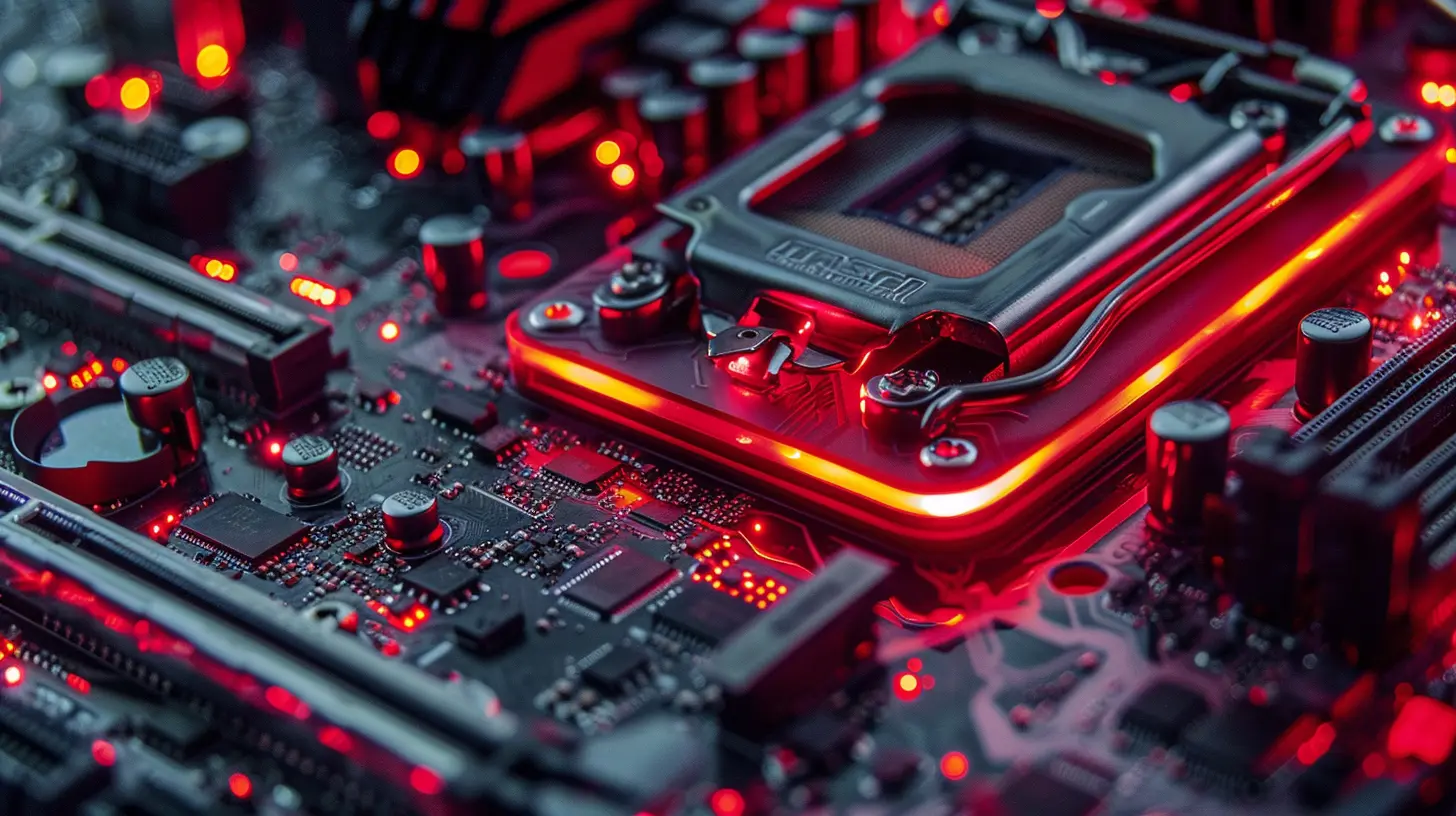
How Cooling Solutions Impact GPU Performance
Now, let’s talk about how all these advanced cooling solutions actually affect the performance of your graphics card. You might think that cooling is just about keeping the temperature down, but it goes way beyond that.Overclocking Potential
If you’re into overclocking (pushing your GPU beyond its factory settings for extra performance), then cooling is your best friend. The cooler your GPU runs, the more room you have to overclock without hitting thermal limits.Think of it like running a marathon — if you’re too hot, you’re going to slow down or stop altogether. But if you’re cool and comfortable, you can push harder and go further.
With advanced cooling, especially liquid or hybrid setups, you can achieve higher clock speeds, which translates to better performance in games, rendering, or other GPU-intensive tasks.
Longevity and Reliability
It’s not just about performance, though. Keeping your GPU cool also helps extend its lifespan. Heat is the enemy of electronics, and components that run hot for extended periods can degrade faster. By keeping temperatures in check, advanced cooling solutions help ensure your GPU lasts longer and performs reliably over time.Noise Levels
No one likes a noisy PC. The good news is that advanced cooling solutions can help reduce noise levels. Air cooling can get pretty loud, especially when the fans are spinning at max speed to keep your GPU cool. But liquid and vapor chamber cooling systems are generally quieter because they are more efficient at dissipating heat, meaning the fans don’t have to work as hard.Energy Efficiency
Believe it or not, cooling can also impact energy efficiency. When a GPU runs cooler, it can operate more efficiently, using less power to perform the same tasks. This is especially important in gaming laptops or small form-factor PCs where power consumption and heat are critical factors.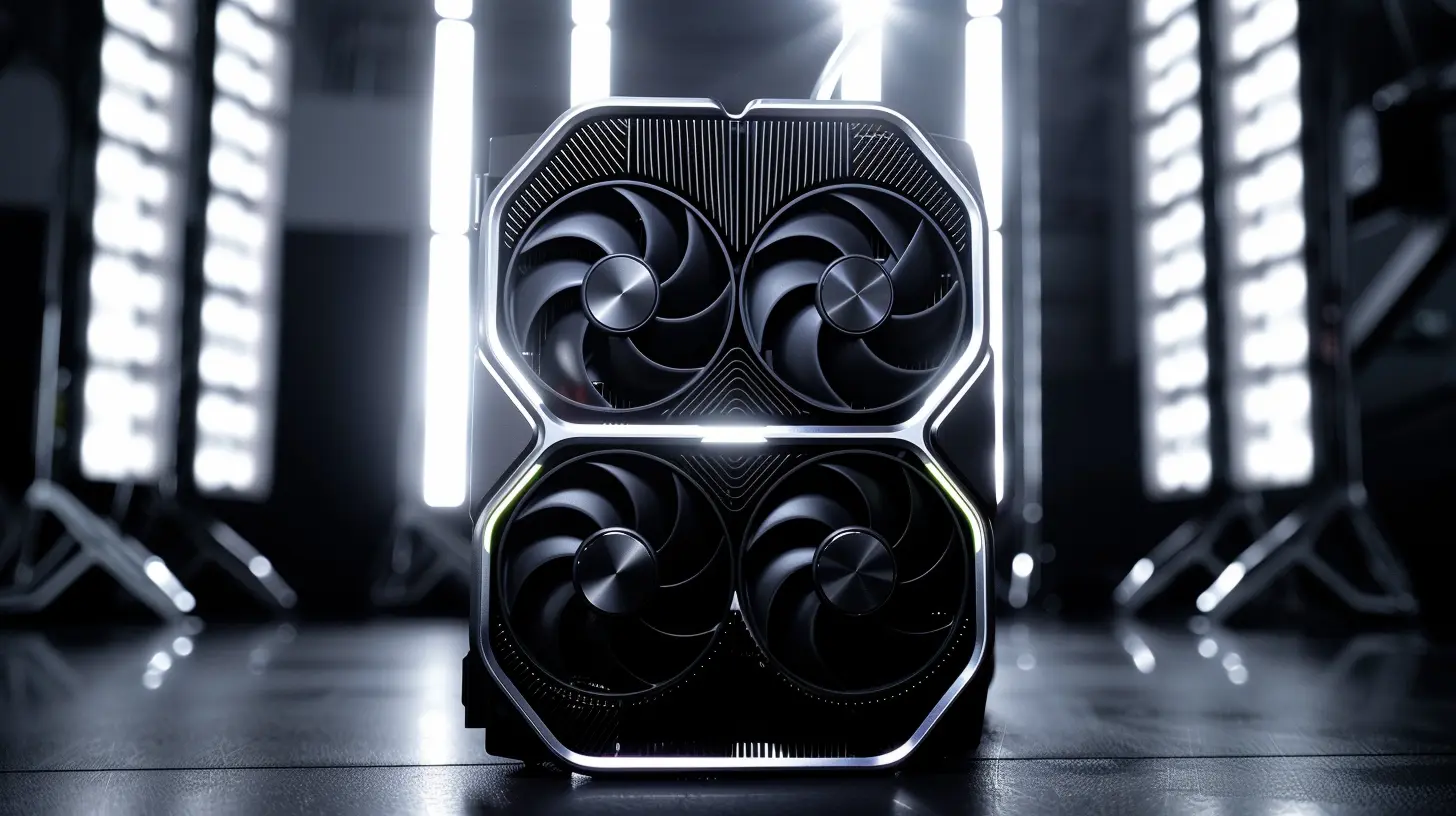
The Future of GPU Cooling
Looking ahead, cooling technology is only going to get more advanced as GPUs continue to push the envelope in terms of power and performance. With the rise of AI, machine learning, and 4K/8K gaming, the demand for high-performance GPUs is growing, and cooling solutions will have to keep pace.AI-Assisted Cooling
One area that’s already starting to show promise is AI-assisted cooling. Some high-end GPUs are beginning to feature AI algorithms that can predict thermal loads and adjust fan speeds or liquid flow rates in real-time. By optimizing cooling dynamically, these systems can deliver better performance while keeping noise and power consumption to a minimum.Advanced Materials
Another exciting development is the use of advanced materials in cooling systems. For example, some companies are experimenting with graphene, a super-thin material that’s incredibly efficient at conducting heat. While it's still in the experimental phase, graphene-based cooling could revolutionize the way we cool GPUs in the future.Submersion Cooling
And finally, we can’t forget about submersion cooling. This is the process of submerging your entire GPU (or even your whole PC) in a non-conductive liquid that absorbs heat. While this might sound extreme, it’s already being used in some data centers, and there's potential for it to trickle down to high-end consumer systems in the future.Conclusion
From air cooling to liquid cooling and beyond, advanced cooling solutions are playing a pivotal role in shaping the future of graphics cards. As GPUs continue to evolve and demand more power, innovative cooling technologies will ensure that they can run faster, last longer, and stay quieter. Whether you're a hardcore gamer, a creative professional, or just someone who loves having the latest tech, the future of GPU cooling is something to get excited about.So the next time you’re upgrading your rig or building a new PC, don’t just focus on the graphics card specs — give some thought to the cooling solution as well. After all, a cool GPU is a happy GPU!
all images in this post were generated using AI tools
Category:
Graphics CardsAuthor:

Pierre McCord
Discussion
rate this article
1 comments
Callista Sanders
It's exciting to see how advanced cooling solutions are transforming graphics cards! The future looks bright for gamers and creators alike, with improved performance and efficiency on the horizon.
August 11, 2026 at 3:55 AM