How to Transfer Data Between Generations of Consoles
26 May 2025
Upgrading your gaming console is always exciting—new features, better graphics, and improved gameplay experiences. But then comes the stressful part: transferring all your saved data, game progress, and settings to the new system. Nobody wants to start their favorite RPG from scratch or lose those hard-earned achievements.
If you're wondering how to move everything seamlessly between console generations, you're in the right place. Let's dive into different methods, potential hiccups, and how to ensure a smooth transition without losing your precious gaming history.
Why Data Transfer Matters in Gaming
Your console isn’t just a piece of hardware; it’s a hub for your gaming memories. From saved game progress and custom settings to purchased content, losing data can feel like losing years of hard work.Whether you're upgrading from a PS4 to a PS5, an Xbox One to an Xbox Series X, or a Nintendo Switch to its latest version, data transfer can make or break the transition. A poor transfer can mean lost save files, corrupted games, or even being unable to access your digital purchases on the new system.
So, how do you ensure a smooth data migration? Let's break it down by console family.
Transferring Data on PlayStation Consoles
From PS4 to PS5
Sony has made data transfers relatively simple with multiple options. Here’s how you can do it:1. Using the PlayStation Data Transfer Process
- Connect both your PS4 and PS5 to the same Wi-Fi network or use an Ethernet cable for faster speeds.- On your PS5, go to Settings > System > System Software > Data Transfer.
- Follow the on-screen instructions to move games, saved data, and preferences.
- This method is ideal if you want a full transfer, but it does take time depending on the volume of data.
2. Transferring Game Saves via PS Plus Cloud Storage
- If you have a PlayStation Plus membership, your saves are automatically backed up to the cloud.- On your PS5, navigate to Settings > Saved Data and Game/App Settings > Saved Data (PS4).
- Choose Cloud Storage, then download the saved data.
- This method is perfect if you only need saved game files rather than the entire system transfer.
3. External Storage Drive Transfer
- If you’ve stored games on an external HDD or SSD, simply plug it into your PS5.- Installed games remain playable, provided they are compatible.
Potential Issues & Fixes
- Corrupt Data: If files aren’t loading, try re-downloading them from the cloud.- Slow Transfer Speeds: An Ethernet connection is your best bet for faster data movement.
Transferring Data on Xbox Consoles
From Xbox One to Xbox Series X|S
Microsoft has designed the Xbox ecosystem to be extremely user-friendly when it comes to data migration. Here are your best options:1. Smart Delivery & Automatic Cloud Sync
- If you're upgrading within the Xbox family, Smart Delivery ensures you get the best version of a game available.- All your saved progress is automatically synced to the Xbox cloud.
- Just sign in to your Xbox account on the new console, and your saves will be there.
2. External Hard Drive Transfer
- If your Xbox One games are on an external drive, just plug it into your new Xbox.- Games will run directly from the external drive or can be copied to the internal SSD for better performance.
3. Network Transfer
- Connect both consoles to the same network.- Go to Settings > System > Backup & Transfer > Network Transfer.
- Select the content you want to move. This is a faster alternative to redownloading everything.
Common Problems & Solutions
- Missing Games? Make sure your account is correctly signed in.- Slow Network Transfers? Try a wired Ethernet connection.
Transferring Data on Nintendo Consoles
From Nintendo Switch to a New Switch Model
Nintendo consoles operate differently, making data transfers slightly more complicated. Here’s how to do it:1. Using the System Transfer Feature (For Switch to Switch OLED)
- Connect both consoles to the internet and ensure they are updated.- On your new console, go to System Settings > Users > Transfer Your User and Save Data.
- Follow the on-screen prompts and ensure both consoles remain powered throughout the process.
2. MicroSD Card Transfer
- If you store games on a microSD card, you can move it, but keep in mind that system software and some licenses remain tied to the original console.- For digital games, you’ll need to redownload them from the eShop.
3. Cloud Save Backup (For Nintendo Switch Online Users)
- Nintendo Switch Online members have automatic cloud saves.- On your new console, go to Settings > Data Management > Save Data Cloud and download your game saves.
Problems You Might Face
- Cloud Saves Not Downloading? Not all games support cloud saves (e.g., Animal Crossing: New Horizons requires a special island transfer).- MicroSD Compatibility Issues? Format the card before using it on a new console.
Tips to Ensure a Smooth Data Transfer
Regardless of your console brand, here are some universal best practices:- Use Wired Connections Where Possible: Wi-Fi transfers can be unreliable, especially for large files.
- Ensure Sufficient Storage Space: If your new console has limited storage, an external HDD/SSD may be a good investment.
- Back Up Everything: Cloud saves, external drives, or even USB backups can prevent data loss.
- Check for Game Compatibility: Some older games may need patches to work on new hardware.
What If Data Transfer Fails?
Sometimes, things go south. Maybe a transfer was interrupted, or a file is corrupted. Here’s what to do:- Retry the Process: Ensure both consoles are connected correctly and restart the process.
- Check Cloud Backups: If you used cloud storage, try downloading the file again.
- Reinstall Games Manually: If a game isn’t launching, uninstall it and download it fresh from your library.
- Contact Support: If all else fails, reach out to PlayStation, Xbox, or Nintendo support.
Final Thoughts
Moving from one generation of consoles to the next should be exciting, not stressful. By following the right methods—whether it's cloud saves, external drives, or direct transfers—you can ensure a seamless experience.The key takeaway? Always back up your data, use the best transfer method for your situation, and double-check compatibility. With a little patience and preparation, you’ll be back in the game in no time—without losing any of your hard-earned progress.
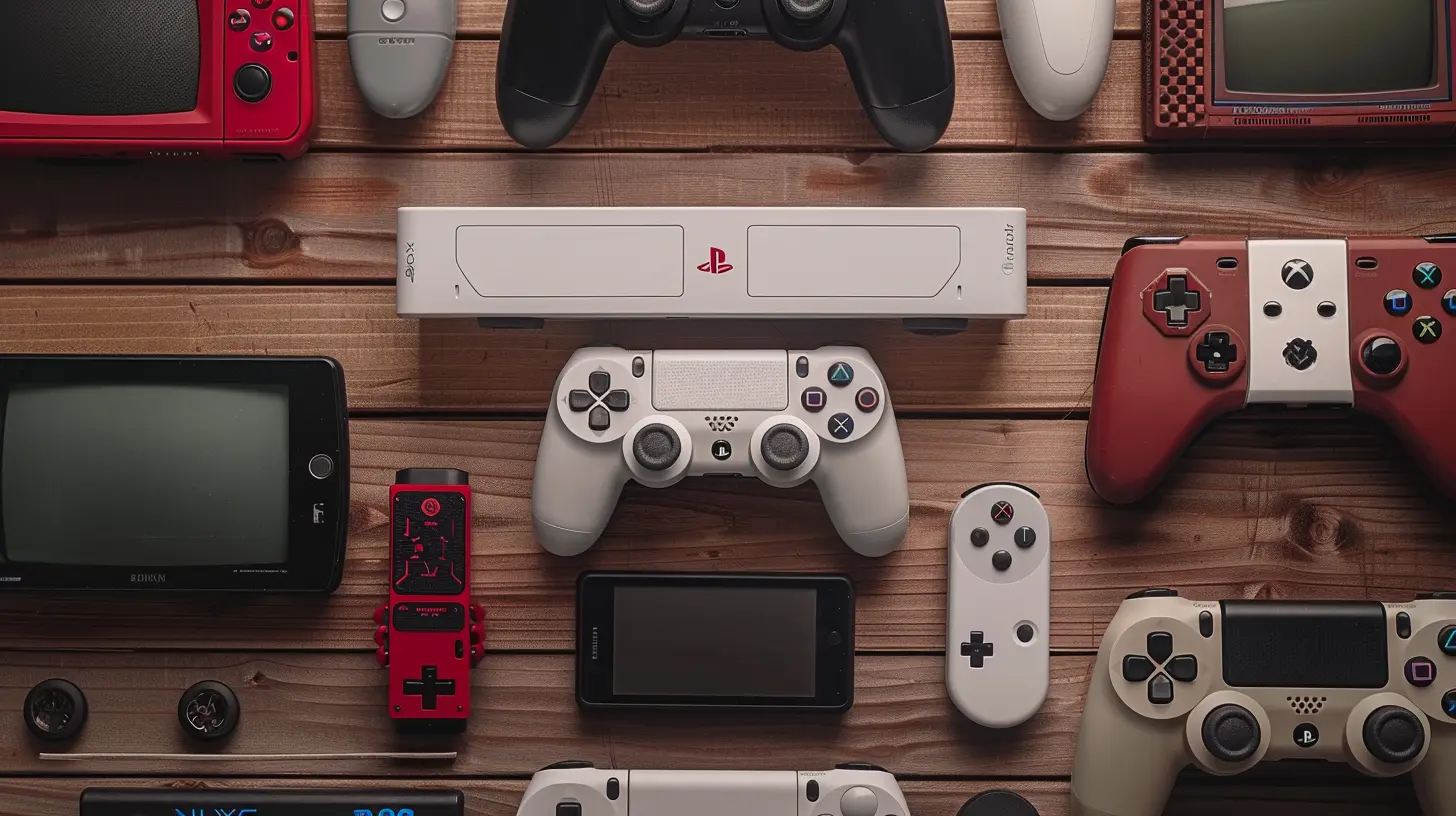
all images in this post were generated using AI tools
Category:
Gaming ConsolesAuthor:

Pierre McCord
Discussion
rate this article
3 comments
Luma Ford
Effortlessly bridging generations of consoles enhances gaming experiences—embrace the technology and enjoy seamless transitions!
June 5, 2025 at 3:12 AM
Pierre McCord
Thank you! Embracing this technology truly transforms gaming, making it easier than ever to enjoy our favorite titles across generations.
Tobias McAnally
Great article! It's essential to bridge the gap between generations of consoles, ensuring that gamers can enjoy their favorite experiences without losing progress. Your tips are invaluable for anyone looking to make a smooth transition. Keep it up!
May 27, 2025 at 4:15 PM
Pierre McCord
Thank you for your kind words! I'm glad you found the tips helpful for a smooth transition between consoles. Happy gaming!
Eva Pacheco
Great guide! Clear steps make transferring data between console generations easy. Perfect for gamers upgrading their systems!
May 26, 2025 at 4:07 PM
Pierre McCord
Thank you! I’m glad you found the guide helpful for your upgrade! Happy gaming!