Lenovo ThinkPad vs. MacBook Pro: Best Laptop for Professionals
5 September 2025
Choosing the right laptop isn’t just about speed, storage, or screen size anymore. It’s about which machine understands your workflow, adapts to your daily grind, and keeps up without breaking a sweat. That brings us to a comparison that’s been buzzing for years — Lenovo ThinkPad vs. MacBook Pro.
Both are tech titans, tailored for professionals. But which one truly deserves a place on your desk (or lap)? Whether you’re crunching data, editing videos, writing code, or leading meetings all day, this guide will break it down for you — feature by feature, use-case by use-case.
Let’s dive in.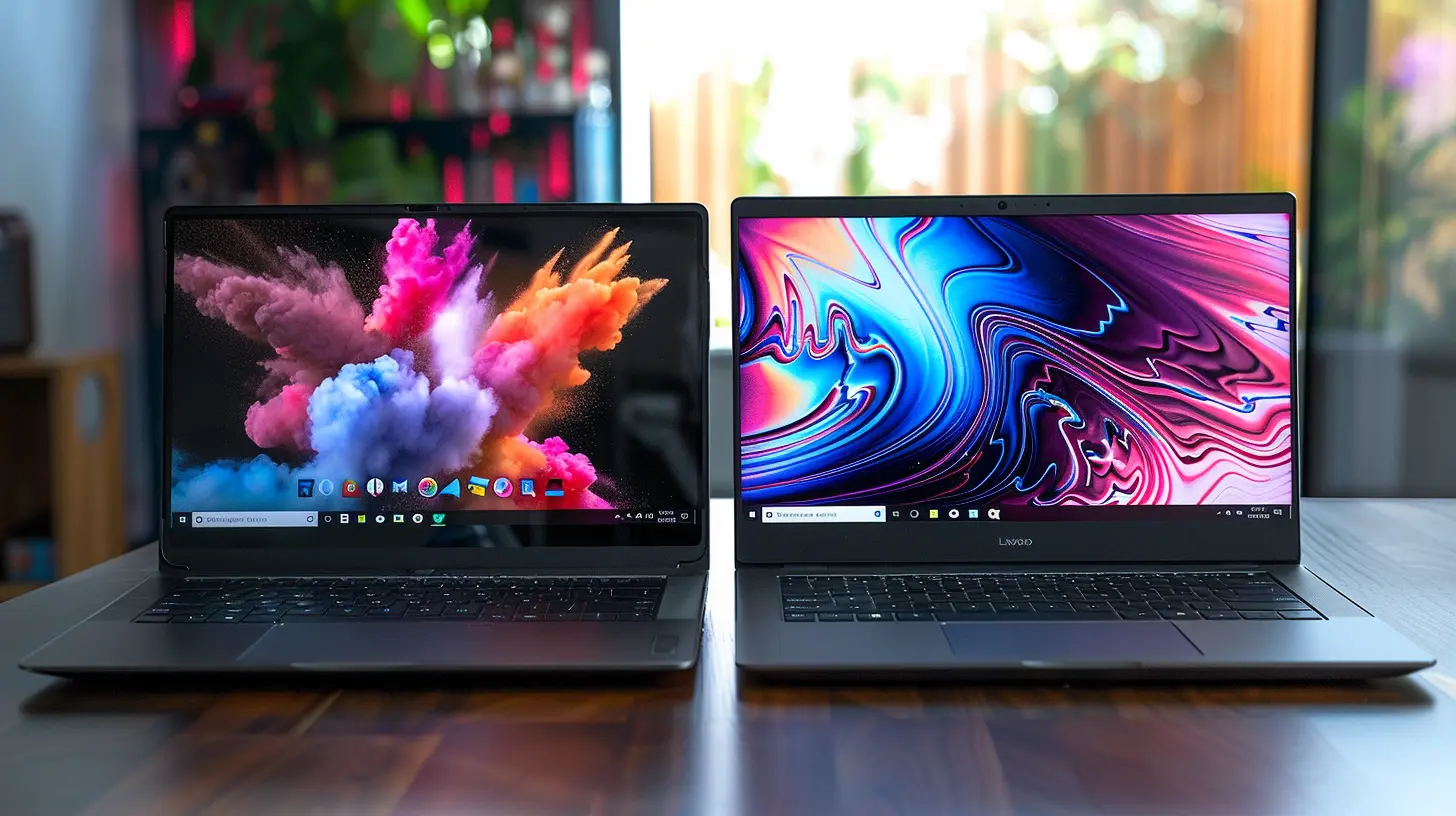
🧠 First Impressions: Design Philosophy
Lenovo ThinkPad — Function Over Flash
If you’ve ever held a ThinkPad, especially the iconic X1 Carbon, you know it's not trying to win beauty pageants. But that’s not its jam. It’s built like a tank (thank you, military-grade testing), with a soft matte finish that screams business-class. The keyboard? Absolute perfection — tactile, responsive, and arguably the best in the industry.MacBook Pro — Sleek, Silent, and Stunning
Apple, as always, brings the style. The MacBook Pro is a minimalist masterpiece — all aluminum, ultra-thin, whisper-silent. It’s got that Apple aesthetic that turns heads in coffee shops and conference rooms alike. Plus, the Retina display? Pure eye candy.💭 Bottom Line: Want form to follow function? Grab a ThinkPad. Prefer an elegant, unified design? The MacBook Pro’s got your back.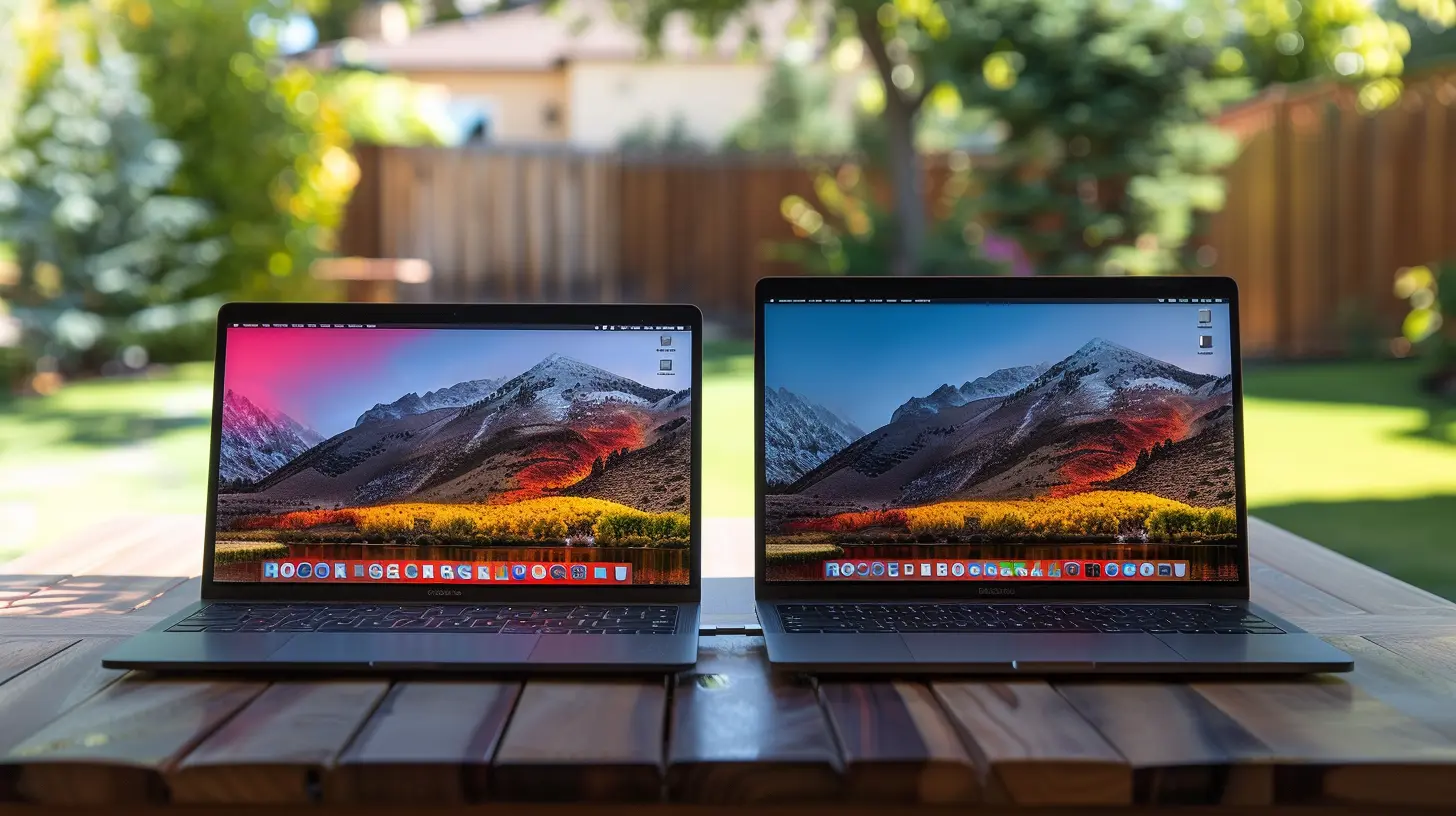
💪 Performance: Muscles Underneath the Hood
ThinkPad — Customizable Powerhouse
ThinkPads come in all flavors, but high-end models like the ThinkPad X1 Carbon Gen 11 and P Series mobile workstations pack some serious punch. You can spec these with the latest Intel Core i9 or AMD Ryzen Pro CPUs, up to 64GB of RAM, and dedicated GPUs for demanding graphical tasks.And here’s why professionals love it — customizability. Unlike Macs, ThinkPads let you swap out RAM, SSDs, and even the battery in many models.
MacBook Pro — Apple Silicon Magic
Enter the M-series chips — M1, M2, and now M3. Apple didn’t just throw in a new processor; they rewrote the rulebook. These chips integrate CPU, GPU, and machine learning capabilities on the same die. Translation? Ridiculously fast, power-efficient, and cool under pressure.Even the base model MacBook Pro with an M2 Pro chip holds its own against fully loaded ThinkPads in many real-world scenarios — video editing, app development, 3D rendering, you name it.
💭 Bottom Line: MacBook Pros win in optimization and battery-friendly performance. ThinkPads let you tinker and build a beast that fits your job.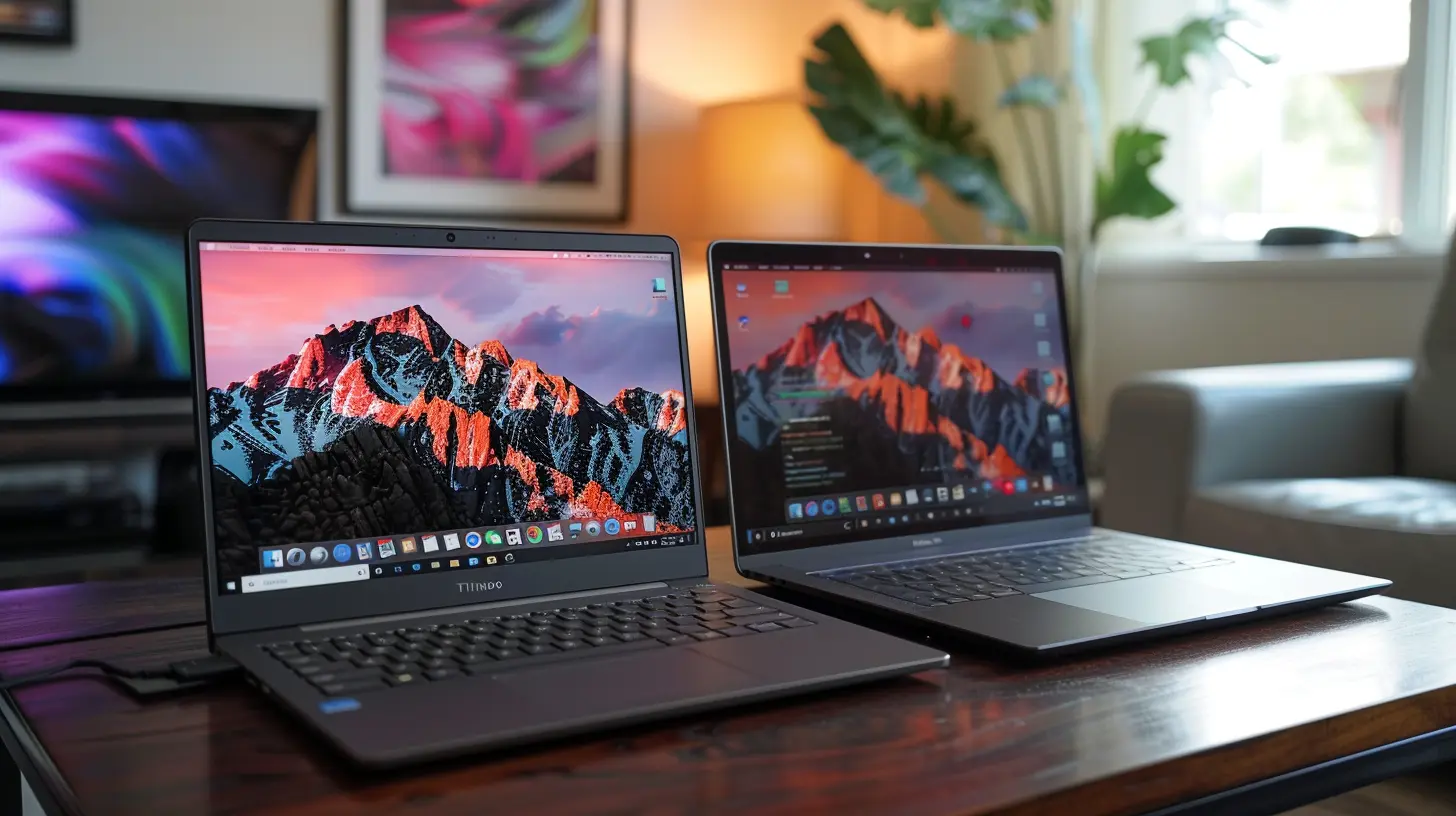
🔋 Battery Life: Who Lasts Longer?
Lenovo ThinkPad — Solid, but Varies
Battery life on ThinkPads varies wildly. The X1 Carbon, for instance, can stretch up to 15 hours with modest use, but heavier models or those with discrete GPUs see that number plummet. What’s cool, though? You can carry an extra battery for some models — old-school, but effective.MacBook Pro — All Day Power and Then Some
Here’s where the M-series chips shine. An M2 Pro 14-inch gets you around 17-20 hours of use, depending on your workload. And that’s not “battery saver mode with screen dimmed and Wi-Fi off” — we’re talking real-world usage.Plus, Apple’s standby time is insane. You can close the lid, wake it up a day later, and pick up exactly where you left off.
💭 Bottom Line: The MacBook Pro is the undisputed king of battery life in the pro laptop game.
🎯 Software and Ecosystem: Windows vs. macOS
ThinkPad — The Windows Playground
If your company runs on Microsoft 365, loves enterprise tools like Outlook, and builds its tech stack around Windows-only software, a ThinkPad just fits better. Plus, you can dual boot, run Linux easily, and tweak things under the hood.Bonus: there’s vast peripheral compatibility — from external GPUs to niche software dongles.
MacBook Pro — Seamless Apple Integration
If you’re already wrapped in the Apple ecosystem (iPhone, iPad, AirPods, Apple Watch), the MacBook Pro makes life buttery smooth. Handoff, AirDrop, Universal Clipboard — it’s like magic.macOS is Unix-based, which means developers love it. You can open a terminal and bash away, code like a boss, or run Docker without headaches.
💭 Bottom Line: Windows is versatile and plays nice with enterprise systems. macOS wins in polish, privacy, and dev-friendliness.
🎧 Keyboard and Trackpad: Daily Interaction Matters
ThinkPad — Typing Heaven
Let’s call it what it is — ThinkPad keyboards are legendary. Deep travel. Satisfying clicks. Just-right resistance. If you type thousands of words a day (hello, writers and coders), this keyboard feels like it was molded just for your fingers.Also — love it or hate it — the red TrackPoint in the middle of the keyboard gives you crazy control without lifting your hands.
MacBook Pro — Trackpad Royalty
Apple’s trackpad is silky smooth, highly responsive, and supports multi-touch gestures that just work. It’s bigger than some laptops' touch displays and precise like a scalpel. While Apple did have keyboard issues (cough butterfly keyboard), they've since redeemed themselves with the Magic Keyboard — much better now.💭 Bottom Line: Typists and power users stick to ThinkPad. For gestures and smooth gliding, nothing beats the MacBook's trackpad.
🔐 Security and Business Features
ThinkPad — For the IT Crowd
ThinkPads are packed with enterprise-ready tools — TPM chips, biometric scanners, smart card readers, BIOS-level security. Add in vPro processors, and these machines become easy to manage at scale, ideal for big orgs and government contracts.You can literally wipe a drive with software from Lenovo and secure it with military-grade encryption.
MacBook Pro — Secure, But Less Custom
Apple’s security is no joke. The T2 chip, Secure Enclave, and built-in disk encryption keep your data safe. Plus, Apple’s tight control over hardware and software limits vulnerabilities.However, you’re a bit boxed in — less control over security layers versus the ThinkPad.
💭 Bottom Line: ThinkPad wins for corporate-grade customization. Apple nails consumer security and privacy.
💸 Price vs. Value: Bang for Your Buck
ThinkPad — Affordable to Premium
You can grab a decent ThinkPad for under $1000 or build a workstation north of $3000. The golden part? You pay for what you need. Want a basic productivity machine? There's a T-series for you. Need power? The P-series delivers.Also, deals are frequent. Lenovo often runs generous promotions and discounts for businesses.
MacBook Pro — Premium All The Way
With MacBooks, you’re in premium territory from the jump. Even the base MacBook Pro sits at a hefty price tag. But here’s the twist — resale value is outstanding. A 3-year-old MacBook Pro still fetches a good price.And because Apple controls updates, your MacBook will stay viable and supported longer than most PC laptops.
💭 Bottom Line: ThinkPad gives you flexible entry points. MacBook Pro offers luxury with long-term value.
🧰 Who Should Buy What? Use-Case Scenarios
You Should Get a Lenovo ThinkPad If...
- You’re in IT, engineering, data analytics, or finance- You need Windows, Linux, or both
- You love long typing sessions
- You want to upgrade RAM, SSD, or battery yourself
- You prioritize corporate IT compatibility and security
You Should Get a MacBook Pro If...
- You’re a creative professional — video, music, design- You use an iPhone, iPad, or Apple Watch
- You want unbeatable battery life
- You're a developer in need of a Unix-based environment
- You prefer stability and a silky user experience
🚀 The Verdict: Which Is the Best Laptop for Professionals?
So here’s the truth: there’s no one-size-fits-all winner. It really boils down to how you work, what software you use, and where you see the most value.👉 If you're a corporate warrior who geeks out over ports, BIOS tweaks, and modular upgrades — go with the ThinkPad.
👉 If you're a creative powerhouse or part of the Apple ecosystem and want a seamless, battery-efficient experience — the MacBook Pro is your best friend.
At the end of the day, both are rock-solid machines trusted by millions of professionals worldwide. Pick the one that complements your workflow, not complicates it.
And hey — whatever you choose, you’re winning.
all images in this post were generated using AI tools
Category:
Gadget ComparisonsAuthor:

Pierre McCord
Discussion
rate this article
2 comments
Hadley McMurtry
The Lenovo ThinkPad and MacBook Pro both cater to professionals with unique strengths. The ThinkPad excels in durability and keyboard comfort, ideal for extensive typing. Conversely, the MacBook Pro shines in performance and design. Ultimately, the best choice depends on individual preferences and specific work requirements.
April 7, 2026 at 4:52 PM
Pierre McCord
You make a great point. Both the ThinkPad and MacBook Pro are strong contenders, each with distinct advantages. It really comes down to what suits your needs best.
Yvette Barron
Both the Lenovo ThinkPad and MacBook Pro excel in performance, but the choice hinges on OS preference and specific professional needs.
September 16, 2025 at 3:07 AM
Pierre McCord
Thank you for your insight! Indeed, the decision often comes down to OS preference and the unique requirements of each user.