Privacy Tools for Safeguarding Your IoT Devices
13 February 2026
Welcome to the glamorous world of the Internet of Things (IoT), where your fridge knows your grocery list better than you do, and your smart speaker might be eavesdropping on your dinner conversations.
In an era where everything from your thermostat to your toothbrush is connected to Wi-Fi, securing these devices has become as important as locking your front door. The problem? Most people don’t even realize how exposed they are.
So, how do we keep cybercriminals and nosy corporations from turning our smart homes into their personal playgrounds? Buckle up! We’re diving into the best privacy tools to safeguard your IoT devices.
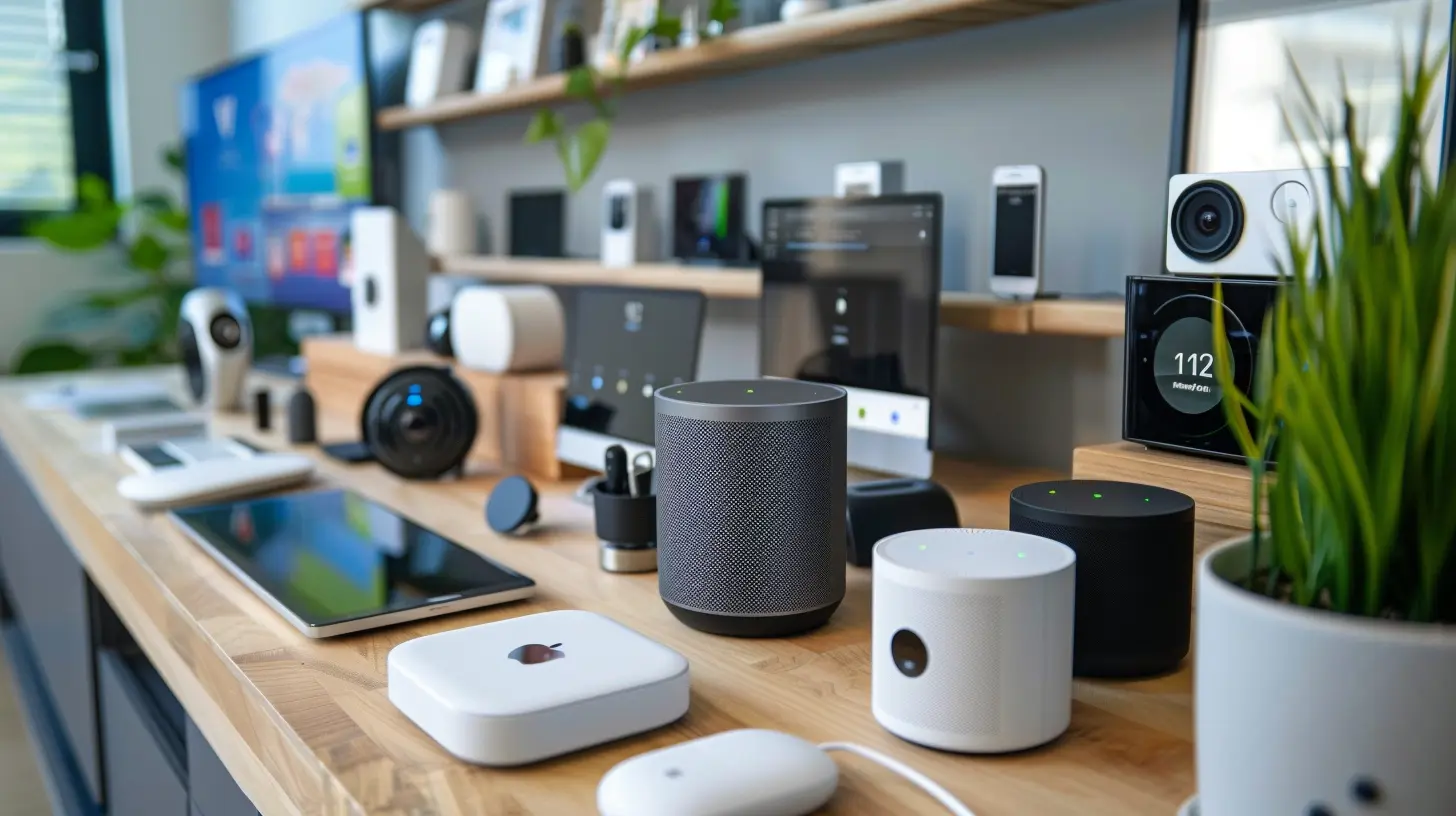
Why Should You Worry About IoT Privacy?
Picture this: You’ve got a brand-new smart doorbell. It’s got a camera, motion detection, and two-way audio. But the moment you connect it to your home network, it becomes a potential target for hackers.Suddenly, some shady guy in a dimly lit basement can see who’s coming and going from your house. Creepy, right?
IoT devices collect and store tons of personal data—your habits, routines, and even audio or video recordings. Without proper security, this data can be accessed, sold, or exploited.
Now, let's jump into the real reason you’re here—the best privacy tools to safeguard your IoT devices like a digital Fort Knox.
1. Use a Virtual Private Network (VPN) for IoT Devices
VPNs aren’t just for privacy-conscious folks who want to stream region-locked Netflix shows (though that’s a perk). A VPN encrypts your internet connection, shielding your IoT devices from prying eyes.How It Helps:
- Encrypts your home network traffic- Prevents hackers from intercepting data
- Masks your IP address from snoopers
Best VPNs for IoT Privacy:
- NordVPN – Strong encryption and IoT-friendly- ExpressVPN – Fast and secure for smart homes
- Surfshark – Affordable with unlimited connections
Pro tip: Set up the VPN on your router so all connected devices benefit. Otherwise, IoT devices without native VPN support will be left out in the cold.
2. Segment Your Network
Would you let strangers roam freely inside your house? No? Then why let your IoT devices mingle with your personal devices on the same network?By setting up a guest network or VLAN (Virtual Local Area Network), your IoT devices are effectively quarantined from personal devices like laptops and smartphones.
How It Helps:
- If an IoT device gets compromised, it won’t spread malware to your personal data- Limits exposure to security threats
- Gives you more control over what your devices can access
How to Do It:
- Log into your router’s settings- Look for a “Guest Network” option
- Assign IoT devices to this network while keeping personal devices on your primary network
Isolation—it's not just for introverts anymore.
3. Opt for Privacy-Focused Smart Devices
Not all IoT devices are created equal. Some manufacturers prioritize user privacy, while others... well, let’s just say they treat your data like an all-you-can-eat buffet.What to Look for:
- Strong encryption (AES-256 or WPA3)- Local processing (instead of cloud-based data collection)
- Regular firmware updates to fix security vulnerabilities
- Transparency reports about data collection policies
Brands That Respect Your Privacy:
- Apple (HomeKit devices are privacy-focused)- Eufy (Local storage for security cameras)
- Wyze (Affordable and privacy-conscious)
If a company has a track record of selling user data, it’s a good idea to steer clear.
4. Use Strong, Unique Passwords (No "123456" Nonsense)
I hate to break it to you, but if your password is "password123", you’re basically inviting hackers in with a welcome mat and a cup of coffee.What to Do Instead:
- Use long, complex passwords (mix uppercase, lowercase, numbers, and symbols)- Never reuse passwords across multiple accounts
- Use a password manager to store credentials securely
Best Password Managers:
- Bitwarden – Open-source and free for personal use- 1Password – Excellent security features
- LastPass – User-friendly with autofill features
Your smart fridge doesn’t need the same password as your bank account. Keep ‘em unique!
5. Regularly Update Firmware and Software
You know those annoying "Update Available" notifications? Yeah, stop ignoring them!Manufacturers release firmware updates to patch security vulnerabilities, and cybercriminals love exploiting outdated software.
Steps to Stay Secure:
- Enable automatic updates when possible- Regularly check manufacturer websites for firmware updates
- If an IoT device stops receiving updates, consider replacing it
Fun fact: Some security flaws in baby monitors have let hackers eavesdrop on families. If that doesn’t send chills down your spine, I don’t know what will.
6. Disable Unnecessary Features
Most IoT devices come with default settings that prioritize convenience over security. If you’re not using certain features, turn them off.Things to Disable:
- Universal Plug and Play (UPnP) – Can expose devices to external threats- Voice activation on smart assistants – Unless you love unintentional recordings
- Remote access – If you’re not using it, hackers shouldn’t either
Think of it like decluttering your digital closet—if you don’t need it, get rid of it!
7. Monitor Network Traffic with a Firewall
Firewalls aren’t just for corporate offices. A hardware firewall or a network monitoring tool can help you detect suspicious activity on your IoT network.Top Firewalls and Monitoring Tools:
- Firewalla – Easy-to-use firewall for home networks- Pi-hole – Blocks ads and trackers at the network level
- GlassWire – Monitors internet traffic for unusual behavior
If your smart toaster suddenly starts sending data to a Chinese server at 3 AM, you’ll be the first to know.
8. Disable Default Admin Accounts and Ports
IoT manufacturers often include default usernames and passwords, and shockingly, many users never change them. Cybercriminals know this and use it to break into devices.What to Do:
- Change the default admin username and password- Disable default open ports that aren't needed
- Set up multi-factor authentication (MFA) whenever available
Hackers love easy targets. Don’t be one.
9. Use Privacy-Focused DNS Services
Your DNS provider (think of it as the phonebook of the internet) can see every website your devices communicate with. A privacy-focused DNS service prevents tracking.Best Private DNS Providers:
- Cloudflare (1.1.1.1) – Fast and privacy-first- Quad9 (9.9.9.9) – Blocks malicious domains
- NextDNS – Custom filtering and tracking protection
Your smart TV doesn’t need to report every show you watch back to advertisers. Block that nonsense.
Final Thoughts
IoT devices are undeniably convenient, but they also introduce a boatload of privacy risks. By following these security tips, you can enjoy your smart home without turning it into a hacker’s playground.Remember: A little paranoia is healthy in the digital age. Lock down your smart devices, tweak your settings, and enjoy tech without the creepy side effects. Stay safe out there!
all images in this post were generated using AI tools
Category:
Privacy ToolsAuthor:

Pierre McCord
Discussion
rate this article
2 comments
Isaiah Benson
Excited to explore new ways to protect my IoT!
February 26, 2026 at 4:15 AM
Pierre McCord
Glad to hear you're excited! Exploring new privacy tools is key to keeping your IoT devices safe. Happy safeguarding!
Valerie McClendon
In a world where our devices whisper secrets, the right privacy tools can create a shield against unseen threats. But which shadows lurk in your connected life? Discover the unseen dangers and protect your digital realm.
February 16, 2026 at 4:24 PM
Pierre McCord
Thank you for highlighting the importance of privacy tools! It's crucial to be aware of the unseen threats in our connected lives and to take proactive steps to safeguard our IoT devices.