Protecting Your Data While Using Smart Home Devices
9 May 2026
Let’s face it—we all love convenience. And nothing screams “convenient future” like a house that listens when you speak, dims the lights for movie night, or cranks the AC before you even get home. But before you hand over your home's keys (ok, digital keys) to Alexa or Google Assistant, let's pause and talk about the less shiny side of this smart home dream: your data.
Yep, the same devices that make your life easier could be listening, collecting, and—brace yourself—leaking your personal info. Yikes, right? But don't worry, I’ve got your back. In this article, we’re diving into the surprisingly quirky world of smart home tech and how to keep your data out of the wrong hands without turning your home into a digital dungeon.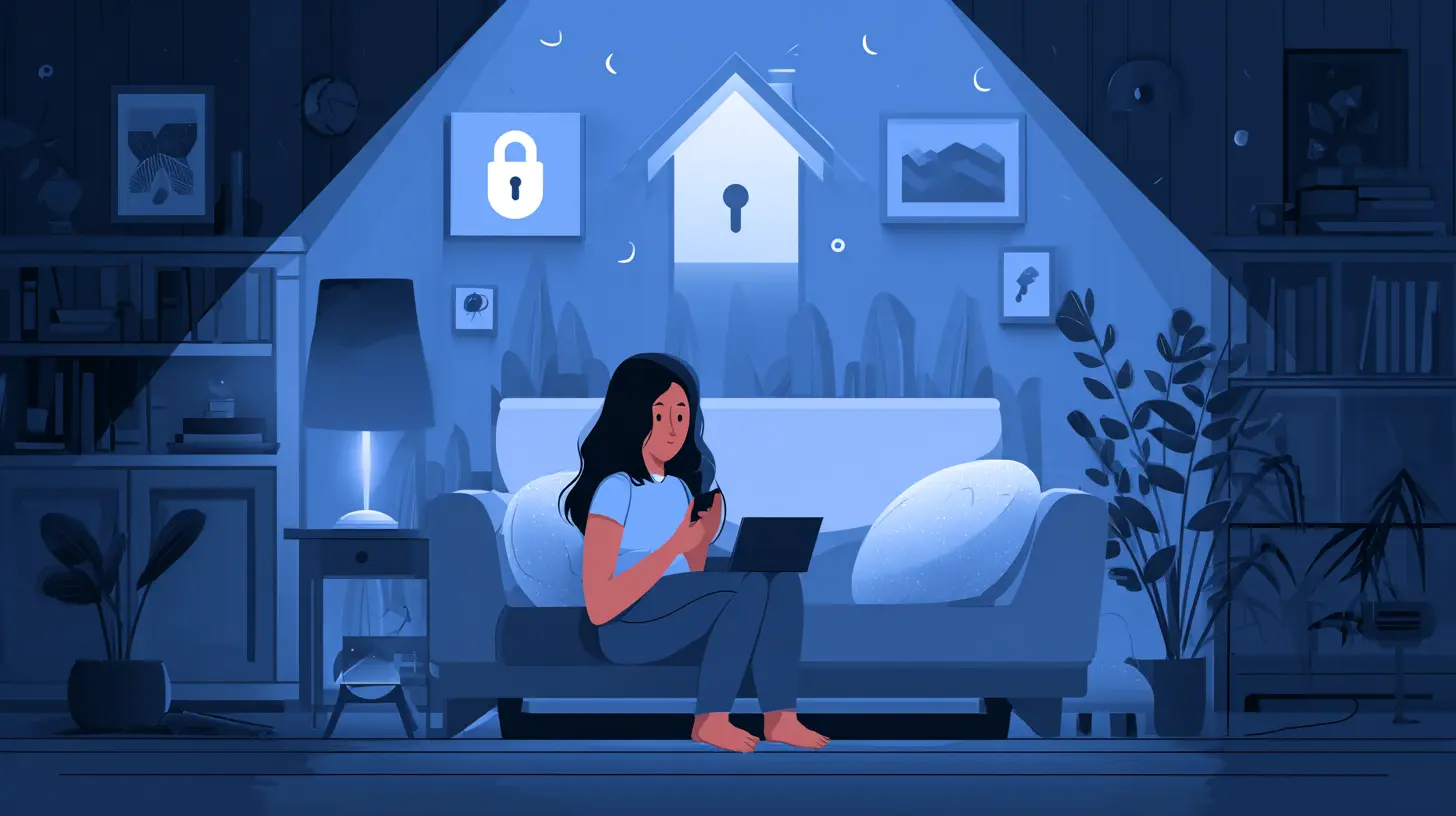
So... What’s the Big Deal With Smart Home Devices?
Smart plugs, thermostats, cameras, robot vacuum cleaners—basically, gadgets that connect to the internet and talk to each other. They’re cool. They save time. They impress guests (Let’s be honest—asking your fridge to add milk to your shopping list feels next-level). But here’s the kicker: every one of these devices is a little data gobbler.They gather habits, routines, preferences, locations, and even conversations. Yep, your smart speaker is technically always listening. The question is—what is it doing with all that eavesdropped info?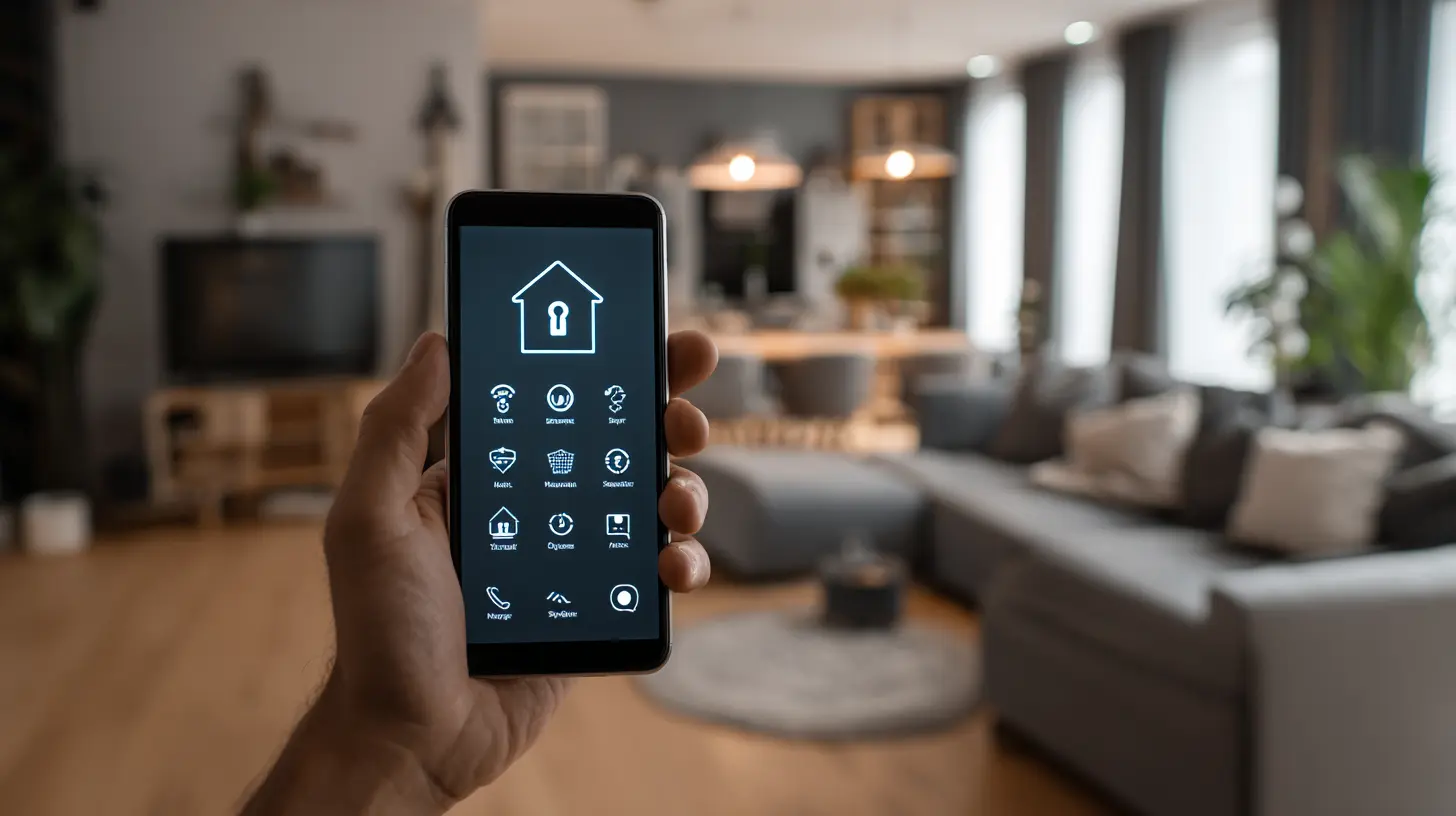
Why Should You Care About Your Data?
I get it. You're probably thinking: "Why would anyone care about when I turn my lights off?" Fair point. But your data isn’t just about lights and thermostats—it paints a digital portrait of your life. When you leave the house, how often you work out, what you watch, your voice, even your sleep patterns.This treasure trove of behavioral data is pure gold for advertisers, marketers, hackers, or even nosy neighbors with mad hacking skills. So yeah, your light schedule might not seem juicy, but in context, it can reveal a lot more than you might think.
The Worst-Case Scenarios (Cue Ominous Music)
Let’s crank up the drama (but not too much—it’s still a tech blog). Here's what could go sideways if you ignore smart home security:- Hacked Cameras: Imagine someone spying on your baby monitor. ? Creepy, right?
- Identity Theft: Personal details stolen from your smart devices used to steal your identity.
- Break-Ins: Hackers figure out your schedule and break in when you’re away.
- Privacy Invasion: Your voice recordings sold to third parties without your say-so.
These aren't just tech urban legends. They've happened. But the good news? You can make your smart home smarter—and safer—with just a few tweaks.
How to Protect Your Data While Using Smart Home Devices
1. Secure Your Wi-Fi Like It’s Fort Knox
Let’s start with ground zero: your Wi-Fi network. It’s the digital front door to your smart home.- Use a strong, complex password (no “password123”, please).
- Change the default SSID (that’s the name of the network) to something that doesn't reveal personal info.
- Enable WPA3 encryption if your router supports it.
- Create a guest network just for your smart home devices. Yes, your smart toaster gets its own network.
Think of it like giving your smart devices a separate playroom. They can’t mess with the rest of your digital stuff if they’re isolated.
2. Update Your Devices Like You Update Your Wardrobe
Firmware updates may sound boring, but they’re like security vitamins for your gadgets. Manufacturers push security patches through these updates, and skipping them is like wearing armor with holes.Set your devices to auto-update, or check for firmware updates at least once a month. Trust me, your future self will thank you.
3. Passwords Are Passports—Treat Them Accordingly
Every time you're prompted to create an account for a smart device, that’s one more chance to get hacked. Here's how to up your password game:- Use a unique password for every device or app.
- Consider a password manager (because who can remember 27 different logins?).
- Enable two-factor authentication (2FA) whenever possible.
Seriously, 2FA is your BFF.
4. Mute When You Don't Speak
Smart speakers are listening. Not in a creepy sci-fi way (well, mostly not), but they need to be alert for their wake word. That said, you can mute them when not in use.Simply hit the mute button when you're not speaking to your voice assistant. It'll stop actively listening, giving you a little more control over what's being “heard.”
Bonus tip: You can review and delete your voice recordings through the device’s app. Clean those logs regularly—call it “digital spring cleaning.”
5. Be Picky About Permissions
Every time you install a smart home app, it bombards you with permission requests. Some make sense—yes, your smart door lock needs to access Bluetooth. But does it really need your contacts and location 24/7?Read carefully before granting permissions. If something feels off, deny it or dig into the app settings to revoke it later. Think of permissions like party invites—only give them out to guests you trust not to snoop in your drawers.
6. Read Privacy Policies (Or At Least Skim Without Falling Asleep)
Yep, it's the digital equivalent of reading the terms and conditions. Boring? Very. Important? Absolutely.Look for key points:
- What data is being collected?
- Is it being shared with third parties?
- How long is your data stored?
You don’t have to get a law degree, but make an effort to understand where your data is going. If a device sounds too invasive, maybe skip it.
7. Invest in Devices That Respect Your Privacy
Not all smart gadgets are created equal. Some brands are more transparent about their data practices and security protocols.Look for:
- Devices with strong encryption
- Brands with a good security track record
- Products with regular software updates and support
And hey, word of mouth matters. Read reviews, ask in forums, and stalk Reddit threads. The internet's real good at calling out shifty practices.
8. Limit What You Share With the Cloud
Just because your smart gadget can sync to the cloud doesn’t mean it must.Many devices let you choose whether data is stored locally or uploaded. Local storage is often safer (though harder to access if you're away from home). When in doubt, lean local—especially for anything with a camera or microphone.
9. Physical Security Still Matters
Don't forget the basics. Keep devices out of reach of strangers (like in rental properties or Airbnbs). Use strong passwords on your phone—many smart home gadgets are controlled through apps.Lost phone = open door to your smart home kingdom. That’s a no-go.
10. Audit Your Smart Home Regularly
Take 30 minutes every couple of months to walk through your digital setup:- What devices are connected?
- Are there any you no longer use?
- Have you changed passwords recently?
- Are all firmware updates installed?
It’s like a digital deep-clean. Trust me—it feels good.
Wrapping It All Up (With a Bow, Of Course)
Smart homes are awesome. They're futuristic, efficient, and let's be real, kind of magical. But the magic fades fast if you're constantly worried about who's watching or collecting your data.The good news? You don’t need to be a cybersecurity wizard to keep your smart space secure. Just a few simple habits—updating firmware, managing passwords, reading those privacy settings—can go a long way in locking your digital doors.
You wouldn’t leave your front door open, right? So don’t leave your data vulnerable either.
Alright, over to you. Got tips of your own or horror stories about smart tech gone wrong? Drop them in the comments—we’re all ears (not in a surveillance way, promise).
all images in this post were generated using AI tools
Category:
Data PrivacyAuthor:

Pierre McCord
Discussion
rate this article
1 comments
Amelia McAuley
Smart home devices offer convenience, but security is crucial. Regularly update firmware, use strong passwords, and enable two-factor authentication to keep your data safe from threats.
May 22, 2026 at 3:58 AM
Pierre McCord
Absolutely agree. Staying proactive with updates and security measures is essential for protecting our data in a smart home environment. Thanks for highlighting this!