The Best Graphics Cards for Creative Professionals and Content Creators
27 May 2026
So, you're a creative wizard—wielding a stylus like a sword, whipping up 4K video edits like they’re late-night snacks, and dancing between Adobe apps like it's second nature. Whether you're a designer, 3D animator, photo editor, or content creator extraordinaire, one thing is non-negotiable: you need a beast of a graphics card.
But choosing the right GPU? It's like walking into an all-you-can-eat buffet with no labels. There's so much meat, but what if you’re allergic to shellfish, you know? So, let’s cut through the fluff and break down the best graphics cards for creative professionals and content creators, minus the tech jargon overload. Let’s make your next rig more powerful than your morning coffee.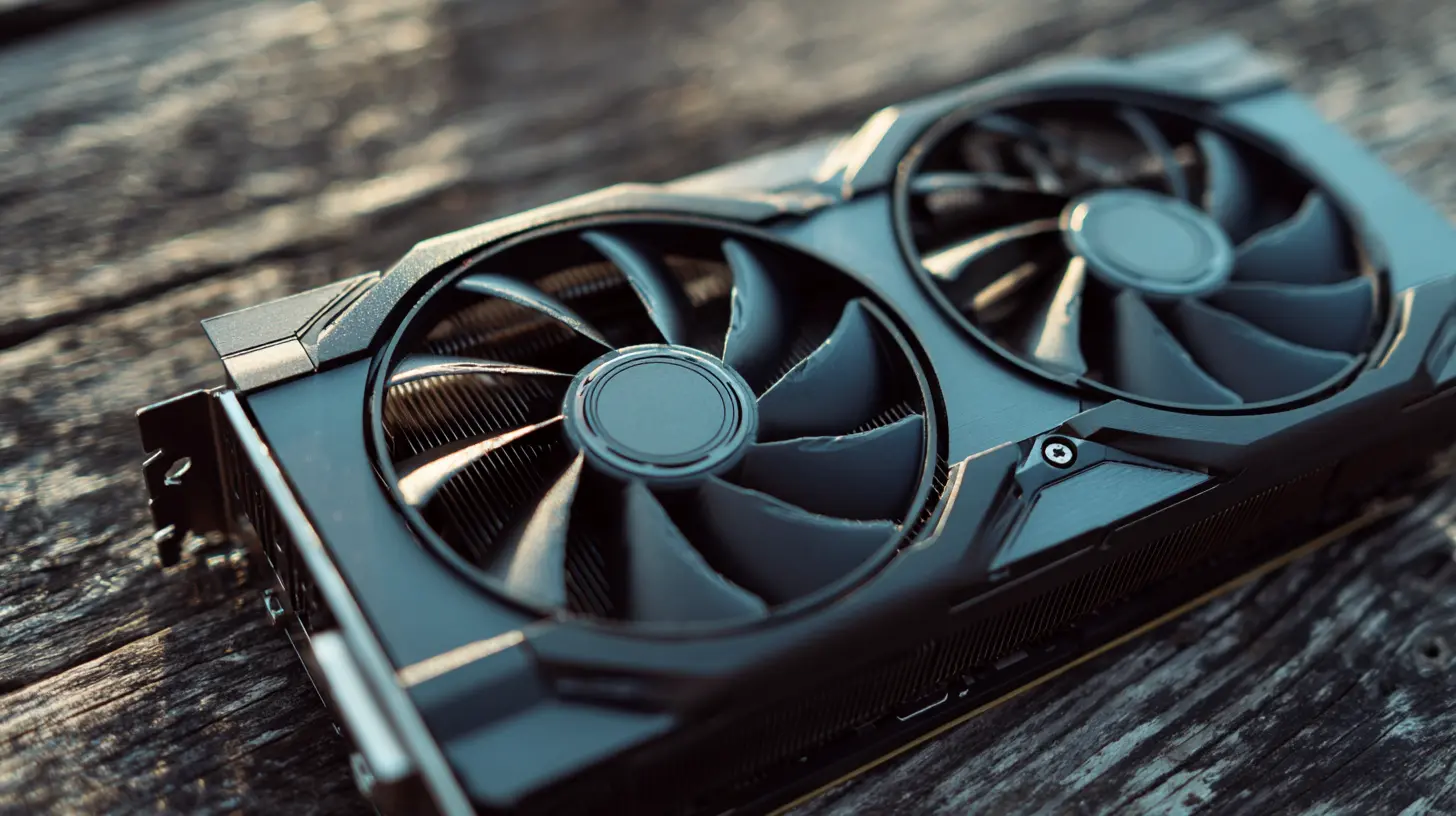
? Why Your GPU Matters (A Lot More Than You Thought)
First things first—why even care about a graphics card if you’re not a gamer?Think of your GPU as your creative co-pilot. While your CPU is like the overworked barista behind the café counter, your GPU is the multitasking magician—handling everything from rendering 3D objects to accelerating video exports and editing large RAW photo files like a breeze.
If you're using tools like Premiere Pro, Photoshop, DaVinci Resolve, Blender, After Effects, Maya, or heck—even Canva at superhuman speed—a good GPU can do wonders for your workflow. Translation? Faster render times, smoother previews, and fewer trips to grab a coffee while your computer struggles.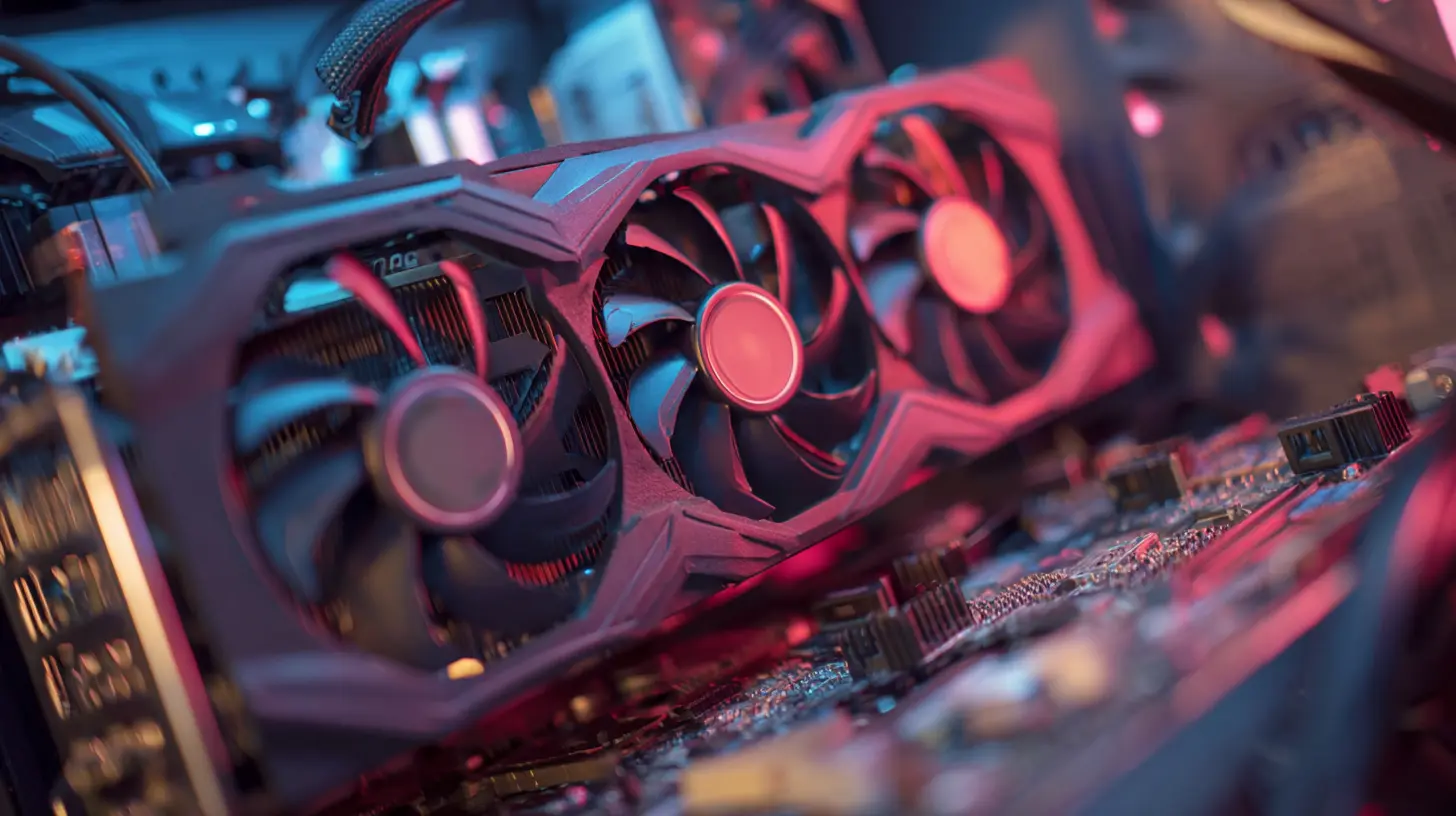
? Top Recommended Graphics Cards for Creative Minds
Alright, now to the good stuff. Here are the top GPUs that’ll make your projects fly, whether you’re color grading a short film or sculpting dragons in 3D.? 1. NVIDIA GeForce RTX 4090 – The Crown Jewel of Creative Power
Hands down, the RTX 4090 is like the Iron Man suit of GPUs. This is for those who don’t just sip coffee—they mainline espresso.Best for: 3D rendering, high-resolution video editing (8K), VFX, and heavy-duty GPU tasks.
Why It Rocks:
- 24GB of GDDR6X memory (read that again slowly)
- Insane performance boost with DLSS 3.0
- Perfect for multi-monitor, high-res displays
If you're a professional editor, animator, or someone doing GPU-intensive tasks 24/7, the RTX 4090 is basically your golden ticket. It’s pricey, yes. But so is lost time—and you can’t render more of that.
?? 2. NVIDIA GeForce RTX 4080 – The Almost-4090, For Less Dough
The RTX 4080 is like the 4090’s slightly more realistic sibling. It delivers elite performance at a slightly less budget-burning level.Best for: High-end video editing, graphic design, and real-time previews
Why It’s a Winner:
- 16GB GDDR6X VRAM
- AI-powered features like Tensor Cores for smart rendering
- Great balance of power and energy efficiency
This card walks a fine line between beast mode and “somewhat reasonable expense.” A fantastic investment if you're regularly pushing your gear to the limit.
? 3. AMD Radeon RX 7900 XTX – Team Red’s Heavy Hitter
Not in love with NVIDIA? AMD’s RX 7900 XTX crunches through creative apps like a blender through kale.Best for: Video editors, colorists, and graphic designers who prefer an AMD workflow.
Why Creatives Love It:
- 24GB GDDR6 memory
- Competitive performance at a better price-to-performance ratio
- Works great with DaVinci Resolve (BlackMagic is AMD-friendly by nature)
While AMD cards don’t always get as much love in Adobe apps, they’re fantastic in Resolve and Blender. If you’re not married to Adobe, this might be your true love.
✨ 4. NVIDIA RTX A6000 – The Studio-Grade Cadillac (For Those with a Studio-Grade Budget)
This isn't just a "graphics card." It’s an executive luxury spacecraft built for creative workstations. The RTX A6000 is technically for professionals in VFX studios, game development firms, and animation houses.Best for: Industry-grade render farms, large-scale animation, VFX, machine learning.
What Makes It Elite:
- 48GB of ECC VRAM (yes, double the RTX 4090)
- RTX Studio Certification
- Unmatched stability in professional applications
If you're a hardcore freelancer or running a production house, this card is built for you. It’s not cheap—but then again, neither is your client's time.
? 5. NVIDIA GeForce RTX 4070 Ti – Mid-Range Hero, Maximum Value
The RTX 4070 Ti is a fantastic pick for creators who want solid performance without taking out a second mortgage.Best for: Streamers, multi-app users, light 3D modelers.
Why It Deserves Your Attention:
- 12GB GDDR6X VRAM
- Lower power consumption
- Budget-friendly without a massive drop in performance
This card is like a dependable sidekick. Not flashy, but it’ll get you out of any jam your creative flow gets into.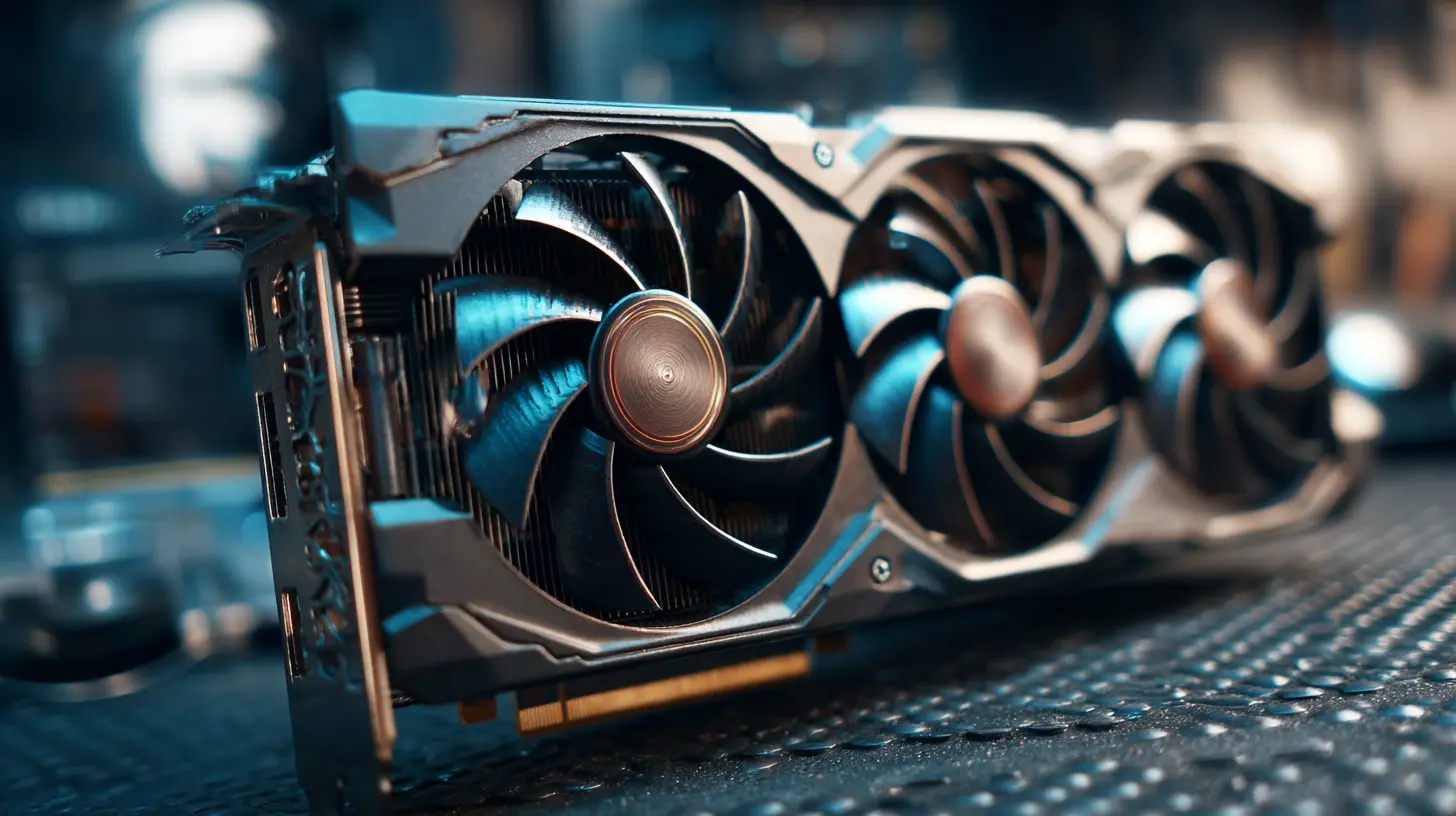
? AI-Powered Creativity: GPUs Aren’t Just Muscle
Modern GPUs aren’t just about rendering frames—they’re also your AI-powered creative assistant. Thanks to tech like NVIDIA’s CUDA cores and dedicated AI Tensor cores, your GPU can now enhance images, upscale video, automate tagging, and accelerate boring tasks like noise reduction.Apps like Photoshop and Topaz Labs use CUDA to run AI filters that magically clean your messes. And in Premiere Pro, features like Auto Reframe, Scene Edit Detection, and Speech-to-Text run far more smoothly with a strong GPU backing you.
What does this mean for you? Less time tweaking sliders, more time creating magic.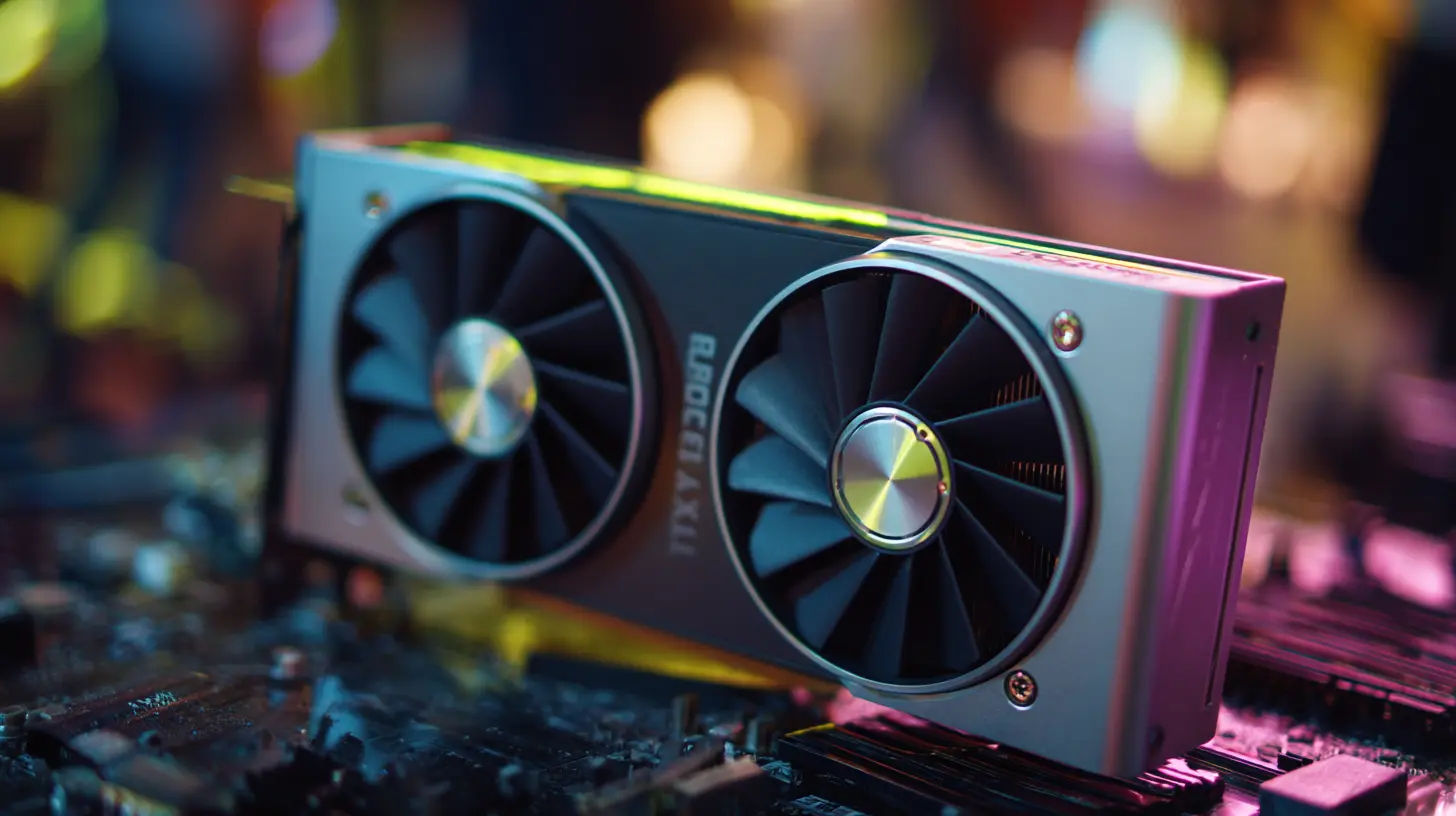
? How Much VRAM Do You Really Need?
Let’s face it—VRAM is like closet space. Could you technically survive with 4GB? Sure. Would you want to? Absolutely not.Here’s a quick cheat sheet:
- 8GB VRAM: Fine for photo editing and 1080p video
- 12GB+ VRAM: Ideal for 4K video editing, large Photoshop files
- 16GB – 24GB+: Perfect for 3D rendering, animation, 8K video, and future-proofing
VRAM helps your computer hold all your assets in memory, so the more the merrier—especially when working with high-res footage or detailed 3D models.
? Nvidia vs AMD — The Eternal Battle (With a Plot Twist)
This debate has been going on longer than most Netflix series. So let’s break it down like a buddy explaining it over drinks.Nvidia Pros:
- Better AI features and app integration
- CUDA cores (used by Adobe and many pro apps)
- DLSS for real-time previews and better performance
AMD Pros:
- More competitive prices
- Strong performance in open-source and alternative software (shoutout to DaVinci Resolve)
- Less power-hungry in some models
The Plot Twist? Most creative software favors Nvidia for now. CUDA just wins that battle. But AMD keeps getting better, and for the right apps, it may even outperform Nvidia at a lower cost. So check what software you use most before picking sides like it’s a superhero movie.
⚙️ Other Specs to Watch Out For
A GPU doesn’t work in a vacuum (unless you’re editing in actual space). Make sure the rest of your system can keep up.Here’s a quick checklist:
- CPU: Don’t pair a Ferrari GPU with a tricycle CPU. Aim for at least an AMD Ryzen 7 or Intel i7.
- RAM: 32GB is the new 16GB for serious creators.
- PSU: Make sure your power supply is beefy enough (especially for RTX 4080+).
- Cooling: Creative work gets steamy. Make sure your case has airflow like a wind tunnel.
? Bang for Your Buck – What’s Worth It?
Here’s the truth: Not every creator needs the most expensive GPU. If you’re just editing vlogs, designing graphics, or working on YouTube content, a mid-range card like the RTX 4060 Ti or 4070 gives you stellar performance without torching your wallet.But if you’re rendering full-blown 3D animations or cinematic masterpieces, investing in higher-tier cards like the 4090 or A6000 can save you literal days of rendering time over the long run.
Remember: time saved is money made.
? The Final Verdict – Pick Your Creative Weapon
Let’s wrap it up with a nutshell guide. Choose your GPU based on what you do most:- Photo Editors & Designers: RTX 4060 Ti or 4070 Ti
- Video Editors (1080p – 4K): RTX 4070 Ti or RX 7900 XT
- Heavy Video Editing (6K – 8K), 3D Artists: RTX 4080 or 4090
- VFX, Animation, Studio Production: RTX A6000
- Budget-Conscious Creators: AMD RX 6700 XT or RTX 3060
No matter what stage you’re at in your creative career, the right GPU can turn your “meh” workflow into a masterpiece machine.
So go ahead—build that dream workstation. Your creativity deserves a graphics card that works as hard as you do.
all images in this post were generated using AI tools
Category:
Graphics CardsAuthor:

Pierre McCord
Discussion
rate this article
1 comments
Sylvia McGlynn
Investing in a top-tier graphics card is essential for creators. The right GPU can drastically enhance workflow, rendering speed, and overall creative output. Choose wisely.
June 10, 2026 at 4:47 PM
Pierre McCord
Absolutely, a high-quality GPU is a game-changer for creators. It boosts efficiency and unlocks new possibilities in your work. Choosing the right one can make all the difference.