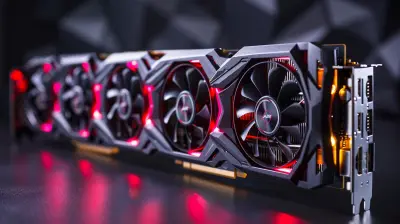
The Ultimate Guide to Choosing the Best Graphics Card for Your Gaming Setup
11 June 2026
Let’s be real for a sec — picking out a graphics card these days feels like trying to decode the Matrix. You stare at a wall of confusing names like RTX-this, RX-that, and suddenly your brain goes into "404 Error: Card Not Found". Sound familiar? Yeah, we’ve all been there.
Welcome to your no-nonsense, sass-infused, plain-English Ultimate Guide to Choosing the Best Graphics Card for Your Gaming Setup. Whether you’re building your first gaming PC or looking to upgrade your aging GPU that wheezes when you boot up Cyberpunk 2077, I’ve got your back.
Sit tight, grab a drink, and let's make sense of the GPU madness — one pixel at a time.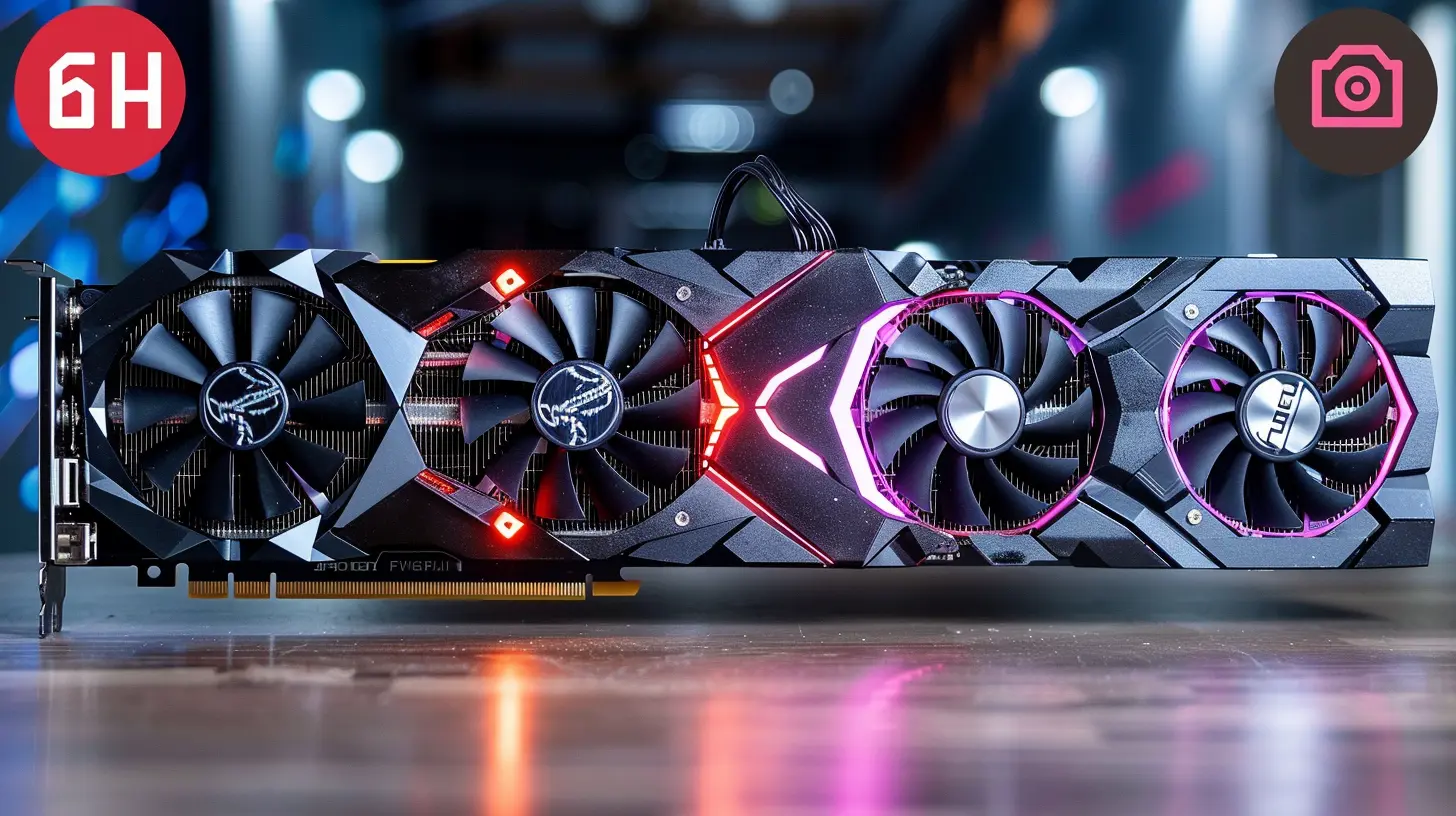
? First Things First: What the Heck is a GPU, Anyway?
Before we jump into specs and models, let’s clear up what a GPU even does.Your graphics card, or GPU (Graphics Processing Unit), is basically your PC’s visual powerhouse. It handles all the visual jazz — from rendering lush game worlds to buttery-smooth frame rates — so your CPU doesn’t have a meltdown.
Think of it like this: if your PC was a rock band, the CPU would be the lead singer, and the GPU? Oh honey, that’s the lead guitarist shredding solos under strobe lights. Without it, your gaming experience would be... let’s say “meh” at best.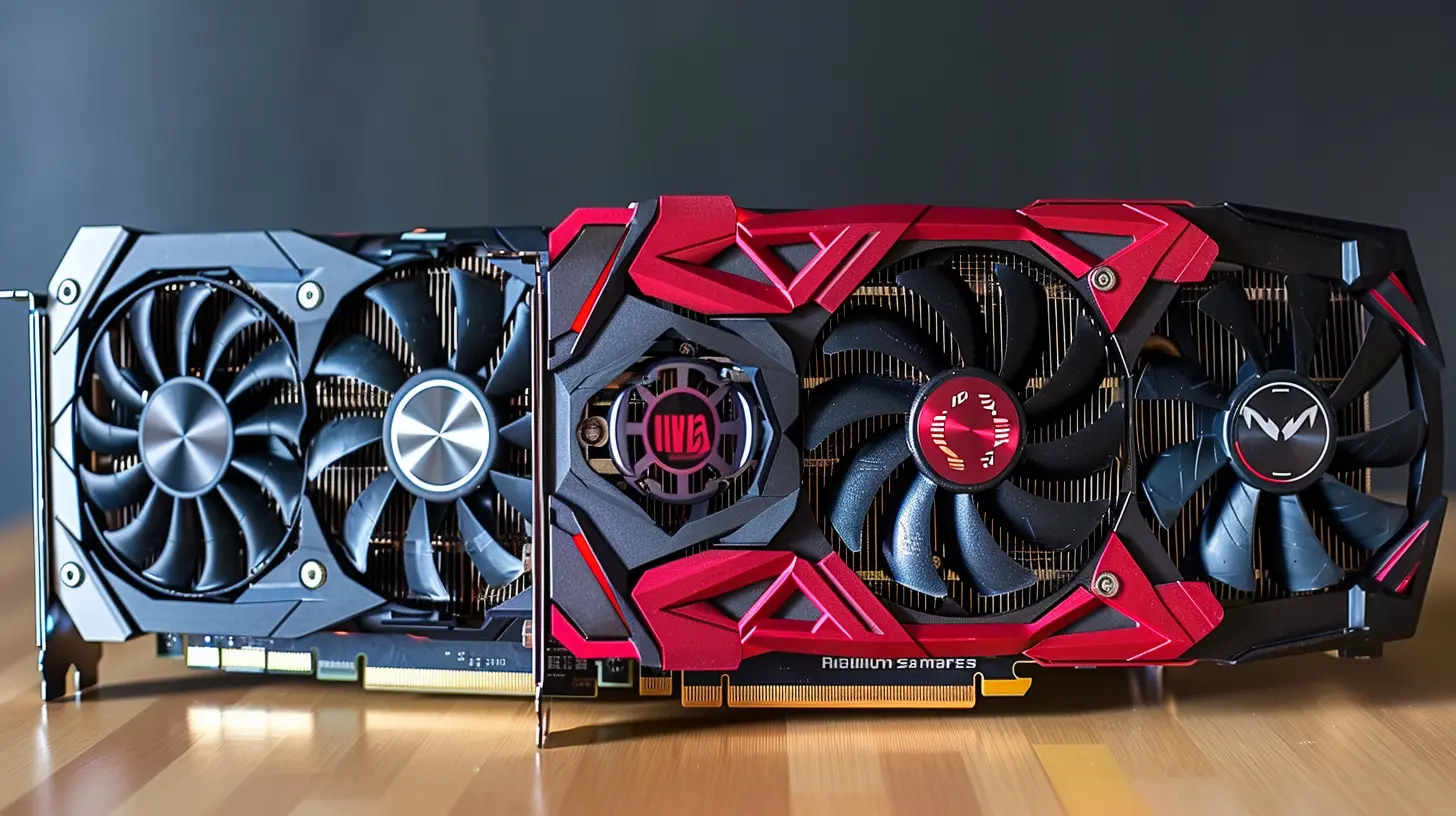
? Set Your Goals: What Are You Really Using It For?
Let’s not get ahead of ourselves here. Before you spend a fortune on a fancy card, ask yourself:- Are you a casual gamer playing indie titles like Stardew Valley?
- A competitive FPS junkie grinding in CS:GO or Valorant?
- Or a visual fanatic drooling over 4K ultra settings in Red Dead Redemption 2?
Your gaming habits directly affect the kind of GPU you need. No point in buying a Ferrari when a sporty sedan will do, right?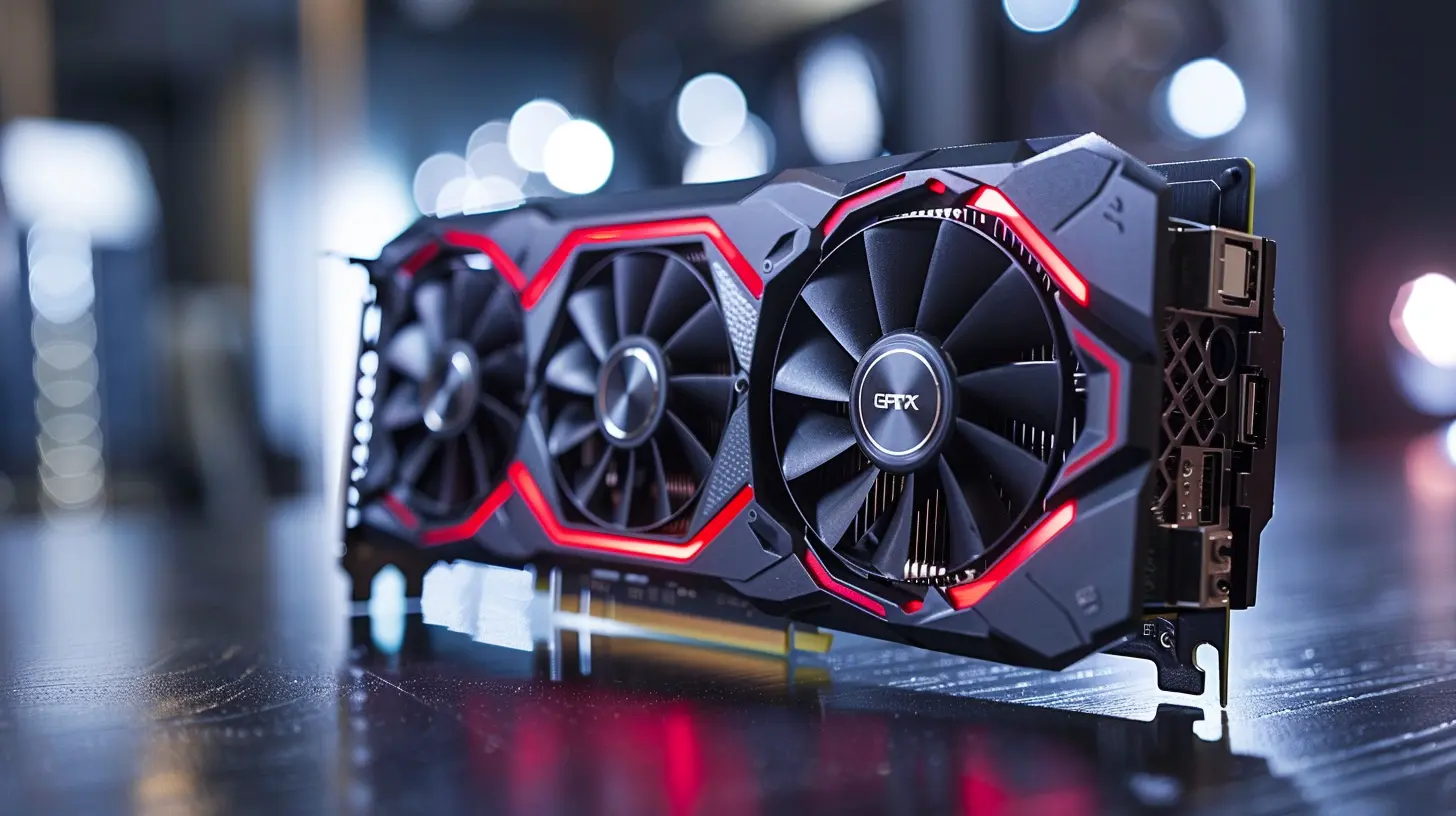
? Budget Check: How Much Should You Spend?
Okay, time for some real talk. GPUs aren’t cheap. Between chip shortages and crypto bros hogging cards, prices have been wild. But things are calmer now, and here’s how to budget smartly:- Entry-Level ($150–$250): Good for 1080p gaming, esports, and budget builds.
- Mid-Range ($300–$600): Sweet spot for most gamers. Handles 1440p like a champ.
- High-End ($700–$1200+): For 4K gaming, ray tracing, and flexing on your friends.
Remember: don't blow your entire budget on the GPU. You still need to feed your CPU, RAM, and monitor babies.
⚔️ AMD vs. NVIDIA: The Eternal GPU Battle
You’ve heard the names. Team Red (AMD) and Team Green (NVIDIA) are the Beyoncé and Rihanna of GPUs — both slay, but in different ways.? AMD (Radeon Series)
- Often better price-to-performance ratios- Competitive performance in 1080p/1440p
- Smart Access Memory with Ryzen CPUs
- More VRAM at lower prices
If you love value and a bit of underdog spirit, AMD’s RDNA 2 and RDNA 3 cards — like the RX 6700 XT or RX 7900 XTX — are fantastic picks.
? NVIDIA (GeForce RTX Series)
- Best-in-class ray tracing capabilities- DLSS (Deep Learning Super Sampling) makes high-res gaming smoother
- Superior driver support and software ecosystem
- Widely supported in most modern games
NVIDIA cards like the RTX 3060, 3070, or the beastly RTX 4090 bring all the graphical eye-candy and future-proofing.
So, who wins? Honestly, it's like choosing between pizza and tacos. You can’t go wrong — it depends on what you’re craving.
? Specs That Actually Matter (And What to Ignore)
Let’s face it — when most people look at GPU specs, their eyes glaze over like a Krispy Kreme donut. But don’t worry, here’s what actually matters:✅ VRAM (Video RAM)
More VRAM = better performance at higher resolutions and textures.- 4GB–6GB — Fine for esports and budget gaming.
- 8GB–12GB — Sweet spot for 1440p and AAA games.
- 16GB+ — Future-proof, great for 4K and modded games.
✅ Core Count (CUDA or Stream Processors)
More cores = more power, generally. But don’t obsess over numbers unless comparing within the same brand and generation.✅ Ray Tracing & DLSS / FSR
Ray tracing makes lighting hella realistic, while DLSS (NVIDIA) and FSR (AMD) help boost frame rates using AI. Basically, it’s tech magic for prettier and smoother gaming.✅ Clock Speed (GHz)
Higher clock speeds mean faster performance, but again — only compare this within the same generation of cards.❌ What to Ignore
- Bus width- Teraflops (total geek bait)
- Overclocking potential unless you're a PC tuning wizard
? Compatibility Alert! Will It Even Fit?
Buying a GPU that doesn’t fit your case is like ordering a king-size bed for a studio apartment. Don’t do it.Check These First:
- Case Size — Is your tower big enough for that triple-fan monster?- Power Supply (PSU) — Can your PSU deliver enough juice? Big GPUs need 650W–850W easy.
- Motherboard Slot — Almost all GPUs use PCIe, but double-check that you have space and clearance.
And for the love of RGB, make sure your cooling setup is ready. These cards run hot like jalapeños on a summer day.
? Match Your Monitor Too, Babe
You didn’t think your GPU works alone, right? Pairing it with the right monitor is crucial.- 1080p @ 60–144Hz? Mid-range card is plenty.
- 1440p @ 144Hz? Look at RTX 4070 or RX 6800 and above.
- 4K Gaming or Ultrawide? Say hello to your new besties: RTX 4080, 4090, or RX 7900 XTX.
Also, check for G-Sync (NVIDIA) or FreeSync (AMD) support. They reduce screen tearing — and trust me, that’s a visual pet peeve you don’t want.
?️ Where to Buy (And Where NOT To)
So you've picked your dream GPU. Time to swipe that credit card, right?Be cautious, friend. Some quick tips:
- Buy from reputable sites: Amazon, Newegg, Best Buy, Micro Center.
- Watch for scalpers: Avoid eBay or sketchy third-party sellers unless you'd like to overpay or get scammed.
- Look for bundles: Sometimes motherboards or CPUs are bundled with GPUs for discounts.
Pro tip: Keep an eye on restocks or set alerts. Patience = savings.
? Sneaky Extra Tips for Max Value
Let me share a few golden nuggets that can save you time, money, and tears:? Don’t Chase the Latest
Last-gen cards like the RTX 3070 or RX 6700 XT still kick major butt. You don’t always need the "new hotness" if you’re gaming smart.? Consider Used or Refurbished — Carefully
Used cards can be a steal… or a ticking time bomb. Buy directly from trusted sellers or certified refurbishers only. Avoid ex-mining cards like the plague.? Upgrade Strategically
Don’t bottleneck your GPU with a weak CPU. It’s like slapping a rocket on a lawnmower. Make sure your whole system is balanced.? Top Graphics Cards for Every Gamer (2024 Edition)
Here’s your cheat sheet — the best GPUs right now, sorted by budget:? Budget ($150–$250)
- AMD Radeon RX 6600- NVIDIA GeForce GTX 1660 Super
Perfect for budget builds or esports warriors.
? Mid-Tier Sweet Spot ($300–$600)
- NVIDIA GeForce RTX 3060 Ti / 4060 Ti- AMD Radeon RX 6750 XT
Great for 1440p and maxing out most AAA titles.
? High-End Beasts ($700+)
- NVIDIA GeForce RTX 4080 / 4090- AMD Radeon RX 7900 XTX
Absolute units. Made for 4K, ray tracing, and future-proofing the heck outta your rig.
? Final Thoughts: So, Which One Should You Buy?
Honestly? The “best” graphics card is the one that fits your needs, budget, and setup without sending your bank account into therapy. Don’t fall into the hype trap. A $400 GPU paired with a solid CPU and monitor will crush 90% of games like a boss.Do your homework, read a few reviews, and trust your gut. Oh, and if you still can't decide — go by looks. No shame. If it glows and makes your battle station look extra AF, that’s a win in my book.
✨ TL;DR (Because We Love a Recap)
- Pick your GPU based on your gaming goals and resolution.- Set a budget and stick to it (sort of…).
- AMD = value kings, NVIDIA = feature-packed beasts.
- For specs, focus on VRAM, ray tracing, and resolution support.
- Make sure it fits in your case and matches your monitor.
- Last-gen cards are still totally worth it.
- Don’t feed the scalpers. Seriously.
all images in this post were generated using AI tools
Category:
Graphics CardsAuthor:

Pierre McCord
Discussion
rate this article
1 comments
Seth Fields
Great article! Choosing the right graphics card can be overwhelming, but your insights made it so much clearer. I appreciate the detailed comparisons and practical tips. This will definitely help my gaming setup.
June 25, 2026 at 2:27 PM
Pierre McCord
Thank you! I'm glad you found the article helpful. Good luck with your gaming setup!