Virtual Meeting Fatigue and How to Beat It in the Coming Years
10 August 2026
If you have spent more than a year working remotely or in a hybrid setup, you already know the feeling. The back-to-back video calls, the forced eye contact with a grid of faces, the unnatural silence when someone unmutes, the exhaustion that hits by 2 p.m. even though you barely moved from your chair. That feeling has a name: virtual meeting fatigue. It is not just a buzzword. It is a real physiological and psychological response to the way we now communicate, and it is not going away on its own.
The coming years will bring better tools, smarter scheduling, and more immersive technologies. But unless we change how we think about meetings themselves, the fatigue will simply evolve into new forms. This article is not a list of quick fixes. It is a deep look at why virtual meetings drain us, what works to counter that drain, and how to build sustainable habits for a future where digital collaboration is the default, not the exception.

Why Virtual Meetings Are More Tiring Than In-Person Ones
To beat fatigue, you first need to understand its mechanics. Virtual meetings are not just in-person meetings viewed through a screen. They are fundamentally different experiences, and the difference is what makes them exhausting.The Cognitive Load of Constant Visual Processing
In a physical room, your brain processes a vast amount of information automatically. You see body language, you hear tone shifts, you sense the energy of the room. You do not have to work to interpret these signals; they are just there. In a video call, most of those signals are missing or distorted. The slight delay in audio, the frozen frame, the face that is too close to the camera, the person who looks at their own video feed instead of the speaker, all of this forces your brain to fill in gaps. That filling-in process requires active cognitive effort, and it is exhausting over time.You also have the problem of visual noise. On a typical grid view, you see every participant's face at once. Your brain instinctively tries to read all of them, even the ones who are muted and not speaking. That is a constant stream of social cues that lead nowhere. You are essentially doing social multitasking for an hour, and the brain is not built for that.
The Invisible Pressure to Perform
When you are on camera, you are always performing. You sit up straighter. You smile more than you normally would. You nod at the right moments. You keep your face in a neutral but attentive expression. This is not natural behavior. It is a controlled act, and maintaining that act for a long meeting drains your emotional reserves.There is also the self-view problem. Many people keep their camera on and watch themselves while they talk. That means you are not just speaking; you are also monitoring your own appearance, your background, your lighting, and your facial expressions. It is like giving a speech in front of a mirror, and nobody does that without getting tired.
The Loss of Natural Pauses and Transitions
In person, meetings have a rhythm. You walk into the room, you settle in, you exchange small talk, you go through the agenda, you leave, you walk to the next room, you get a coffee, you chat with someone in the hallway. Those in-between moments are not wasted time. They are mental reset points. Your brain uses them to shift gears and to process what just happened.Virtual meetings eliminate most of those transitions. You close one tab and open another. There is no physical movement, no change of scenery, no casual conversation. The result is that your brain never gets a clear signal that one meeting is over and the next is beginning. It treats the entire day as one long, continuous session of focused attention, which is unsustainable.
The Hidden Costs Beyond Just Feeling Tired
Fatigue is not just a personal discomfort. It has measurable effects on your work and your health.Decision Fatigue and Reduced Creativity
When your brain is overloaded with visual processing and social performance, it has fewer resources left for actual thinking. You become less able to evaluate options, to generate new ideas, or to think critically. This is why so many people say that they do their best thinking after a day of meetings, when they finally have quiet time. The meetings did not just take up time; they also depleted the mental energy needed for deep work.Physical Strain and Posture Collapse
Sitting in front of a camera for hours has physical consequences. People tend to lean forward, to hunch their shoulders, to crane their necks toward the screen. This is not the same as sitting at a desk writing. The added tension from holding a posture that feels "presentable" can cause neck pain, back pain, and headaches. Over time, this becomes chronic discomfort that feeds back into mental fatigue.The Blurring of Work and Life Boundaries
Virtual meetings do not respect physical space. When your living room is the conference room, your brain never fully disconnects. The end of a meeting does not mean the end of work, because you are still in the same chair, in the same room, in the same environment. This makes it harder to recover in the evening. You carry the residue of the day's meetings into your personal time, which means you rest less effectively and start the next day already somewhat depleted.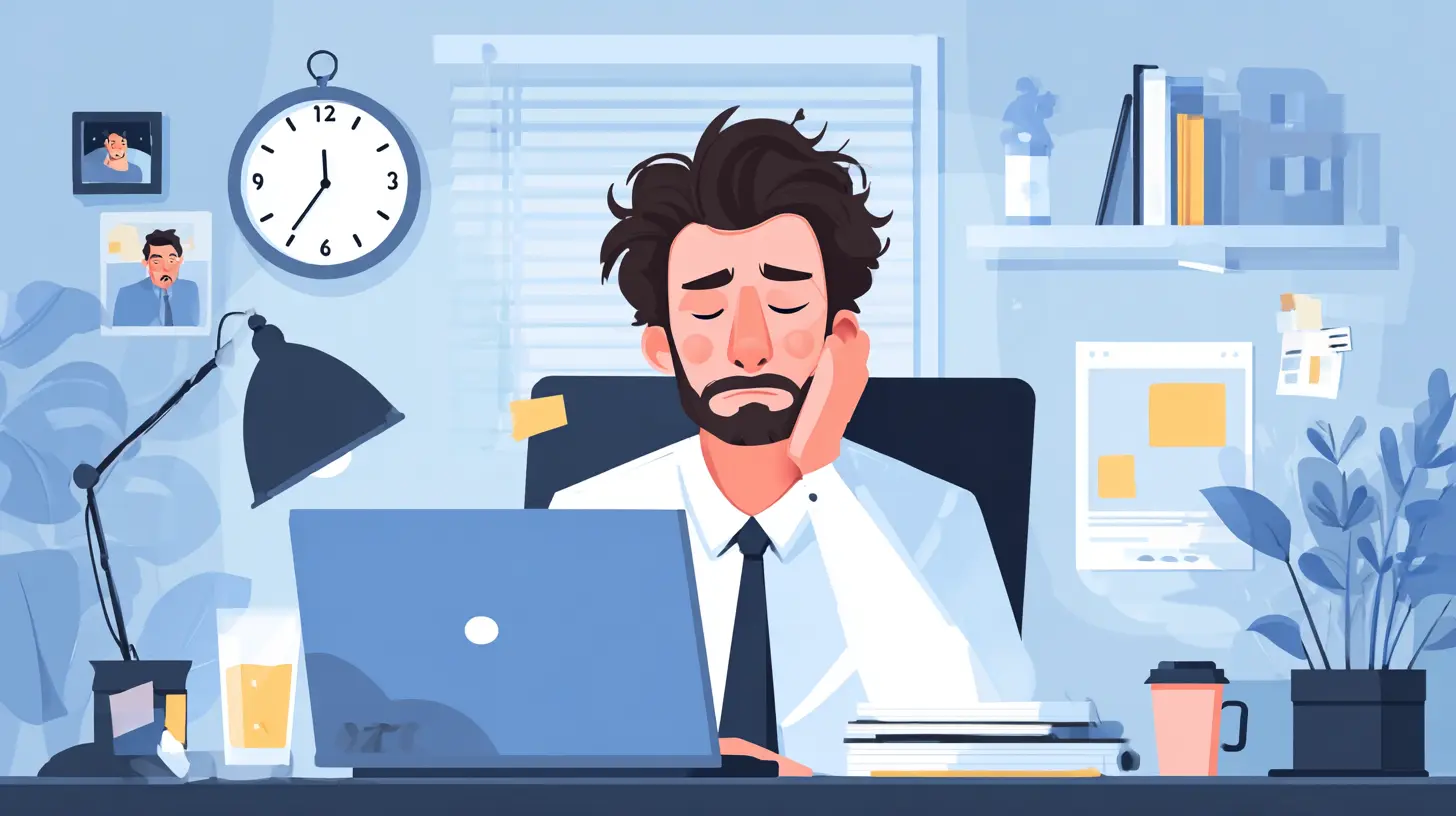
What Actually Works to Reduce Virtual Meeting Fatigue
There is no single solution that works for everyone. But there are several approaches that, when combined, can make a significant difference. The key is to be intentional and to treat fatigue as a design problem, not a personal weakness.The 25-Minute Meeting Standard
The default meeting length in most organizations is 30 or 60 minutes. Those numbers have no basis in human attention spans. They are inherited from a time when you needed to physically gather people in a room and justify the travel time. In the virtual world, shorter meetings are almost always better.Try setting a default of 25 minutes for status updates and check-ins, and 45 minutes for more complex discussions. The shorter time forces everyone to be concise. It also gives you a natural buffer between meetings, which is critical for mental reset. If a meeting cannot be done in 45 minutes, that is a sign that the agenda is too broad or that the discussion needs to be split into smaller, more focused sessions.
The No-Camera Rule for Certain Meetings
Not every meeting needs video. The pressure to always be on camera is one of the main drivers of fatigue. The solution is not to ban cameras, but to make them optional based on the purpose of the meeting.For example, a brainstorming session where people need to build on each other's ideas benefits from visual cues. A routine status update where each person reports on their progress does not. A difficult conversation about performance or conflict might need video to read emotional reactions. A large all-hands meeting where most people are just listening does not need everyone's camera on.
The best practice is to clearly state the camera expectation at the start of the meeting. If it is a listening meeting, say that cameras are optional and that people are free to turn them off. This removes the social pressure to stay visible when there is no real benefit.
The Walking Meeting
If the meeting does not require screen sharing or looking at documents, consider making it a walking meeting. You can take a phone call while walking outside, or use a mobile device with earbuds. This works exceptionally well for one-on-one check-ins, coaching conversations, and brainstorming sessions.Walking changes the physical state of your body. It increases blood flow, reduces stress hormones, and stimulates creative thinking. It also removes the visual fatigue of staring at a screen. Many people report that they think more clearly and speak more openly when they are walking rather than sitting in front of a camera. This is not a gimmick. It is a legitimate alternative that more teams should adopt.
The Hard Stop and the Transition Ritual
One of the simplest yet most effective habits is to end meetings five minutes early. If the meeting is scheduled for 30 minutes, end at 25. If it is 60 minutes, end at 55. This gives everyone a small mental break before the next commitment. It also prevents the back-to-back cascade that leaves you with no time to breathe, process, or even use the restroom.Beyond the early stop, build a transition ritual. After each meeting, stand up. Stretch. Look out a window. Walk to the kitchen. Do something that physically changes your position and your focus. This takes less than two minutes, but it signals to your brain that the meeting is over. Without this signal, your brain stays in meeting mode, and the fatigue accumulates across the day.
Rethinking Meeting Culture at the Team Level
Individual habits help, but the real solution lies in how teams and organizations treat meetings in the first place.The Meeting Audit
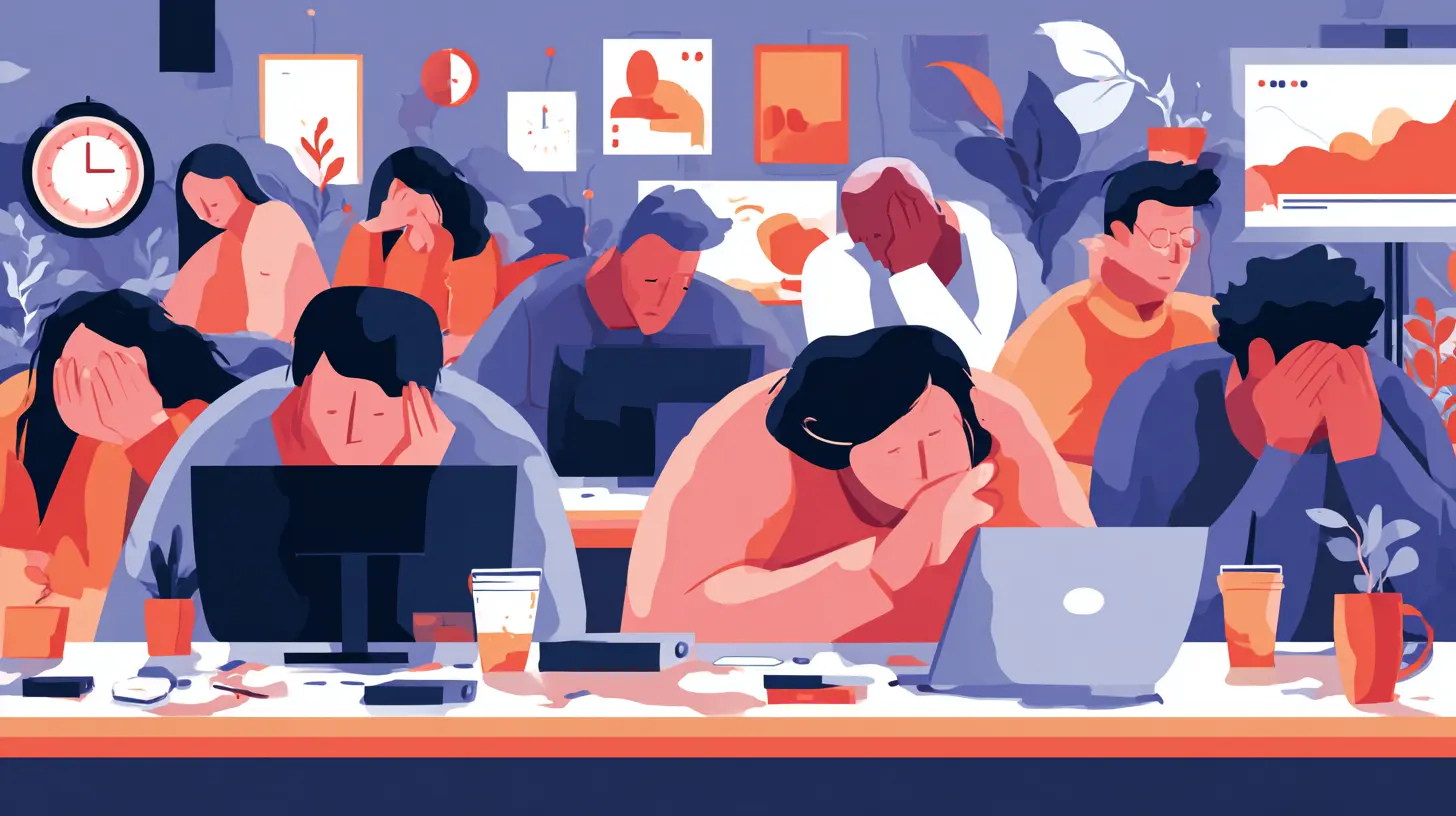
Most organizations have no idea how many meetings they actually hold, or what those meetings accomplish. A meeting audit is a simple process. For two weeks, track every meeting that each person attends. Note the purpose, the number of attendees, the duration, and the outcome. You will quickly see patterns: recurring meetings where nothing is decided, meetings with too many people who never speak, meetings that could have been emails or asynchronous updates.The audit is not about blaming anyone. It is about making the hidden cost of meetings visible. Once you see that a team spends 15 hours per week in meetings, it becomes easier to justify cutting some of them.
The Asynchronous First Principle
Many meetings exist because people feel the need to sync in real time. But for a lot of work, asynchronous communication is more efficient and less tiring. Instead of a meeting to review a document, use a shared document with comments. Instead of a meeting to give a status update, use a project management tool or a recorded video message.The key is to make asynchronous the default and meetings the exception. This inverts the current pattern in most organizations, where meetings are the default and asynchronous work is squeezed into the gaps. When you flip that, you free up huge amounts of time and reduce the pressure to always be available.
The No-Meeting Day
A no-meeting day, or even a no-meeting window of four hours, can be transformative. It gives people a block of uninterrupted time for deep work. It also reduces the anxiety that comes from knowing you will be interrupted every 30 minutes.The best approach is to set a recurring no-meeting window that is the same for the whole team. For example, every Tuesday and Thursday morning, from 9 a.m. to 1 p.m., no meetings are allowed. This creates a predictable rhythm. People can plan their deep work around those windows, and they know they will not be pulled into calls.
The Role of Technology in the Coming Years
Technology will not solve the problem by itself, but it will change the landscape. The next few years will bring new tools that either help or hurt, depending on how we use them.AI Meeting Assistants
AI tools that take notes, summarize discussions, and generate action items are already becoming common. These tools can reduce the cognitive load of having to remember everything and take notes during a meeting. When you do not have to worry about capturing every detail, you can focus more on the conversation itself.The trade-off is that these tools can also encourage more meetings, because they make meetings seem less costly. If an AI can summarize a meeting in seconds, the argument goes, why not just have more meetings? That is a trap. The cost of a meeting is not just the note-taking. It is the time, the attention, and the energy of every participant. AI does not reduce those costs. It only reduces the administrative overhead.
Virtual Reality and Immersive Spaces
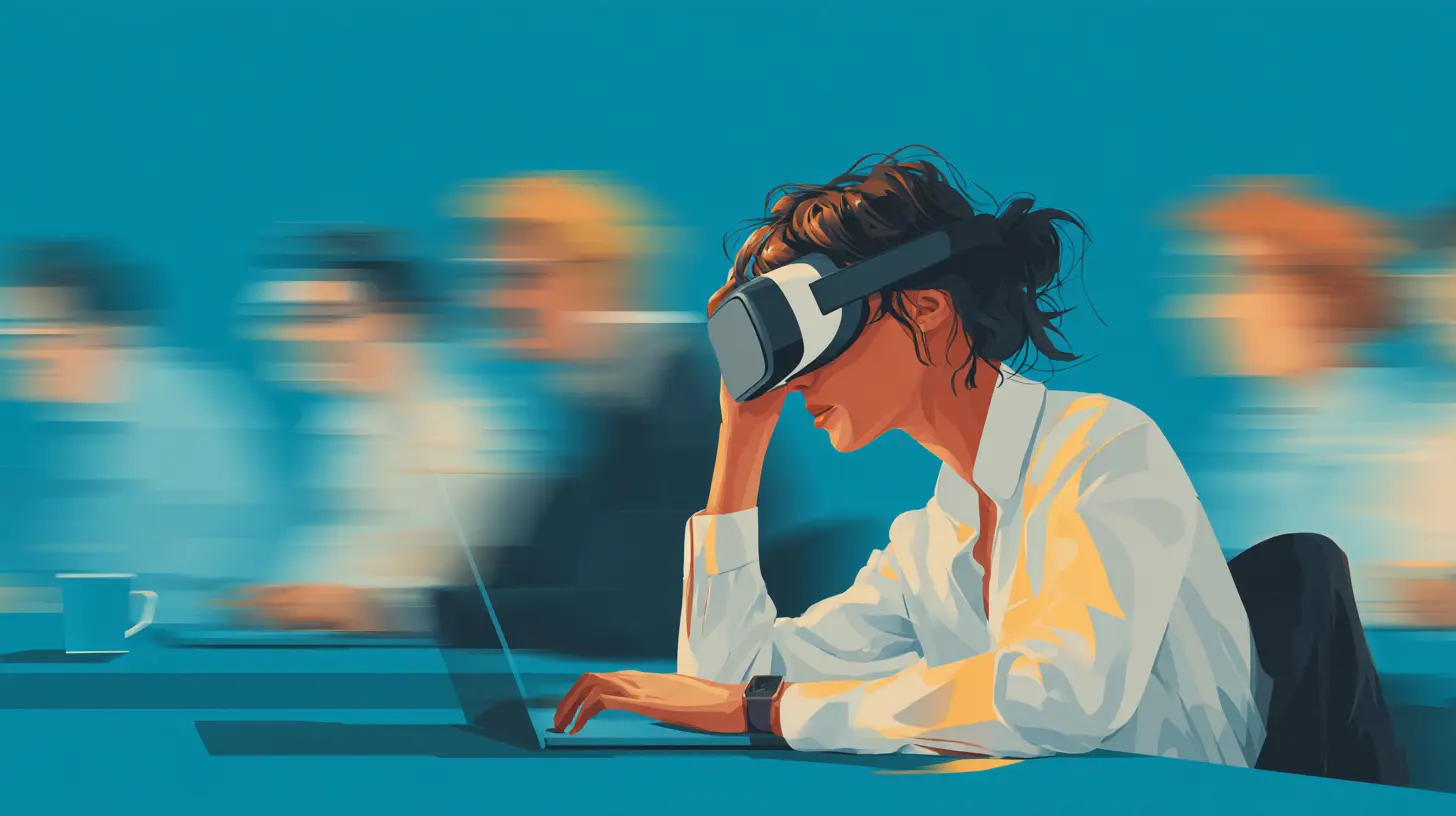
Virtual reality meeting spaces, where you have an avatar and a shared 3D environment, promise to restore some of the spatial awareness that is lost in 2D video. You can see who is sitting next to you, you can whisper to a neighbor, you can move around. This might reduce some forms of fatigue, because your brain gets more natural spatial cues.But VR also introduces new problems. Headsets are heavy and can cause eye strain and motion sickness. The novelty wears off. And the social pressure to be present in a virtual space might be even higher than the pressure to have your camera on. It is too early to say whether VR will help or hurt. The smart approach is to wait and see how it feels in practice, rather than adopting it because it is new.
Smart Scheduling and Meeting Limits
Some platforms are starting to build in features that prevent back-to-back meetings, automatically add breaks, or flag when someone has too many meetings in a day. These features are useful, but they only work if organizations actually use them. A tool that suggests a break is not the same as a culture that respects breaks.
Common Mistakes and Misconceptions
There are several common approaches to reducing meeting fatigue that sound good but do not work well.The Camera-On Mandate
Some leaders believe that forcing everyone to turn on their cameras increases engagement and trust. This is true in some cases, but it is also a major source of fatigue. When you force cameras on, you force people to perform. You also ignore the fact that some people have homes that are not ideal for video, or that some people simply process information better when they are not looking at a screen.The better rule is to make cameras optional but encourage them for meetings where visual feedback matters. The key is flexibility, not mandate.
The Shorter Meeting Fallacy
Cutting every meeting from 60 to 30 minutes sounds efficient, but it does not work if the agenda still needs 60 minutes. You just end up with a rushed, incomplete discussion that leads to a follow-up meeting. The goal is not shorter meetings; it is fewer meetings and better preparation.The "Just Send an Email" Oversimplification
Some people argue that most meetings should just be emails. That is true for informational meetings, but not for collaborative or decision-making meetings. A discussion about a complex problem, a session to align on strategy, or a conversation to resolve a conflict all benefit from real-time interaction. The skill is in knowing which type of meeting you are in, not in applying a blanket rule.Building a Sustainable Future
The coming years will not bring an end to virtual meetings. They will become more integrated into how we work, especially as remote and hybrid models become the norm. The challenge is to design a meeting culture that respects human limits.Start with yourself. Be honest about which meetings you actually need to attend. Decline the ones that are not essential. Ask for agendas in advance. Suggest a shorter time slot when you think it is appropriate. End meetings early when you can. These small actions set an example for others.
Then work with your team. Talk openly about fatigue. Ask people what they find most draining and what would help. You will likely discover that everyone feels the same way, but nobody wants to say it first. Breaking that silence is the first step toward change.
Finally, remember that the goal is not to eliminate all meetings. Meetings are valuable. They build relationships, align people, and create shared understanding. The goal is to make meetings purposeful, focused, and respectful of the time and energy of everyone involved. When you do that, you do not just reduce fatigue. You also improve the quality of the work that happens in those meetings.
The future of work is not about doing more in less time. It is about doing the right things with the right energy. Virtual meetings are a tool, not a lifestyle. Use them that way, and you will find that the exhaustion fades, and the work gets better.
all images in this post were generated using AI tools
Category:
Virtual MeetingsAuthor:

Pierre McCord
Discussion
rate this article
1 comments
Lucas Reed
Great insights on virtual meeting fatigue! I especially appreciate the tips on setting clear agendas and taking breaks. Small changes can make a big difference in engagement and energy.
August 10, 2026 at 2:36 AM