Virtual Whiteboards and the Evolution of Online Brainstorming
18 August 2026
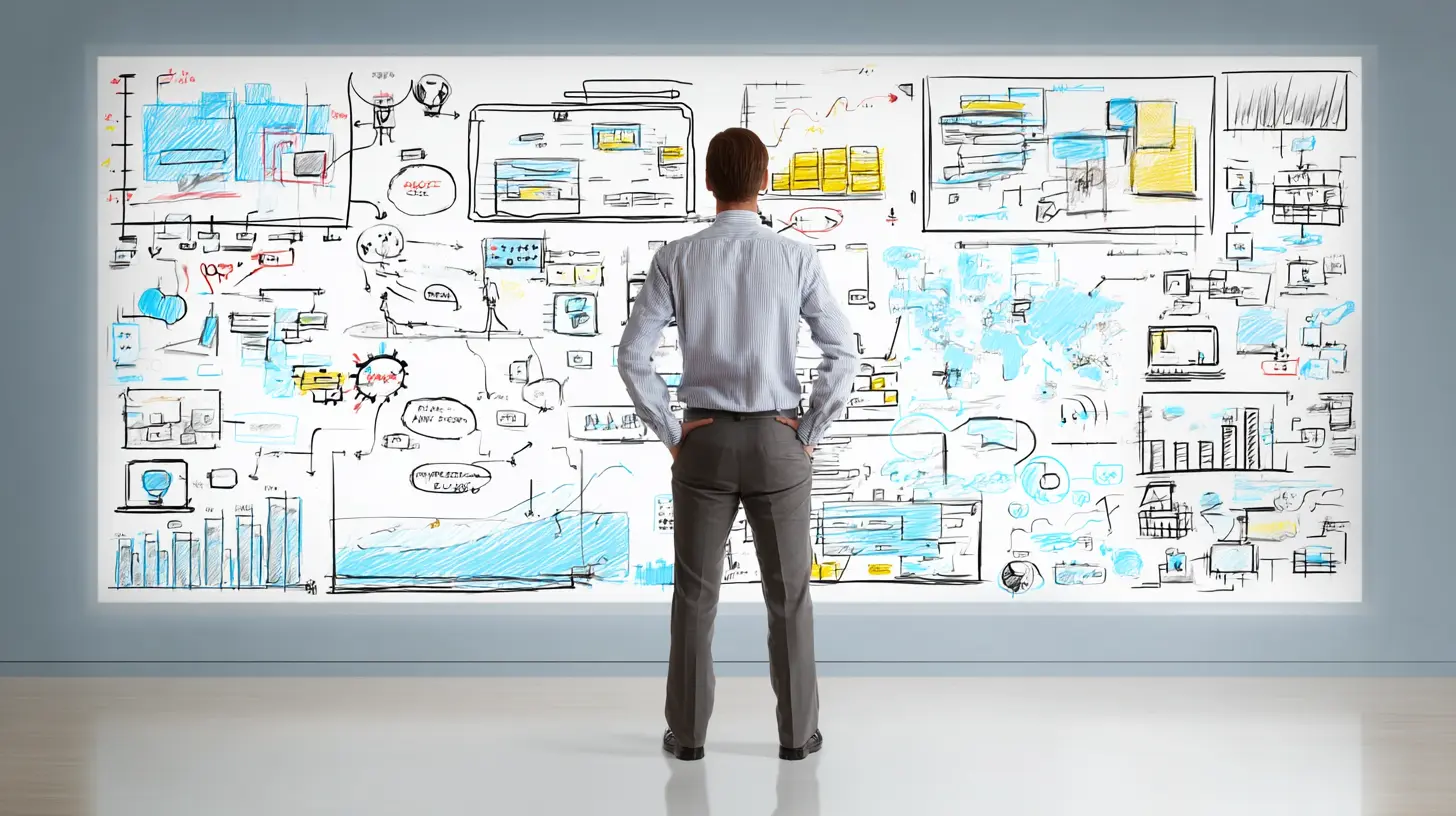
There is a specific kind of magic that happens when a group of people stare at a blank wall together. Someone draws a rough circle. Someone else writes a word that seems out of place. A third person connects them with a line, and suddenly the whole room shifts. That moment, the spark of collective insight, used to be tied to physical space. You needed markers, sticky notes, and a wall that you were allowed to deface. Today, that wall lives in the cloud. But the transition from physical to digital has not been a simple copy-paste of the same experience. It has fundamentally changed how we think, how we collaborate, and what we consider a "good idea."
Virtual whiteboards have matured from simple drawing canvases into complex collaboration hubs. They are no longer just tools for design teams or software engineers. They are used by marketing departments to plan campaigns, by teachers to run remote classes, by product managers to map roadmaps, and by startups to pitch investors. The evolution is not just about technology. It is about the psychology of group thinking and the removal of friction that once killed creativity before it could take root.

The Shift from Physical Walls to Infinite Canvases
The first thing you notice when you move from a physical whiteboard to a virtual one is the absence of boundaries. A physical board has a fixed size. When it fills up, you have to erase something or take a photo and start a new board. That constraint forces a kind of prioritization. You have to decide what is worth keeping. A virtual canvas, by contrast, is infinite. You can zoom out forever. You can create new sections for side conversations, parking lots for unresolved issues, and separate spaces for deep dives without losing the main thread.This sounds like a pure advantage, and in many ways it is. But it comes with a hidden cost. Infinite space can lead to infinite sprawl. Without the physical limit of a wall, teams often create chaotic, overwhelming maps that no one can navigate. The absence of a frame means the absence of a narrative. On a physical board, the edges define the story. On a digital board, you have to create your own structure. This is the first major trade-off: freedom versus focus.
The best teams handle this by treating the virtual whiteboard like a series of rooms, not one giant hall. They use frames, sections, or color-coded zones to create implicit boundaries. They decide before the session what the top-left corner means and what the bottom-right corner is for. This is not a technical limitation. It is a discipline problem. The tool gives you infinite space, but your brain still craves closure and order. Successful online brainstorming sessions are those where the facilitator imposes structure on the chaos, not those where everyone just dumps ideas randomly.

Why Brainstorming Fails Online (And How to Fix It)
Most people hate online brainstorming. Not because the tools are bad, but because they replicate the worst parts of in-person meetings while losing the best parts. In a physical room, you have body language, eye contact, and the ability to read the room. You can see when someone is about to speak. You can feel the energy shift. On a video call with a shared whiteboard, all of that disappears. The result is often a few dominant voices talking over each other while the rest of the team stays silent, typing into a chat box that no one reads.The common mistake is to treat a virtual whiteboard as a passive recording surface. Someone shares their screen, starts drawing, and expects the group to react. That is not collaboration. That is a presentation with extra steps. The tool only works when it is used as an active, shared workspace where everyone has a cursor, a color, and a voice.
The fix is to change the default behavior. Instead of asking "Does anyone have ideas?" you should ask everyone to add at least two sticky notes to the board before anyone speaks. This is called silent brainstorming or brainwriting. It forces participation and removes the social pressure of speaking first. The virtual whiteboard is perfect for this because it gives everyone a private space to think before making their thoughts public. After five minutes of silent writing, the board is full of raw material. Then the group can start clustering, voting, and discussing. This method consistently produces more ideas and better ideas than traditional verbal brainstorming, and it is only possible because of the digital format.
Another common failure is the lack of a clear goal. People join a brainstorming session without knowing what success looks like. On a physical board, the facilitator usually writes the problem statement at the top. On a digital board, this step is often skipped because everyone assumes the tool will handle it. It will not. The first thing you should do in any virtual whiteboard session is write the exact question you are trying to answer in large, bold text at the top of the canvas. Then write the constraints below it. What are we not allowed to do? What is the budget? What is the deadline? This framing is not just helpful. It is essential. Without it, the infinite canvas becomes a void.
The Psychology of Sticky Notes and Visual Thinking
There is a reason why sticky notes dominate both physical and virtual whiteboards. They are small, disposable, and low-stakes. Writing an idea on a sticky note feels temporary. You can move it, delete it, or change it without feeling like you are committing to something. This psychological safety is crucial for creativity. When people feel that their ideas are permanent and judged, they self-censor. Sticky notes lower the barrier to contribution.Virtual whiteboards take this one step further. On a physical board, you have to walk up to the wall, pick up a marker, and write in front of everyone. That is a performance. On a digital board, you can type a note and drag it into place without anyone watching your cursor. You can even use anonymous mode if the platform supports it. This anonymity can be a double-edged sword. It encourages shy people to contribute, but it can also lead to low-effort or trolling comments. The best practice is to use anonymity only for the initial idea generation phase, then move to named contributions for discussion and refinement.
Visual thinking is not just about drawing pictures. It is about spatial reasoning. When you place two ideas next to each other, you create a relationship. When you group them, you create a category. When you draw a line between them, you create a dependency. The virtual whiteboard excels at this because it allows for rapid rearrangement. You can try different groupings in seconds, something that would take minutes on a physical board. This speed of iteration is the real superpower of digital brainstorming.
But there is a downside. Virtual whiteboards can become too clean. Physical boards have smudges, crossed-out words, and coffee stains. These imperfections are actually useful. They show the history of the thinking process. They remind you that an idea was rejected and why. Digital boards are often too tidy. People delete things instead of moving them to a "graveyard" section. They clean up the board after the session, losing the messy trail of thought. I recommend keeping a "discarded ideas" area on every board. It preserves the context and sometimes you find that a discarded idea was actually the right one, just misunderstood at the time.

Real-World Examples of Effective Virtual Brainstorming
Consider a distributed product team at a software company. They have developers in Europe, designers in North America, and product managers in Asia. They need to plan the next quarter's features. A physical whiteboard is impossible. A shared document is too linear. They use a virtual whiteboard with a timeline at the top and a grid of user personas on the left. Each team member adds sticky notes for potential features, colored by priority. They then use a voting tool to rank the features. The result is a visual roadmap that everyone can see and edit in real time, regardless of time zone. The key to their success is not the tool itself, but the pre-agreed structure. They always start with the timeline, then the personas, then the features. This consistency reduces cognitive load.Another example is a marketing team brainstorming a new campaign. They start with a blank board and a single prompt: "What does our audience fear?" Each person adds five sticky notes. Then they cluster the fears into themes. Then they ask "What does our audience desire?" and repeat the process. Then they overlay the two clusters to find the intersection. This is a classic technique called "fear and desire mapping," and it works beautifully on a virtual whiteboard because the spatial layout makes the connections obvious. The team ends up with a campaign concept that is grounded in actual customer psychology, not just random creative ideas.
A less obvious but very powerful use case is in education. A teacher can use a virtual whiteboard to run a "gallery walk" where students post their work and then move around the canvas to leave comments. This is much harder to do in a physical classroom because of space and time constraints. The digital format allows for asynchronous participation. Students can add comments after class, and the teacher can review the entire process later. This turns brainstorming into a continuous activity, not a one-time event.
The Role of Templates and When to Avoid Them
Templates are a double-edged sword. On one hand, they save time and provide a proven structure. On the other hand, they can kill creativity by forcing your thinking into a predetermined mold. Many virtual whiteboard tools come with built-in templates for SWOT analysis, design thinking, retrospective, and mind mapping. These are useful for routine meetings. If you are running a weekly sprint retrospective, a template is perfect. It ensures you cover the same ground every time and makes comparison across weeks easier.But for true brainstorming, templates can be a trap. The goal of brainstorming is to generate novel ideas, and novelty often comes from breaking patterns. If you start with a template that has boxes labeled "Strengths" and "Weaknesses," your brain will automatically filter out ideas that do not fit those categories. The template becomes a cognitive prison. My advice is to use templates for process-oriented meetings, but start with a blank canvas for creative sessions. If you must use a template, use it only as a starting point and be willing to abandon it if the conversation goes somewhere unexpected.
Another misconception is that you need a fancy tool with AI features to have a good brainstorming session. The AI-powered features in some whiteboard tools can suggest related ideas, auto-group sticky notes, or generate summaries. These are helpful for documentation, but they should not be the driver of the session. AI is good at pattern recognition, but it is bad at intuition and context. Let the humans do the thinking, and use the AI only to clean up after the session or to remind you of things you missed.
Asynchronous Brainstorming and the Death of the Meeting
One of the most significant changes in the evolution of online brainstorming is the shift from synchronous to asynchronous work. In the past, brainstorming required everyone to be in the same room at the same time. With virtual whiteboards, that constraint is gone. You can set up a board, share the link, and let people contribute over the next 48 hours. This is a game-changer for global teams, but it also requires a different mindset.Asynchronous brainstorming works best when there is a clear deadline and a clear process. You cannot just leave a board open and hope for the best. You need to set a start time and an end time. You need to tell people what to do and in what order. For example, "Day 1: add your ideas. Day 2: comment on others' ideas. Day 3: vote on the top five." This structure gives people time to think deeply without the pressure of a live session. It also allows introverts to shine. Some of the best ideas come from people who need time to process before speaking.
The downside of asynchronous work is the loss of momentum. A live brainstorming session has a certain energy. Ideas bounce off each other in real time. Asynchronous work can feel flat and disconnected. To mitigate this, many teams use a hybrid approach. They start with a short live session to kick things off, then move to asynchronous for the deep work, then come back together for a live wrap-up. This combination gets the best of both worlds.
Common Pitfalls and How to Avoid Them
The most common pitfall is the "blank page paralysis." You open a new board, and it is completely empty. The cursor blinks. No one knows what to write. This happens because the board lacks context. The fix is to never start a session with a truly blank board. Always pre-populate it with the agenda, the problem statement, and a few seed ideas. These seeds are not meant to be the final answer. They are just there to give people a starting point. Once the ideas start flowing, you can delete the seeds or move them to a "starting points" section.Another pitfall is the "everything is important" problem. When everyone votes on everything, nothing gets prioritized. The fix is to limit the number of votes per person. If you have 50 ideas, give each person three votes. This forces tough choices. The virtual whiteboard makes this easy with built-in voting tools. But be careful: voting too early can kill creative ideas that need time to develop. Vote after the discussion, not before.
A third pitfall is the "cleanup trap." After a successful session, someone volunteers to clean up the board. They spend two hours reorganizing, color-coding, and deleting "duplicate" ideas. In the process, they lose the original context and the nuance of the discussion. The board becomes a polished artifact that no longer reflects what actually happened. My advice is to keep the original board as-is and create a separate "summary" board for the final output. The messy original is the source of truth. The clean summary is for presentation.
The Future of Virtual Whiteboards
The next few years will bring more integration between virtual whiteboards and other tools. We will see tighter connections with project management software, so that ideas on a whiteboard can be turned into tasks with a single click. We will see better real-time collaboration, with lower latency and more natural interactions. We will see more immersive experiences, possibly using virtual reality or augmented reality, where you can feel like you are standing next to your colleagues even when you are thousands of miles apart.But the core principles will not change. Brainstorming is about creating a safe space for ideas. It is about making thinking visible. It is about building on each other's thoughts. The virtual whiteboard is just the latest vessel for this ancient human activity. The tools will keep evolving, but the need for collective creativity will always be there. The teams that succeed will be those that remember that the tool is not the point. The point is the thinking.
If you are just starting with virtual whiteboards, do not overthink it. Pick a simple tool, start with a clear agenda, and practice the silent brainstorming method. You will make mistakes. Your first few sessions will be messy. That is fine. The mess is where the magic lives. Over time, you will develop your own rituals and rules. You will learn what works for your team and what does not. The evolution of online brainstorming is not a destination. It is a continuous process of adaptation. And the best part is that you are part of it.
all images in this post were generated using AI tools
Category:
Virtual MeetingsAuthor:

Pierre McCord