What to Look for in a Graphics Card When Building a PC for Streaming
8 July 2026
When you're diving into the world of PC building, especially if you're a streamer or aspiring one, choosing the right graphics card (GPU) is one of the most critical decisions you'll make. A powerful graphics card can be the backbone of your streaming rig, ensuring you get smooth gameplay while also handling the demands of live streaming. But with an overwhelming number of options on the market, it can be tricky to know what to look for in a GPU. Don’t worry; I’ve got you covered.
In this guide, we'll break down what you need to look for in a graphics card when building a PC for streaming. Whether you're streaming on Twitch, YouTube, or any other platform, by the end of this article, you'll have a clear idea of how to pick the right GPU for your needs.
Why Does Your Graphics Card Matter for Streaming?
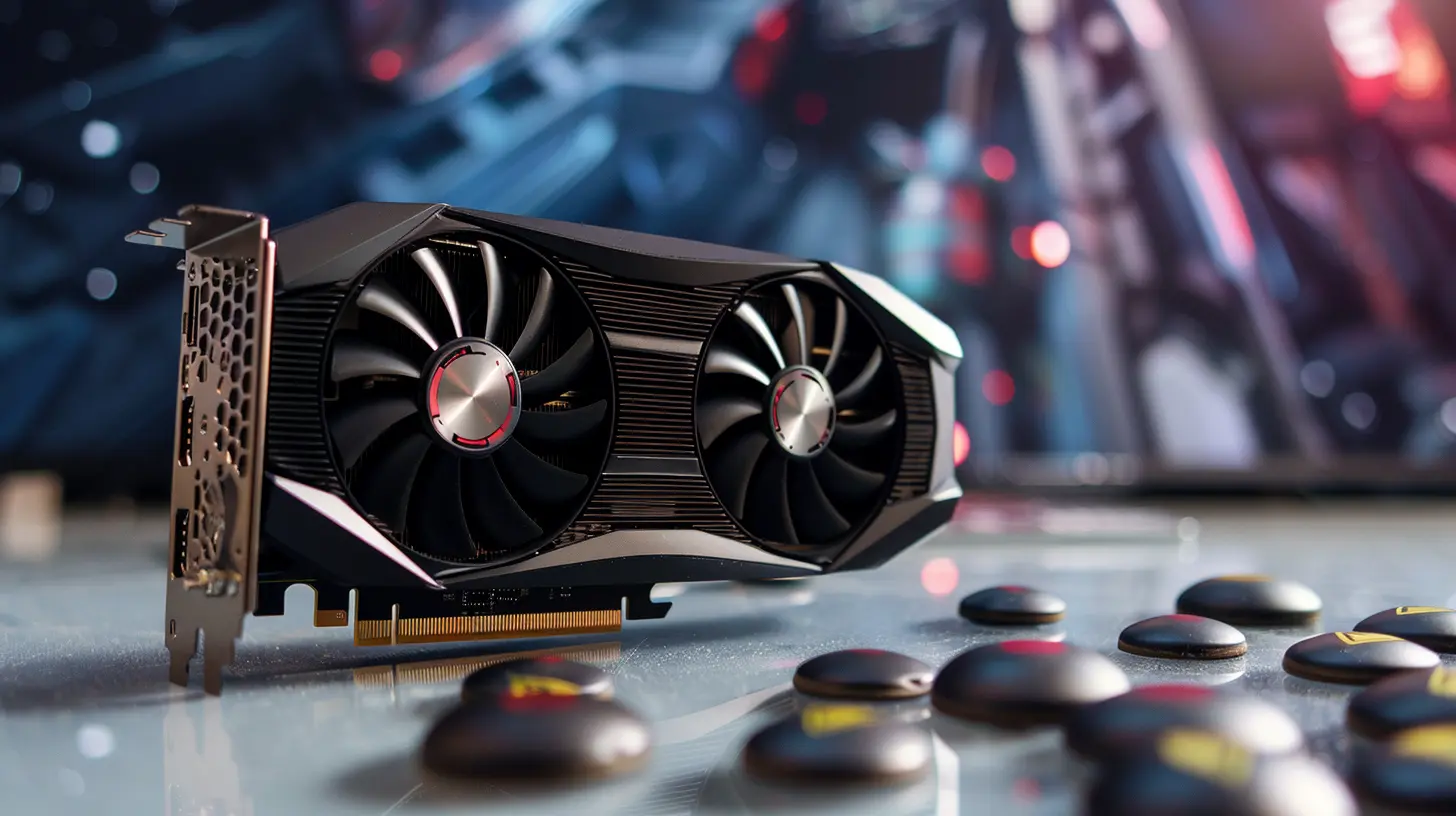
Before diving into the nitty-gritty, let’s answer the most basic question: why should you care about your graphics card when streaming?In short, your graphics card handles all the heavy lifting when it comes to rendering visuals for your games. But when you’re streaming, it does even more. If you're gaming at high resolutions or streaming in 1080p or 4K, your GPU needs to juggle both tasks: running the game at a playable frame rate and encoding the video stream in real-time.
Imagine trying to juggle while riding a unicycle—that’s your PC without the right graphics card for streaming! You need something that can handle both tasks smoothly without dropping the ball.
So, what should you be looking for?
1. GPU Power and Performance
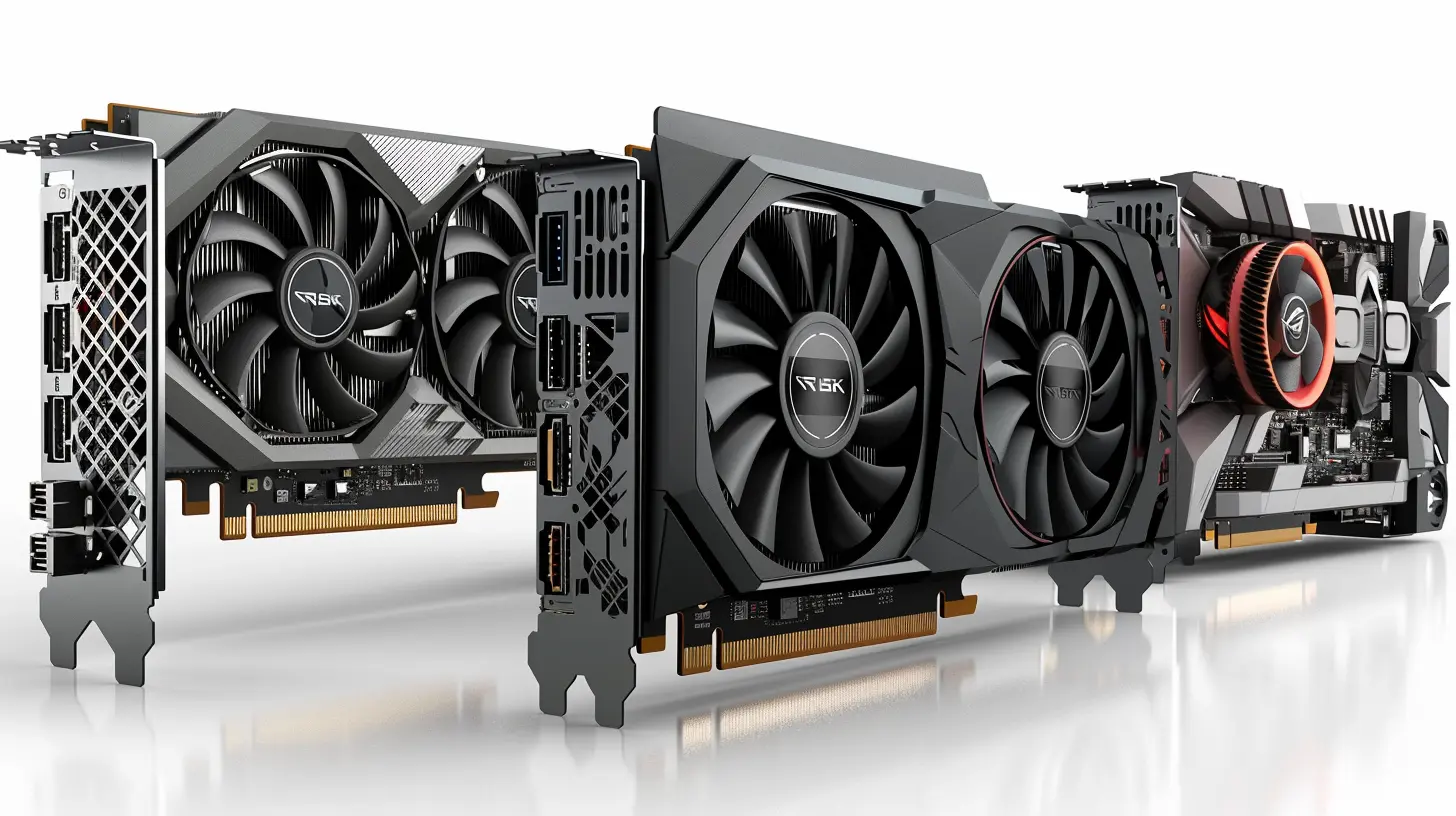
Naturally, performance is the first thing we need to talk about. The more powerful your graphics card, the better your gaming and streaming experience will be. But how much power do you actually need?This largely depends on the games you’re playing and the quality at which you want to stream. If you're playing graphically intensive games like Cyberpunk 2077 or Red Dead Redemption 2 while streaming at 1080p or 4K, you're going to need a beast of a card.
On the other hand, if you’re streaming less demanding games (think Minecraft or Among Us) in 1080p, you can get away with a mid-tier GPU.
Key Performance Metrics to Consider:
- Clock Speed: This is the speed at which the GPU operates, measured in MHz or GHz. A higher clock speed generally means better performance.- CUDA Cores (NVIDIA) or Stream Processors (AMD): These are the cores that handle the parallel processing tasks. More cores usually translate to better performance.
- VRAM (Video RAM): The amount of memory your GPU has is important for handling high-resolution textures and efficient processing. For streaming at 1080p, you should aim for at least 6GB of VRAM. For 4K, 8GB or above is ideal.
Good Examples:
- High-End: NVIDIA RTX 3080 / AMD Radeon RX 6900 XT- Mid-Tier: NVIDIA RTX 3060 Ti / AMD Radeon RX 6700 XT
- Entry-Level: NVIDIA GTX 1660 Super / AMD Radeon RX 580
2. Streaming-Specific Features
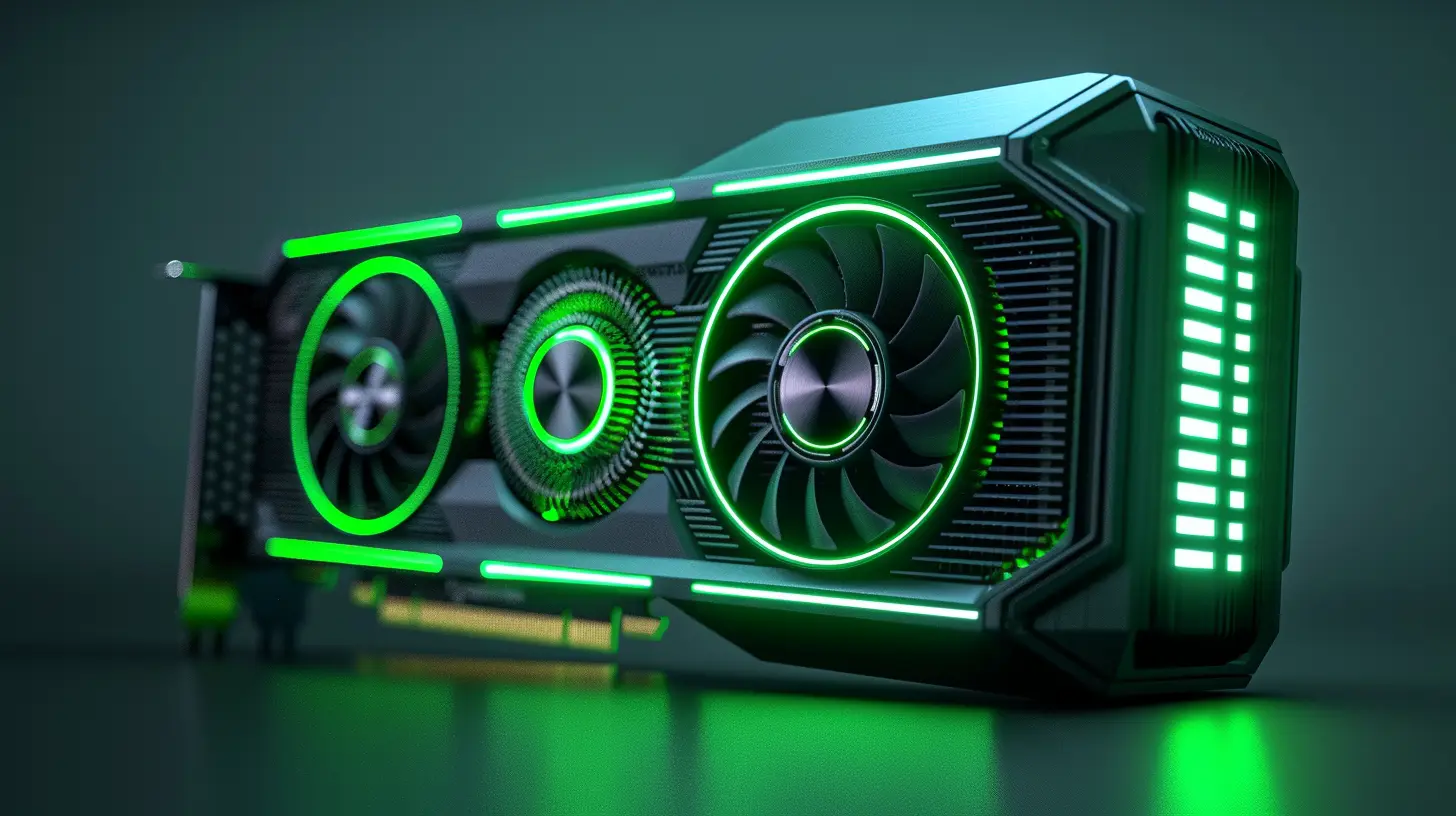
Not all graphics cards are created equal when it comes to streaming. Many GPUs now come with built-in features that can make your life as a streamer a whole lot easier.NVIDIA NVENC vs. AMD VCE/VCN
If you're planning to stream, you should definitely know about hardware encoding. When streaming, your PC needs to encode your gameplay into a video stream that can be broadcasted. This is where encoders like NVIDIA’s NVENC and AMD’s VCE/VCN come into play.- NVIDIA NVENC: This is NVIDIA's dedicated hardware encoder. Starting with the Turing architecture (RTX 20-series and newer), NVENC has received significant improvements, offering excellent quality with minimal impact on your gaming performance. The dedicated encoder takes the load off your CPU, which is a godsend for streamers.
- AMD VCE/VCN: AMD’s hardware encoder works similarly to NVENC, but historically, NVIDIA’s NVENC has been regarded as superior in terms of both quality and performance. However, AMD has been closing the gap, especially with their latest RDNA 2 cards.
If you're serious about streaming, you might lean towards an NVIDIA card, purely because of how well NVENC performs. However, AMD isn't a bad choice, particularly if you're more budget-conscious.
3. Resolution and Frame Rate Targets
What resolution do you plan to game and stream at? This is a crucial question. The higher the resolution and frame rate, the more stress you’ll put on your GPU.- 1080p at 60 FPS: This is the gold standard for most streamers. At this resolution, most mid-tier GPUs should suffice, especially if you use hardware encoding like NVENC.
- 1440p or 4K: If you want to game and stream at higher resolutions, you’ll need a high-end card. Streaming in 4K is particularly demanding, and only the top-tier GPUs like the RTX 3080 or AMD’s RX 6800 XT will handle this well.
It’s also important to note that some streaming platforms (like Twitch) have limits on the maximum resolution and bitrate you can stream at, so make sure your GPU is right-sized for both your gaming and streaming needs.
4. Thermal Performance and Cooling
You don't want your GPU turning into a furnace mid-game, right? Heat management is critical, especially during long streaming sessions. Poor thermal performance can not only lead to crashes but also impact your overall gaming and streaming quality.Look for graphics cards with good cooling solutions. Most modern GPUs come with custom cooling designs from manufacturers like MSI, ASUS, or Gigabyte, but you’ll still want to pay attention to the number of fans and whether the card has efficient airflow.
Things to Look For:
- Number of Fans: More fans generally mean better cooling. Triple-fan designs are popular for high-end GPUs.- Aftermarket Coolers: Some GPUs come with enhanced cooling solutions, like liquid cooling or hybrid cooling (a mix of air and liquid cooling).
If you plan on overclocking your GPU (which boosts performance but also increases heat), make sure the card you choose has robust cooling features.
5. Power Requirements
A beefy graphics card often comes with hefty power demands. Make sure your power supply unit (PSU) is up to the task!Things to Check:
- Power Connectors: Most modern GPUs need additional power connectors (typically 6-pin or 8-pin). Make sure your PSU has the necessary connections.- Wattage: High-end GPUs like the RTX 3080 can require up to 350W or more, so make sure your PSU has enough wattage to handle your entire system. For most gaming and streaming rigs, a 750W PSU should suffice, but if you’re rocking a very high-end system, you might need an 850W or even 1000W PSU.
6. Ray Tracing and DLSS
If you’re building a future-proof rig, you might want to think about ray tracing and DLSS (Deep Learning Super Sampling).- Ray Tracing: This is a rendering technique that simulates real-time lighting effects, shadows, and reflections, making games look incredibly realistic. Both NVIDIA and AMD now support ray tracing, but NVIDIA is more established in this space.
- DLSS: This is an AI-powered technology exclusive to NVIDIA GPUs that boosts performance by rendering games at a lower resolution and then upscaling them, resulting in higher frame rates without a noticeable drop in image quality. It’s especially useful in demanding games and can free up some resources for streaming.
While these features aren’t essential for streaming, they can significantly improve your gaming visuals and future-proof your rig.
7. Price and Budget
Let’s be real: the price can be a dealbreaker. High-end GPUs can cost more than the rest of your entire PC build! So, it’s crucial to find a balance between performance and price.Budget Guidelines:
- Under $300: You’ll be looking at entry-level cards like the NVIDIA GTX 1650 or AMD RX 570. These are okay for 1080p streaming but won’t handle 1440p or 4K well.- $300-$600: This is the sweet spot for most streamers. Cards like the RTX 3060 Ti or AMD RX 6700 XT offer excellent performance for streaming at 1080p or 1440p.
- $600+: If you want to game and stream at 4K, you’ll need to shell out for a high-end card like the RTX 3080 or RX 6800 XT.
Remember, GPUs are often one of the most expensive components in a PC build, but for streaming, it’s one area where it’s worth investing.
Wrapping It Up
Choosing the right graphics card for streaming isn’t a one-size-fits-all situation. It depends on what games you’re playing, what resolution you’re streaming at, and what your budget is. If you plan on streaming demanding games at high resolutions, you’ll need a powerful GPU with plenty of VRAM and hardware encoding features like NVIDIA NVENC. If you’re working with a smaller budget or streaming less demanding games, a mid-range card should do just fine.At the end of the day, the right GPU will give you a smooth, enjoyable experience both for gaming and streaming. Remember, your viewers want to see quality content—and with the right graphics card, you’ll be able to deliver just that.
all images in this post were generated using AI tools
Category:
Graphics CardsAuthor:

Pierre McCord