How Augmented Reality Will Reshape Online Meetings
3 August 2026
Video calls have been the backbone of remote work for years, but they have a fundamental problem: they flatten three-dimensional human interaction into a two-dimensional grid of faces. You lose the ability to read body language, to know who is about to speak, to feel the weight of someone's presence in a room. Augmented reality (AR) is not just a fancy overlay for games or industrial maintenance. It is the next logical step for communication, and it will change how we hold meetings in ways that are subtle, practical, and sometimes uncomfortable to imagine.
This is not about holograms floating in your living room like a science fiction movie, at least not yet. The real shift is more grounded. AR will add spatial context, shared objects, and a sense of physical co-presence to remote collaboration. It will make the remote participant feel less like a talking head and more like a colleague sitting at the same table. But getting there requires understanding what AR actually does well, what it does poorly, and what we should stop pretending it can fix.
The Core Problem with Current Online Meetings
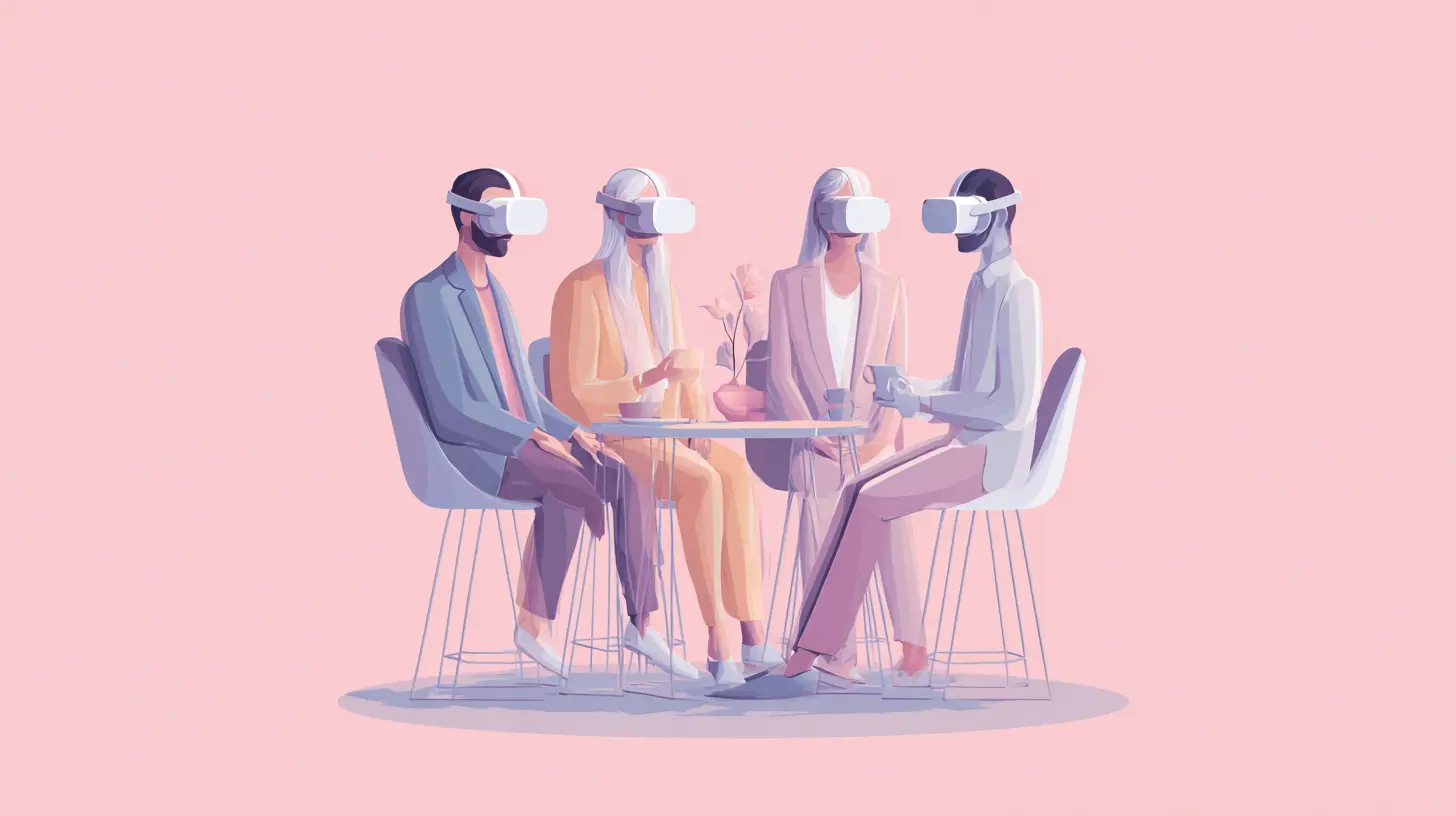
Let us start with the obvious. Traditional video conferencing is exhausting. You stare at a camera, you try to make eye contact that never quite lands, and you lose the peripheral cues that tell you someone is about to interrupt or has lost interest. The so-called "Zoom fatigue" is not a myth; it is a direct result of our brains working overtime to fill in missing social signals. We are constantly guessing whether the person on the screen is bored, confused, or just buffering.AR changes the fundamental geometry of the conversation. Instead of everyone looking at the same flat screen, each participant gets a perspective. You see the room from your own angle. You can look at a colleague who is speaking, glance at a shared 3D model, and then turn to see another person's reaction. This is not a gimmick. It is how humans naturally process group interactions. We use spatial memory to remember who said what and where they were sitting. AR restores that spatial memory.
The first real benefit is not visual wow factor. It is cognitive relief. When your brain no longer has to compensate for the missing depth and perspective, it can focus on the content of the meeting instead of the mechanics of the medium. That alone is enough to justify the shift.
What AR Actually Adds to a Meeting
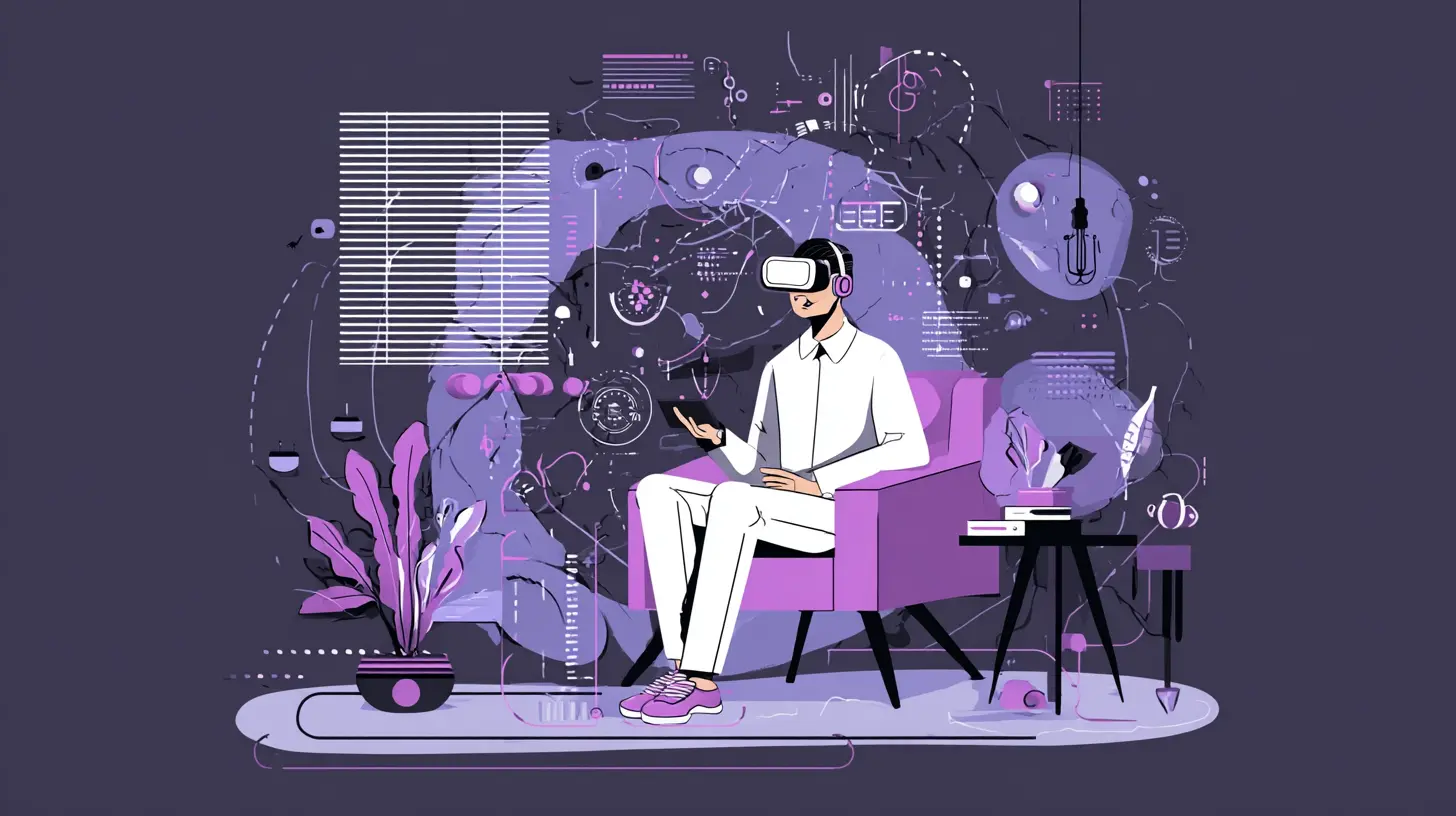
To understand the impact, you need to separate AR from virtual reality (VR). VR replaces your environment with a fully digital one. AR keeps your physical environment and adds digital objects to it. That distinction matters for meetings because most people do not want to be fully immersed in a virtual world for eight hours a day. They want to stay in their home office, but have a 3D whiteboard appear on their wall, or have a virtual prototype sit on their desk.The practical additions fall into three categories: shared spatial objects, spatial presence, and environmental context.
Shared Spatial Objects
Imagine a design review where the team is looking at a new car dashboard. In a video call, someone shares their screen and navigates through a 3D model. The remote participants see what the presenter wants them to see, but they cannot control the view. They cannot look at the steering wheel from below or check the gap between the dash and the windshield. In AR, the model sits in the center of the virtual table. Each participant can rotate it, zoom in, and annotate it from their own perspective. The annotations appear in real time for everyone.This is not just about design. Sales teams can present a physical product that does not exist yet. Medical teams can walk through a patient's CT scan in 3D. Architects can walk through a building before it is built, with each meeting participant seeing the same structure from their own viewpoint. The shared object becomes the meeting. The conversation revolves around it, not around a slide deck.
The key is that these objects are persistent. They are not just a screen share that disappears when the presenter stops talking. They stay in the virtual space. You can refer back to them, move them, and even bring them to the next meeting. This creates a sense of continuity that is completely absent from current video calls.
Spatial Presence and Non-Verbal Cues
The second major addition is spatial presence. In a video call, you see a grid of faces. In AR, each participant has a position in a shared virtual space. You might see a colleague standing to your left, another across the table. When you speak, you look in their direction. When they speak, you turn to face them. This might sound trivial, but it has a huge impact on how we perceive attention.In a physical meeting, we know who is speaking without looking at a name tag. Our ears and eyes work together. AR can replicate this by placing audio in 3D space. If a person is to your right, their voice comes from your right. This spatial audio is already used in some gaming and VR applications, and it is remarkably effective at reducing cognitive load. You do not have to constantly scan a screen to find the speaker. Your brain just knows.
Non-verbal cues also improve. Avatars in AR are not as expressive as real faces, but they are more expressive than a frozen video feed. When you lean forward, your avatar leans forward. When you nod, your avatar nods. This is not about photorealism. It is about conveying intent and emotion through body language. A simple gesture like pointing at a shared object is worth a thousand words in a technical discussion.
Environmental Context
The third addition is environmental context. In a video call, your background is either a cluttered room or a fake beach. In AR, you can bring your environment into the meeting in a controlled way. A field engineer can show a physical machine that is malfunctioning, and a remote expert can overlay instructions directly onto that machine. A real estate agent can walk through a property, and potential buyers can see virtual furniture placed in the rooms.This is where AR becomes more than a communication tool. It becomes a collaboration tool for the physical world. The meeting is not just about talking. It is about acting on the world together. You can point at a physical object, and the remote participant sees a virtual arrow pointing at it. You can draw a circle around a defect, and the circle stays anchored to the object even when you move your head.

Practical Use Cases That Go Beyond the Hype
Let us move from theory to practice. There are several scenarios where AR-based meetings will not just be better than video calls, but fundamentally different.Remote Maintenance and Repair
Consider a technician in a factory who is trying to fix a robotic arm. In a video call, they have to hold a phone or tablet with one hand and use a wrench with the other. The remote expert sees a shaky, low-resolution view and has to describe the steps verbally. In AR, the technician wears a headset. The expert sees a stable, first-person view of the machine. The expert can highlight the exact bolt to remove, draw an arrow showing the direction to turn it, and even place a virtual label on a component. The technician's hands are free. The repair time drops, and the error rate drops.This is not a hypothetical future. Field service teams in manufacturing and energy sectors are already piloting this approach. The meeting is not scheduled in advance. It is an on-demand call where the "meeting" happens in the context of a physical task. The expert might be on the other side of the world, but the interaction feels like standing next to the technician.
Medical Collaboration
Surgical planning is another powerful use case. A team of doctors can review a patient's MRI scan as a 3D hologram in the middle of the room. Each doctor can rotate the model, peel back layers, and discuss the approach. In a video call, they are all looking at the same 2D slices on a screen, each with their own mouse cursor. The difference in comprehension is enormous. The AR version allows for a shared understanding of spatial relationships, which is critical for surgery.This is not about replacing the surgeon with a robot. It is about making the conversation before the surgery more accurate. The doctors can rehearse the procedure, identify potential complications, and align on the plan. The meeting becomes a simulation, not just a discussion.
Architecture and Construction
Architects and construction managers have always struggled with 2D drawings. AR meetings let them walk through a building model at full scale. They can see if a hallway is too narrow, if a window is placed too high, or if a structural beam blocks the view. They can test different materials by changing the virtual texture on a wall. They can even overlay the virtual building onto the actual construction site to check alignment.The meeting is no longer about looking at a screen. It is about walking around a space, pointing at issues, and seeing fixes in real time. This saves money by catching errors before they are built, and it saves time by avoiding long email threads with annotated screenshots.

The Hard Truths and Trade-Offs
It would be dishonest to present AR as a silver bullet. There are significant trade-offs, and some of them are not technical.The Hardware Problem
The biggest barrier is hardware. To get the full benefit of AR meetings, you need a headset. Holding a phone or tablet in front of your face is not sustainable for a one-hour meeting. Your arm gets tired, and the field of view is narrow. Headsets are getting better, but they are still bulky, expensive, and socially awkward. Wearing one for a full workday is uncomfortable for many people.There is also the battery life issue. AR headsets consume a lot of power because they are constantly tracking your environment and rendering 3D graphics. A two-hour meeting might drain a battery that is supposed to last a full day. This limits the practical use for long sessions.
The Social Awkwardness
Wearing a headset in a meeting is not like wearing glasses. It is a visible, isolating device. It can make the wearer look disengaged from their physical surroundings. If you are in a hybrid meeting where some people are in a physical room and others are remote, the remote people are at a disadvantage. They cannot see the full facial expressions of the people in the room, and the people in the room might forget about them.This is a critical issue for adoption. AR meetings will not work if they alienate the remote participants. The technology needs to be good enough that the headset becomes invisible, or at least unobtrusive. That is a hard problem, and it is not just about weight or resolution. It is about social acceptance.
The Content Creation Problem
A meeting is only as good as its content. With video calls, you can share a PowerPoint or a spreadsheet with minimal effort. With AR, you need 3D models, spatial annotations, and interactive objects. Creating these is not trivial. It requires specialized software and skills. A typical office worker cannot just upload a PDF and turn it into a 3D object.This means that for the first few years, AR meetings will be limited to industries that already work with 3D data, such as engineering, architecture, and medicine. For general business meetings, the value proposition is lower. You do not need a 3D model of a quarterly sales report. A simple chart is fine. The content creation bottleneck will slow down adoption in non-technical fields.
The Bandwidth and Latency Issue
AR meetings are data-hungry. You are streaming 3D models, spatial audio, and real-time annotations. A bad internet connection will ruin the experience. Latency is particularly problematic. If your remote colleague points at an object, and the pointer lags by half a second, the interaction feels broken. The brain notices that delay, and it breaks the illusion of presence.This is not a problem that will be solved overnight. It requires investment in network infrastructure, edge computing, and compression algorithms. In regions with poor connectivity, AR meetings will be unusable. This creates a digital divide where the benefits of AR are only available to those with high-end networks.
Common Misconceptions and Mistakes
There are several misconceptions about AR meetings that lead to poor decisions.Misconception: AR Will Replace Video Calls
This is unlikely. Video calls are simple, reliable, and cheap. They work on any laptop or phone. AR will not replace them. Instead, it will be used for specific types of meetings where spatial understanding is critical. For a quick status update, a video call is fine. For a design review, AR is better. The mistake is trying to force AR into every meeting. That leads to frustration and wasted resources.Misconception: AR Is Just About Visuals
The most powerful aspect of AR is not the visual overlay. It is the spatial audio and the sense of presence. If you take away the 3D sound, the experience falls apart. Many early AR prototypes focus on graphics and ignore audio, which makes the meeting feel hollow. A good AR meeting should prioritize audio quality and spatialization above all else.Mistake: Ignoring the Physical Environment
AR is supposed to blend the digital and physical worlds. But if the physical environment is noisy, cluttered, or poorly lit, the AR experience suffers. You cannot have a productive AR meeting if you are sitting in a bright room with glare on your headset lenses, or if your background is full of distracting objects. People need to prepare their physical space, just as they prepare their slides.Mistake: Assuming Everyone Has the Same Hardware
A common mistake is designing an AR meeting around the assumption that all participants have a high-end headset. In reality, some will have a phone, some will have a basic headset, and some will be on a desktop with a webcam. The meeting software needs to handle this heterogeneity gracefully. If a participant on a phone cannot see a 3D model that others are manipulating, the meeting breaks down.
Best Practices for Implementing AR Meetings
If you are considering AR for your team, start small and focus on high-value use cases.Start with a Single Use Case
Do not try to replace all your meetings with AR. Pick one type of meeting that has a clear spatial component. For example, a weekly design review or a product prototype walkthrough. Use AR for that meeting, and use video calls for everything else. This allows you to learn the technology, train the team, and measure the impact without a huge investment.Invest in the Right Hardware
Do not buy the cheapest headset. Look for one with good spatial audio, a wide field of view, and comfortable ergonomics. Test it for extended periods to ensure it does not cause eye strain or headaches. Also, consider the software ecosystem. A headset with limited app support will not be useful in the long run.Train People on the Etiquette
AR meetings have their own etiquette. You need to teach people how to point at objects without obscuring them, how to use annotations without cluttering the view, and how to manage the transition between looking at a person and looking at a shared object. This is not intuitive. It requires practice.Design for Hybrid Scenarios
Most meetings will be hybrid, with some people in a physical room and others remote. This is the hardest scenario to get right. You need to ensure that the remote participants have an equal seat at the table. That means having a large shared display in the physical room that shows the AR view, and making sure the remote participants can see and hear the people in the room clearly.Plan for Content Creation
Do not assume that your existing 3D models are ready for AR. They may need to be optimized for real-time rendering, which means reducing polygon counts and texture sizes. You also need to create annotations and markers that are easy to manipulate. Consider hiring a dedicated 3D content specialist if your team does not have the skills in-house.The Future: From Meetings to Persistent Workspaces
The most interesting long-term effect of AR will not be on individual meetings. It will be on the concept of the workspace itself. Instead of a meeting that starts and ends, you will have a persistent virtual workspace. A shared space that exists 24/7. You can leave a 3D note on a virtual whiteboard, and a colleague will see it when they enter the space the next morning. You can have asynchronous collaboration where people work on the same object at different times, and the changes are visible to everyone.This is a fundamental shift from the synchronous nature of current meetings. It will allow for more flexible work patterns and reduce the need for everyone to be online at the same time. But it also raises questions about privacy, data security, and the boundary between work and personal life. These are not technical problems. They are organizational and cultural ones.
The companies that succeed with AR meetings will not be the ones with the best hardware. They will be the ones that understand the human side of communication. They will recognize that AR is not about making meetings more impressive. It is about making them more human. That means paying attention to the subtle cues, the shared spaces, and the sense of being together, even when you are apart.
The transition will be gradual. You will see AR adopted first in technical fields, then in sales and marketing, and finally in general business communication. Each step will bring new lessons and new challenges. But the direction is clear. The flat screen is not the end of remote collaboration. It is just the beginning. AR will take us back to the way humans have always communicated: in three dimensions, with presence, with context, and with a shared understanding of space. It just takes a little technology to get there.
all images in this post were generated using AI tools
Category:
Virtual MeetingsAuthor:

Pierre McCord