How Graphics Card Cooling Systems Impact Performance
11 July 2026
When it comes to gaming or high-performance computing, one thing that often gets overlooked is the cooling system of your graphics card. Most people focus on raw specifications like GPU clock speed, VRAM, and CUDA cores, but did you know that the cooling system is just as important? Yes, the cooling system plays a huge role in determining how well your graphics card performs—and how long it lasts.
So, how exactly does the cooling system of a graphics card impact its performance? Let's dive in.
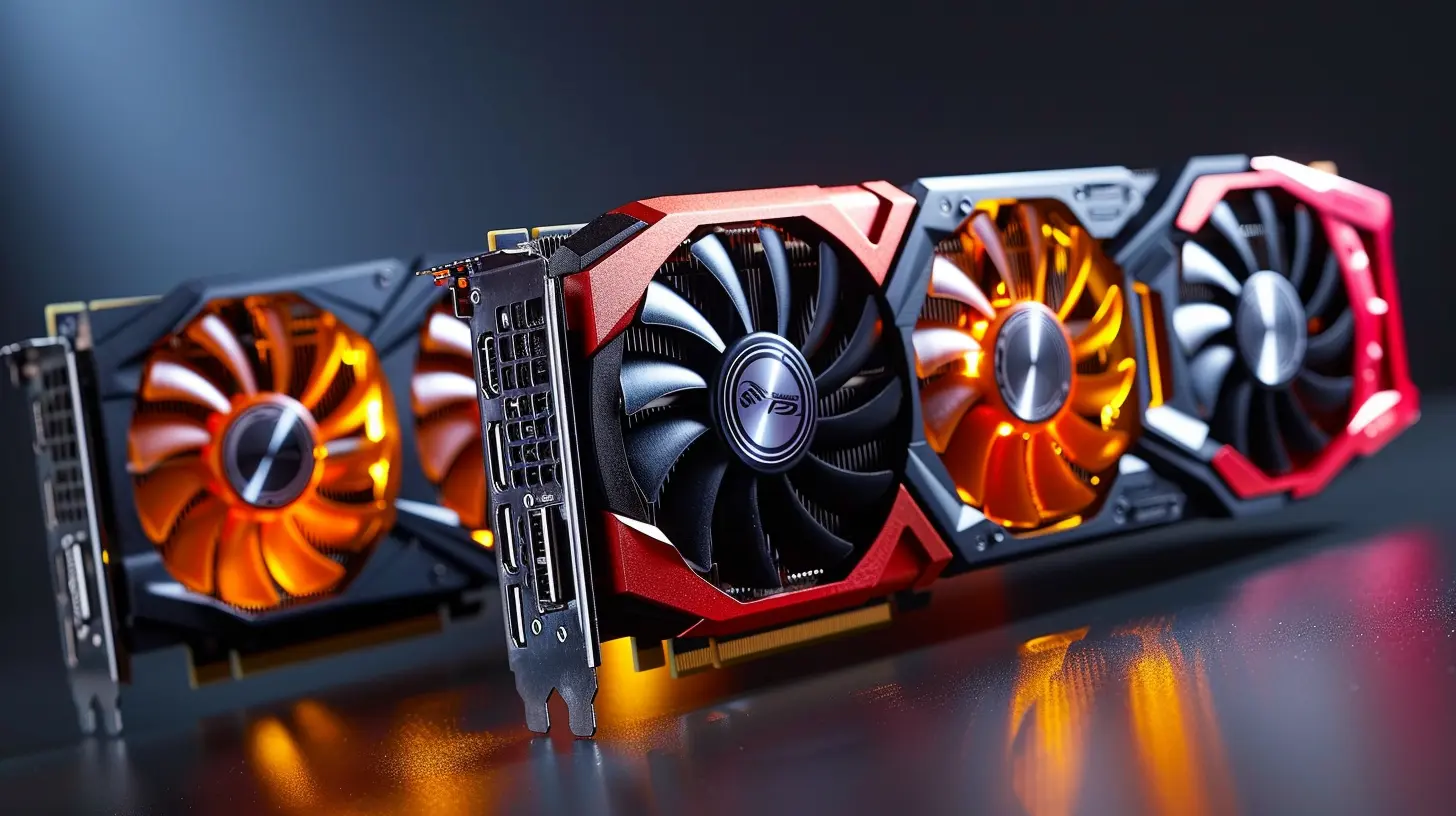
The Role of Heat in GPU Performance
Before we get into the nitty-gritty of cooling systems, it's important to understand why heat is such a big deal for your graphics card. When a GPU processes complex tasks like rendering 3D graphics or running advanced simulations, it generates a lot of heat. This heat, if not properly managed, can lead to severe performance issues.Too much heat impacts your GPU in two main ways:
1. Thermal Throttling:
When your GPU gets too hot, it starts to slow itself down to prevent damage. This is called thermal throttling. Imagine you're running a marathon, and halfway through, your body overheats. What do you do? You start walking or slow down to catch your breath. That's exactly what your GPU does when it gets too hot.
2. Component Degradation:
Over time, excessive heat can degrade the components inside the GPU, reducing its lifespan. This is akin to a car engine overheating repeatedly—eventually, something's going to break.
In short, if your graphics card isn't cooled properly, you're not just risking immediate performance dips but also long-term damage.
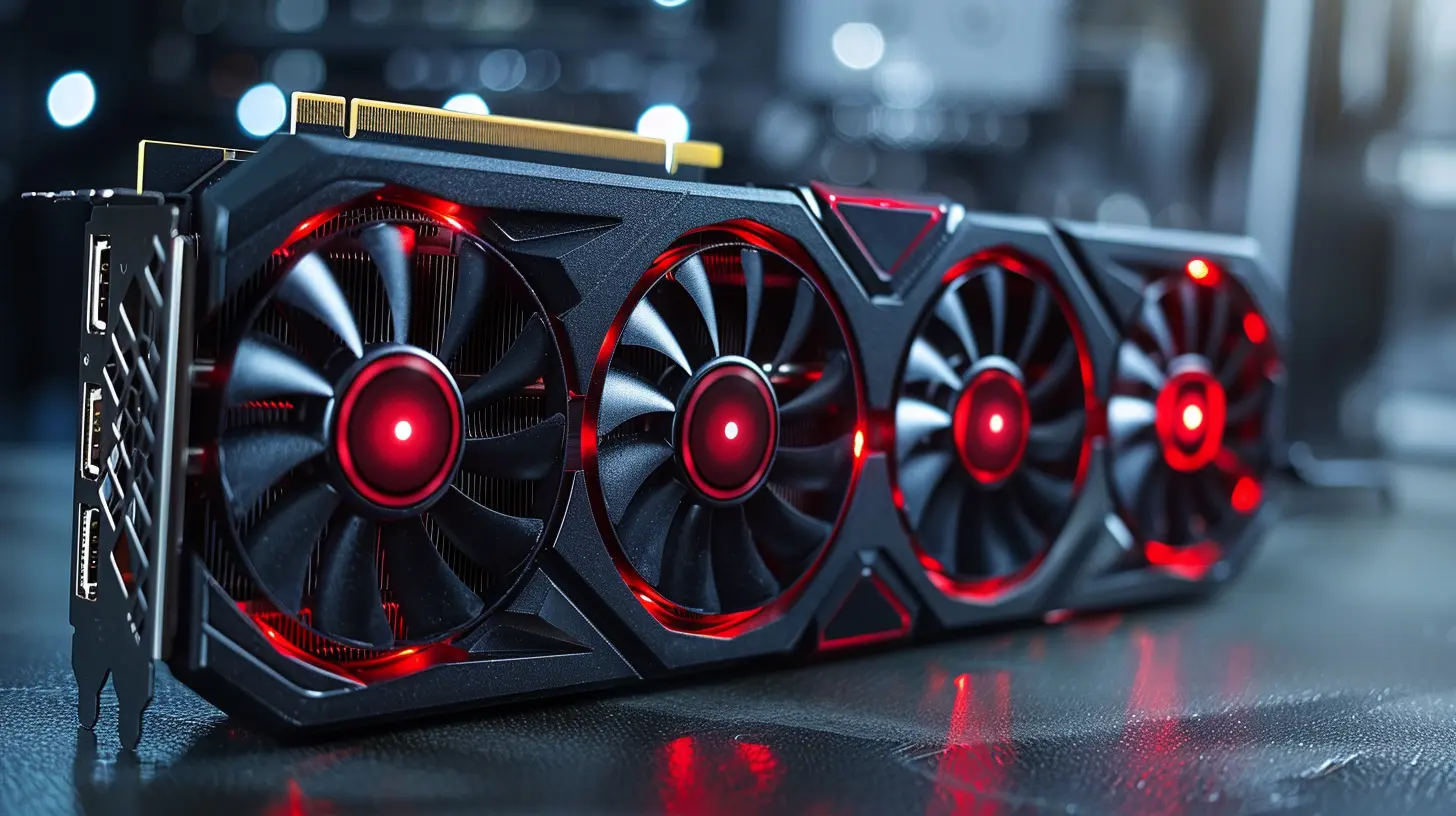
Types of GPU Cooling Systems
Now that we know why cooling is essential, let's talk about the different types of cooling systems available for graphics cards. There are several methods that manufacturers use to keep GPUs cool, and each has its own strengths and weaknesses.1. Air Cooling
Air cooling is the most common and widely used cooling method for graphics cards. It involves a fan (or multiple fans) that blows air across a heatsink, which is a piece of metal designed to absorb and dissipate heat. The heat from the GPU is transferred to the heatsink, and the fan moves that heat away from the card.There are two primary types of air cooling systems:
a) Open-Air Cooling
In open-air cooling, the fans blow air directly onto the heatsink, and the heat is expelled into the PC case. This system relies heavily on good airflow within the case, as the hot air needs to be vented out of the case to avoid heating up other components.#
Pros:
- Generally quieter- More effective if your PC case has good airflow
- More affordable
#
Cons:
- Can heat up other components if case ventilation is poor- Less effective in small or compact cases
b) Blower-Style Cooling
Blower-style cooling systems suck air in from one end of the card and expel it out the back of the case. This type of cooling is great for small or poorly ventilated cases because it doesn’t rely on case airflow as much.#
Pros:
- Ideal for small cases or cases with poor airflow- Keeps other components cooler by expelling heat out of the case
#
Cons:
- Generally noisier- Less efficient at cooling the GPU itself compared to open-air systems
2. Liquid Cooling
Liquid cooling, or water cooling, is a more advanced method that uses liquid (usually water mixed with some form of coolant) to transfer heat away from the GPU. The liquid absorbs the heat from the GPU and then moves it to a radiator, where fans blow the heat away.Liquid cooling is usually seen in high-end gaming rigs or enthusiast builds because it offers superior cooling performance compared to air cooling. However, it’s also more complex and expensive.
#
Pros:
- Extremely efficient at cooling the GPU- Can handle higher thermal loads (great for overclocking)
- Generally quieter than air cooling
#
Cons:
- More expensive- Requires more maintenance (you'll need to check for leaks and refill coolant occasionally)
- Complex setup
3. Hybrid Cooling
As the name suggests, hybrid cooling systems combine both air and liquid cooling. These setups usually feature a closed-loop liquid cooler attached to the GPU, combined with a fan to help dissipate heat. Hybrid cooling systems offer a balance between the efficiency of liquid cooling and the simplicity of air cooling.#
Pros:
- Excellent cooling performance- Less complex than full liquid cooling setups
- Quieter than air-only cooling systems
#
Cons:
- More expensive than air cooling- Still requires some maintenance (though less than full liquid systems)
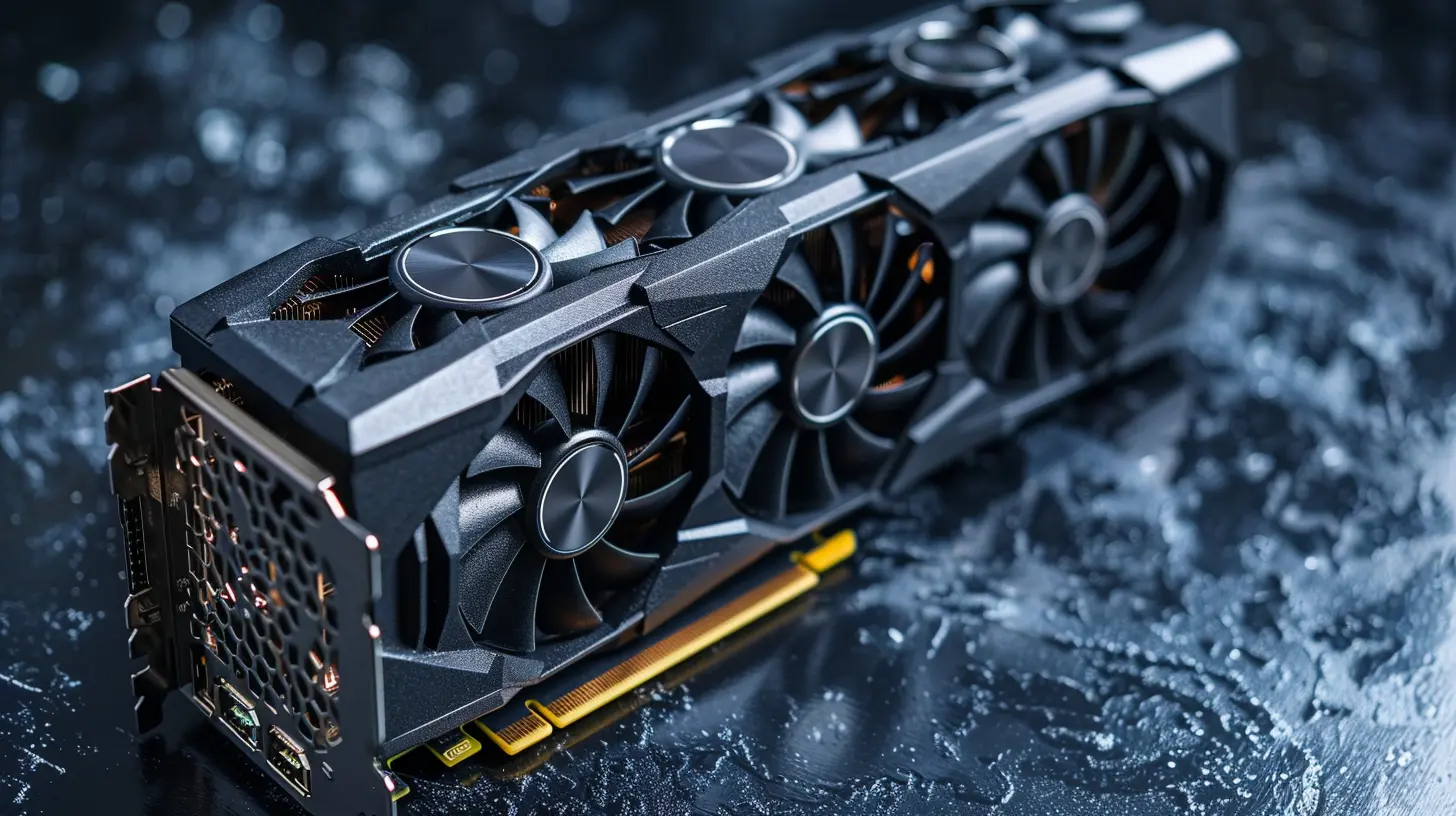
How Cooling Systems Impact GPU Performance
Now that we understand the different types of cooling systems available, let’s talk about how they directly impact your graphics card’s performance.1. Thermal Throttling Prevention
As mentioned earlier, when a GPU gets too hot, it throttles itself to prevent damage. A more efficient cooling system will keep the GPU at a lower temperature, allowing it to run at its full potential for longer periods. If you're a gamer or someone who runs GPU-heavy tasks, an effective cooling system means you’ll get smoother performance, fewer fps drops, and less stuttering.2. Overclocking Potential
Overclocking is the process of pushing your GPU beyond its factory-set limits to get more performance. However, overclocking generates more heat, and without proper cooling, it can lead to instability and thermal throttling. A high-performance cooling system, such as liquid or hybrid cooling, can allow you to safely overclock your GPU without worrying about overheating.3. Longevity of the GPU
A well-cooled GPU will last longer, plain and simple. Excess heat causes wear and tear on the GPU’s internal components, leading to a shorter lifespan. By keeping your GPU cool, you’re essentially extending its life—much like how regular oil changes extend the life of your car’s engine.4. Noise Levels
No one likes a noisy PC, especially if you’re gaming, streaming, or working in a quiet environment. Efficient cooling systems tend to run quieter because they don’t have to work as hard to keep the GPU cool. Liquid cooling, in particular, is much quieter than air cooling because it doesn't rely solely on fans.5. Aesthetic & Build Flexibility
Okay, this one isn’t directly related to performance, but for PC builders and enthusiasts, the aesthetics of your cooling system can be a big deal. Liquid cooling systems, especially custom ones, offer a sleek and clean look that many people prefer. Additionally, hybrid and liquid cooling setups can give you more flexibility in how you arrange your components inside your case, which can help with overall airflow and, by extension, performance.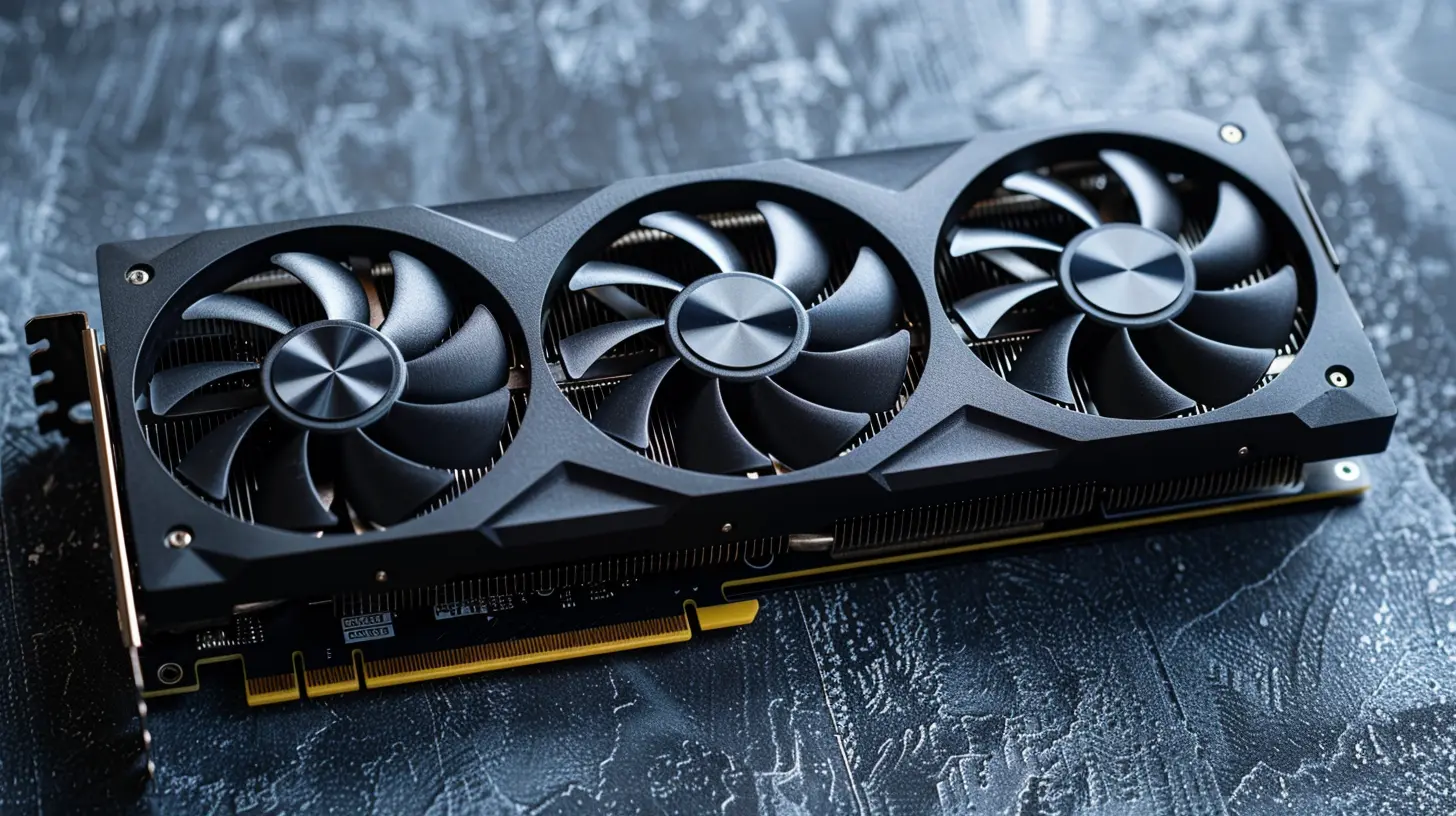
Choosing the Right Cooling System for Your Needs
So, which cooling system is right for you? Well, it depends on your specific needs and how you use your PC. Here’s a quick breakdown:- Casual Gamers/Everyday Users: If you’re a casual gamer or someone who uses their PC for everyday tasks, an air-cooled GPU is probably all you need. Open-air cooling is great if you have good case ventilation, while blower-style cooling is ideal for small or compact builds.
- Enthusiasts/Overclockers: If you’re an enthusiast or someone who likes to overclock their GPU, liquid cooling or hybrid cooling is the way to go. These systems offer superior cooling performance and will allow you to push your GPU to its limits without worrying about overheating.
- Quiet PC Lovers: If noise is a concern, liquid cooling is generally quieter than air cooling. While hybrid systems can also be quieter, make sure to check the specific fans used in the system, as they can vary in noise levels.
Conclusion
At the end of the day, the cooling system in your graphics card plays a critical role in determining how well your PC performs. Whether you’re gaming, rendering, or just trying to keep your hardware running smoothly, having the right cooling setup can make all the difference. From preventing thermal throttling to allowing safe overclocking, a good cooling system ensures you get the most out of your GPU while also extending its lifespan.So, next time you’re upgrading or building a PC, don’t just focus on the GPU specs—consider how it’s cooled. After all, a fast GPU isn’t much good if it’s constantly overheating!
all images in this post were generated using AI tools
Category:
Graphics CardsAuthor:

Pierre McCord