How to Create a Wireless Home Entertainment Setup
28 December 2025
So, you’re tired of the tangled mess of wires behind your TV, right? We've all been there. Between the HDMI cables, speaker wires, router connections, and random chargers—you start feeling like you're stuck in a spiderweb of tech spaghetti. Well, good news: you can toss the clutter, reclaim your space, and still enjoy a killer entertainment experience. Let’s walk you through how to create a wireless home entertainment setup that’s sleek, smart, and seriously impressive.
Why Go Wireless?
Before we dive into the nuts and bolts (or lack of them), let’s chat about why you’d even want a wireless setup. It’s not just about making your living room look prettier—though that’s a solid bonus.Here’s what going wireless gets you:
- ✅ Fewer cables = cleaner, modern look
- ✅ Easy to move or upgrade components
- ✅ Centralized control using your smartphone or voice
- ✅ Better integration with smart home devices
- ✅ Enhanced flexibility for multi-room audio or video
In short, it’s more convenient, more aesthetic, and totally future-forward. Ready to cut the cord? Let’s go.
Figure Out What You Want From Your Setup
First things first—what kind of experience are you aiming for? Do you want theater-quality sound? A Netflix binge station? Whole-home audio that follows you from the kitchen to the bathroom? Your goals will determine the gear.Here are a few questions to ask yourself:
- Do you want surround sound or just stereo audio?
- Will you stream most of your content, or use cable and gaming consoles?
- Are you building this system for one room—or your entire house?
Once you’ve figured out your entertainment priorities, we can start assembling the dream team.
The Core Components of a Wireless Setup
Alright, time to talk hardware. You don’t need a mansion or million-dollar budget to set up a wireless home theater. But knowing what to buy (and why) will keep you from wasting cash on flashy gadgets you’ll never actually use.💻 Smart TV or Streaming Device
Your screen is the centerpiece. These days, most modern TVs come packed with smart features—allowing you to stream Netflix, YouTube, Hulu, and more without plugging in a single box.If your TV is older (but still kicking), grab a streaming device like:
- Chromecast with Google TV
- Roku Streaming Stick
- Amazon Fire TV Stick
- Apple TV 4K
These plug into your HDMI port and connect wirelessly to the internet, turning any dumb TV into a content-savvy machine.
🔈 Wireless Speakers or Soundbar
One of the best upgrades you can make? Audio. TV speakers are... well, let’s just say they’re as exciting as lukewarm toast. A wireless soundbar or speaker system can make movies thunder and music sparkle.Your options:
- Soundbar: Easy to install, plugs right into your TV, and many include a wireless subwoofer.
- Surround sound system: Look for wireless rear speakers for true home-theater vibes.
- Multi-room audio: Sonos, Bose, and Yamaha MusicCast offer seamless connectivity and rich, room-filling sound.
Oh, and by the way—Bluetooth might cut it for casual listening, but Wi-Fi audio systems sound better and sync more reliably across multiple rooms.
🎮 Media Server or Streaming Platform
If you’ve got a big digital media library (think of all those ripped DVDs and digital downloads), you might want to set up a media server. That’s where software like Plex or Kodi comes in. They organize your content and stream it wirelessly to your devices.You can install it on:
- A dedicated NAS (network-attached storage)
- A desktop PC that stays on
- A small form-factor HTPC (home theater PC)
It takes a little extra effort, but for movie buffs and music collectors, it’s totally worth it.
📶 Strong Wi-Fi Network
Let’s not sugarcoat this. A wireless setup lives or dies by the quality of your Wi-Fi. You could have the best soundbar in the world, but if your video buffers every five seconds, it’s game over.What to look for:
- Wi-Fi 6 or Wi-Fi 6E Router: Faster speeds and more stable connections to multiple devices.
- Mesh Wi-Fi System: Covers large homes or tricky layouts without dead zones.
- Ethernet Backhaul Option: For parts of your home where wireless just isn’t cutting it.
Pro tip: Put your router close to your entertainment hub and keep it out in the open—none of that hiding-it-behind-the-sofa business.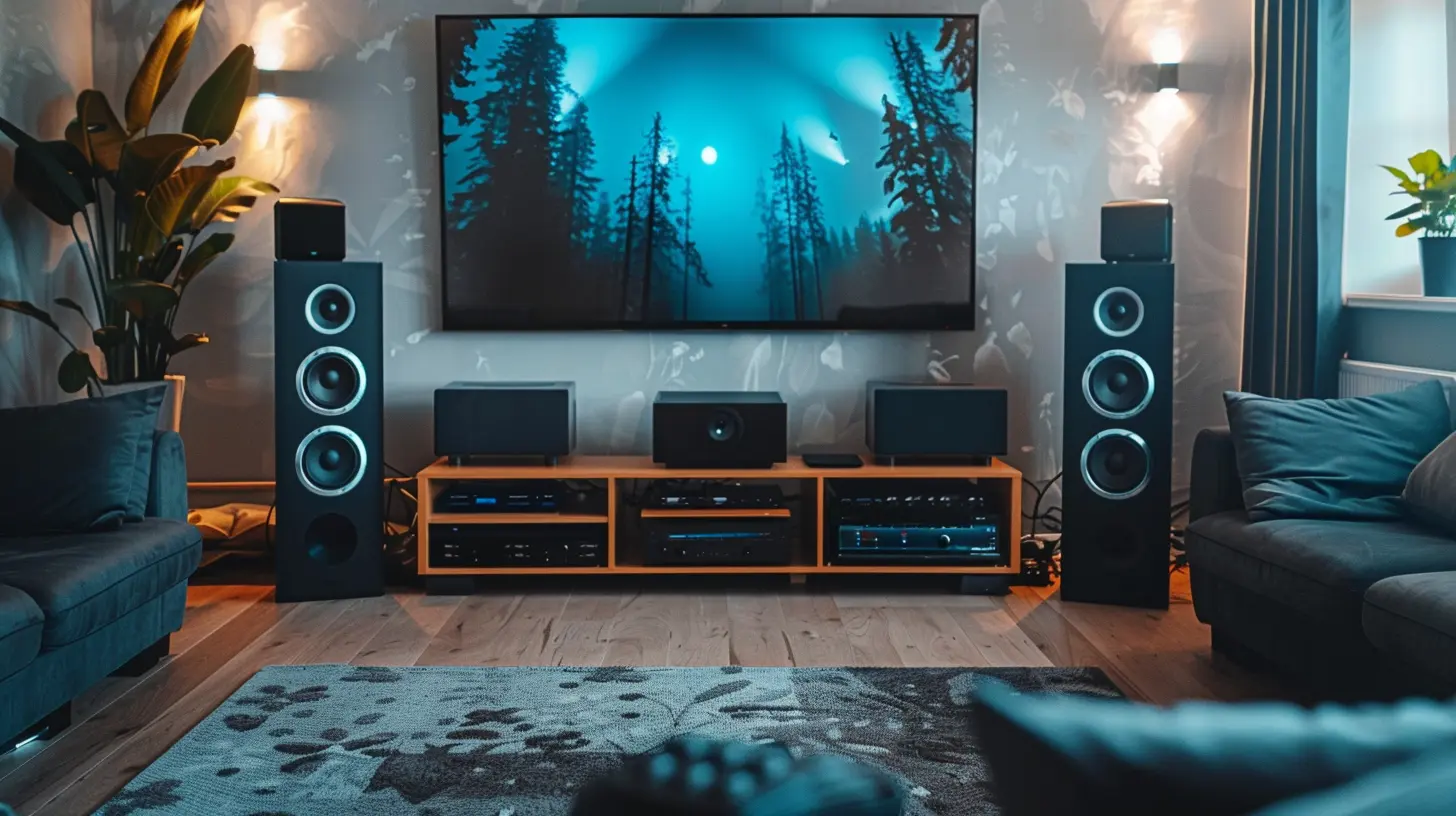
How to Connect It All Without the Cables
Okay, let’s play tech matchmaker. Here's how you bring all your devices together, wirelessly and effortlessly (well, almost).Pairing Your TV and Audio
Most smart TVs can use Bluetooth to pair with wireless soundbars or speakers. But if your soundbar or audio system supports Wi-Fi (and trust us, you want one that does), use that—it’s better for syncing audio and video.Some systems like Sonos or Bose have dedicated apps that walk you through setup. Super straightforward.
Connecting to Your Media Server
Plex and Kodi let you stream content from your media server to your smart TV, phone, or tablet. You can use an app on your TV or a streaming device like Roku to access your library.Bonus: You can also stream remotely—so you can finish that movie on your phone in bed.
Multi-Room Audio Integration
Want your music to follow you around like a loyal golden retriever? Systems like Sonos, Denon HEOS, and Yamaha MusicCast let you sync audio across multiple speakers in different rooms—and control it all from your phone.You can group speakers together, create zones, and switch between playlists in a snap. Smooth.
Kick It Up a Notch With Smart Home Features
Once you’ve got the basics down, it’s time to sprinkle in some smart magic.Voice Control
Nothing feels quite as futuristic as saying, "Alexa, play Top Gun: Maverick in the living room"—and having it just... happen.Compatible devices:
- Amazon Alexa (Echo, Fire TV)
- Google Assistant (Nest Hub, Chromecast)
- Apple Siri (HomePod, Apple TV)
Use them to turn on your TV, adjust volume, play music—you name it.
Smart Lighting for Ambience
Install some smart bulbs or LED strips that sync with your movies or music. Brands like Philips Hue, LIFX, and Govee make this super easy.Imagine watching a horror movie while the lights subtly flicker in sync with the thunderstorm on-screen. It’s next-level immersion.
Common Pitfalls and How to Avoid Them
Let’s be real: tech doesn’t always behave. Avoid these rookie mistakes and save yourself some future headaches.- Weak Wi-Fi signal? Upgrade your router or invest in a mesh system.
- Audio-video not synced? Use Wi-Fi over Bluetooth for better performance.
- Laggy streaming? Use Ethernet for bandwidth-heavy devices like gaming consoles or 4K streamers.
- Too many remotes? Consolidate control with a universal remote app or a smart home hub.
The goal is simplicity—not trading one kind of chaos for another.
Pro Tips for a Flawless Setup
Just a few extra nuggets of wisdom before you start shopping:- Label your devices during setup. Trust me, it’ll save you confusion later.
- Tuck away your router and modem in a media cabinet with ventilation. Out of sight, but not smothered.
- Use cable management clips for the few cables you do need. Make everything look intentional.
- Update firmware regularly. Keeps your system fast, secure, and bug-free.
The Bottom Line
Creating a wireless home entertainment setup isn't just about ditching cables—it's about upgrading your lifestyle. You get cleaner aesthetics, flexible placement, smarter control, and a richer, more immersive experience. And best of all? You don’t need to be a tech wizard to make it happen.Start with a solid smart TV or streaming device, add some wireless speakers, connect your favorite media sources, and power it all with robust Wi-Fi. Sprinkle in some smart features like voice control and ambient lighting, and you've just built the living room of the future.
So, what are you waiting for? Go ahead, cut the cord—your couch deserves better.
all images in this post were generated using AI tools
Category:
Home EntertainmentAuthor:

Pierre McCord
Discussion
rate this article
2 comments
Zinn Navarro
Imagine a world where tangled wires are nothing but a distant memory. As you embark on your wireless home entertainment journey, uncover the secrets to seamless connectivity and immersive experiences. What hidden gems will you discover behind the magic of modern technology? Your ultimate haven awaits—dare to explore?
January 9, 2026 at 3:40 AM
Pierre McCord
Thank you for your comment! Embracing wireless technology truly transforms our entertainment experiences, making connectivity effortless and exploring new possibilities exciting. Let's dive into the magic together!
Riven Bass
Why wrestle with tangled wires when you can go wireless? This guide is your blueprint for transforming chaotic cords into a sleek, high-tech haven. Just remember: while streaming is convenient, a strong Wi-Fi signal is the real MVP. Embrace the future—your living room will thank you!
December 30, 2025 at 4:28 AM
Pierre McCord
Thank you for the great insights! Embracing a wireless setup truly does enhance the entertainment experience. Your living room will feel more organized and modern!