The Best Graphics Cards for Running Multiple GPUs in SLI or CrossFire
5 June 2026
If you're a serious gamer, an enthusiastic content creator, or just someone who loves pushing your system to the limit, running multiple GPUs in SLI (Scalable Link Interface) or CrossFire might be on your radar. But let's be real—it's not as common as it once was, thanks to insane single-GPU performance these days. However, if you're still rocking a multi-GPU setup, you need the best graphics cards that truly shine when paired together.
So, what GPUs are still worth considering for an SLI or CrossFire setup? Let's dive in.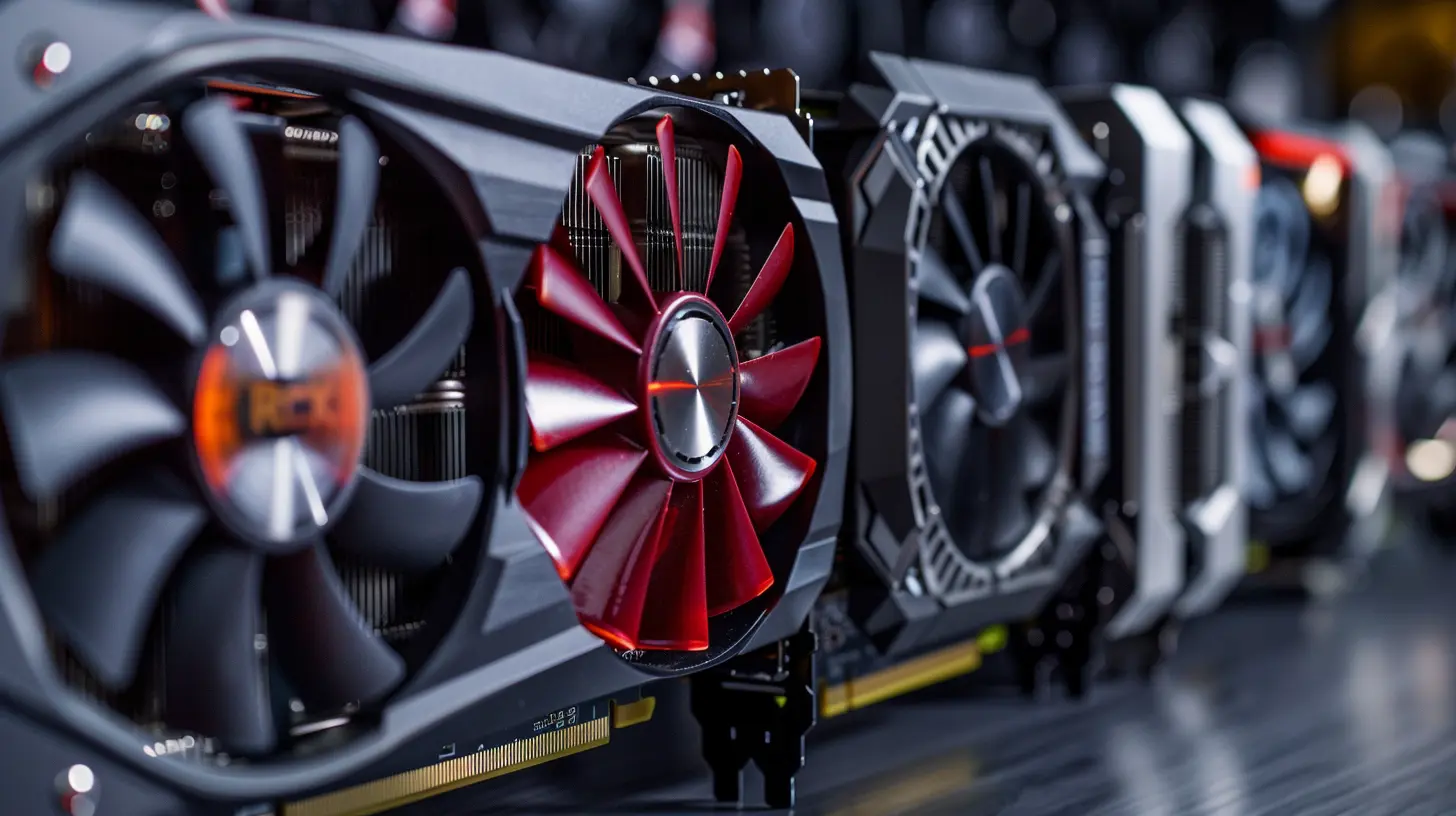
What is SLI and CrossFire?
Before we start listing the best GPUs, let’s clear up what SLI and CrossFire actually do.- SLI (Scalable Link Interface) – Developed by NVIDIA, SLI allows you to connect two or more GPUs to work together for increased performance.
- CrossFire – The equivalent AMD technology that also links GPUs for improved gaming performance.
These technologies were once the holy grail of PC gaming, but support has dwindled over the years. Many modern games and GPUs don’t even support them anymore. However, if you're using older hardware or certain workstation applications that need multiple GPUs, SLI and CrossFire can still be useful.
Why Run Multiple GPUs?
If modern high-end GPUs are already beasts, why bother with multiple cards? Here are some clear advantages:✅ Increased Performance – Running dual (or more) GPUs means your system can handle higher resolutions and frame rates. GPU-intensive tasks like 4K gaming and VR see massive benefits.
✅ Workstation-Level Power – Video editing, 3D rendering, and AI workloads can leverage multiple GPUs for insane performance boosts.
✅ Future-Proofing – If you already own a high-end older GPU, adding another might be more cost-effective than buying a brand-new single card.
But it's not all sunshine and rainbows—software support is a major hurdle today.
The Best Graphics Cards for SLI and CrossFire in 2024
Even though NVIDIA is phasing out SLI, some older models still support it. AMD’s CrossFire is nearly nonexistent in gaming but can still be helpful in workstation tasks.So, let’s go over the best GPUs you can still use for multi-GPU builds.
? 1. NVIDIA GeForce RTX 3090 & RTX 3090 Ti
- SLI Support? ✅ Yes (NVLink)- VRAM: 24GB GDDR6X
- Best For: 4K gaming, AI workloads, 3D rendering
If you’re serious about 4K gaming, deep learning, or 3D rendering, the RTX 3090 & 3090 Ti are your best bets for an SLI setup. They use NVLink, NVIDIA's high-bandwidth bridge that provides much better performance than traditional SLI.
? Why it’s great: Tons of VRAM, insane CUDA core count, and NVLink support make this the last great NVIDIA card for SLI.
? 2. NVIDIA TITAN RTX
- SLI Support? ✅ Yes (NVLink)- VRAM: 24GB GDDR6
- Best For: AI research, deep learning, high-end workstation tasks
The TITAN RTX is a powerhouse that's more common in AI research and deep learning than gaming. While it's expensive, it boasts incredible compute performance and NVLink support, making it a solid option for those needing multiple GPUs for heavy workloads.
? Why it’s great: If price isn’t a concern, this card is the ultimate workstation multi-GPU choice.
? 3. NVIDIA GeForce RTX 2080 Ti
- SLI Support? ✅ Yes (NVLink)- VRAM: 11GB GDDR6
- Best For: Competitive gaming, VR, older multi-GPU setups
The RTX 2080 Ti was a legendary card when it was released. NVLink support makes it viable for multi-GPU gaming—but keep in mind, newer games might not support SLI as well as older titles.
? Why it’s great: If you already own an RTX 2080 Ti, adding another could still provide a solid boost for older SLI-supported games.
? 4. AMD Radeon RX Vega 64 & Vega 56
- CrossFire Support? ✅ Yes- VRAM: 8GB HBM2 (for both)
- Best For: Workstation tasks, gaming (with proper support)
Back when CrossFire was still competitive, the RX Vega 64 & 56 were among the best GPUs for it. While modern AMD cards dropped CrossFire support, Vega-based systems can still take advantage of it in specific workloads.
? Why it’s great: Decent performance per dollar, though gaming support is hit-or-miss.
? 5. NVIDIA GeForce GTX 1080 Ti
- SLI Support? ✅ Yes- VRAM: 11GB GDDR5X
- Best For: Older games, 1440p & 4K gaming
The GTX 1080 Ti was hailed as one of the best GPUs ever made, and SLI support means if you find another one for cheap, you can still squeeze out great performance in older games.
? Why it’s great: One of the last great SLI gaming GPUs before NVIDIA shifted gears.
Things to Consider Before Running SLI or CrossFire
Before you jump into multi-GPU setups, keep these things in mind:❌ Limited Support in New Games – Modern games rarely support SLI or CrossFire. Even if your setup works, you may see little to no real-world performance gains.
⚡ Massive Power Requirements – Running multiple GPUs requires an absolute beast of a power supply. A 1000W+ PSU is often necessary.
? More Heat & Cooling Challenges – Two GPUs generate tons of heat. You’ll need serious airflow or even custom water cooling to keep things from overheating.
?️ Driver & Software Issues – Multi-GPU setups are notorious for driver headaches, microstuttering, and inconsistent performance.
Should You Still Use SLI or CrossFire in 2024?
Honestly? Not really—unless you have a specific workstation use case or love tinkering with older games that still support it.For gaming, the days of SLI and CrossFire are pretty much over. NVIDIA’s NVLink is limited to workstation cards now, and AMD completely abandoned CrossFire.
That said, if you’re in a niche where multiple GPUs still provide advantages (3D rendering, AI research, video production), grabbing the right cards can make a huge difference.
Final Thoughts
While SLI and CrossFire aren't as prominent as they used to be, they still hold value in certain high-performance workloads. If you're just looking for the best gaming experience, it's better to buy one powerful GPU instead of multiple lower-end ones.But if you're determined to run a multi-GPU setup, the RTX 3090, RTX 2080 Ti, and TITAN RTX stand as some of the best last-gen options that still support NVLink.
At the end of the day, SLI and CrossFire might be fading—but for those who know how to take advantage of them, they’re still a fun and powerful option.
all images in this post were generated using AI tools
Category:
Graphics CardsAuthor:

Pierre McCord
Discussion
rate this article
1 comments
Theodora Sanchez
Great insights! This article really highlights the best options for maximizing performance with multiple GPUs. Excited to upgrade my setup now!
July 2, 2026 at 2:24 AM
Pierre McCord
Thank you! I'm glad you found the article helpful. Good luck with your upgrade!