The Future of CRM Is SaaS and Here's Why
5 August 2026
For the better part of two decades, the conversation around customer relationship management software has been stuck in a loop. Someone asks, "Should we move to a cloud-based CRM?" and the answer is usually a cautious, "Well, it depends." That hesitation made sense in 2008. It does not make sense now. The future of CRM is not a debate between on-premise and cloud. The future is SaaS, and the only real question left is how quickly your organization is willing to admit it.
I have spent years watching companies wrestle with this transition. Some moved early and reaped the benefits. Others waited until their legacy systems became a liability so heavy that the migration felt like an emergency rather than a strategy. The pattern is consistent. The excuses are predictable. And the outcome is rarely in doubt.
Let me explain why SaaS has won, not because it is trendy, but because the underlying economics, technology, and user expectations have shifted so fundamentally that the old model no longer makes sense for anyone except a tiny sliver of highly regulated, highly specialized businesses.
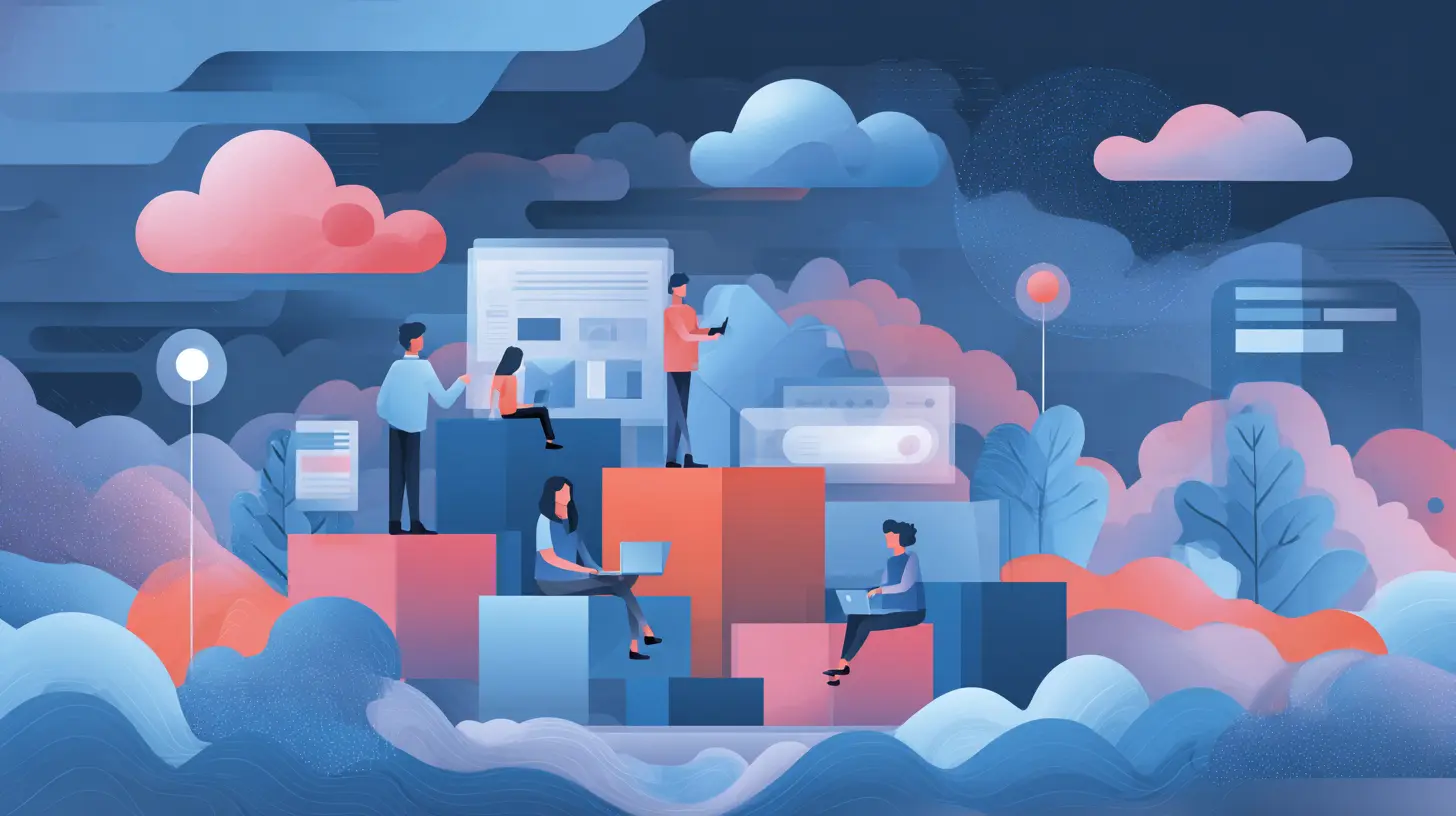
The Shift Is Not About Software. It Is About Ownership.
The biggest misconception about SaaS CRM is that it is simply a different way to license the same product. That is wrong. The difference is not in the delivery mechanism. It is in who owns the problem.When you buy an on-premise CRM, you are buying a piece of software and a pile of obligations. You own the servers, the backups, the security patches, the uptime, the disaster recovery plan, and the midnight phone calls when something breaks. You also own the upgrade cycle, which means you will eventually be forced to pay for professional services to move from one version to the next, often at a cost that rivals the original license.
A SaaS CRM flips that arrangement. The vendor owns the infrastructure, the maintenance, the security monitoring, and the continuous improvement. You pay for outcomes, not hardware. That sounds obvious, but the implications are deeper than most people realize.
When the vendor owns the infrastructure, they are incentivized to keep it running. Their entire business model depends on your renewal. That means they invest in redundancy, load balancing, and security in ways that a mid-sized company simply cannot match. A company with 200 employees does not have a dedicated security team monitoring intrusion attempts 24/7. A SaaS vendor with thousands of customers does. That is not a knock on internal IT teams. It is a recognition of scale.
The practical result is that your CRM becomes more reliable, more secure, and more current than it ever was when you hosted it yourself. And you get that without hiring a single additional administrator.
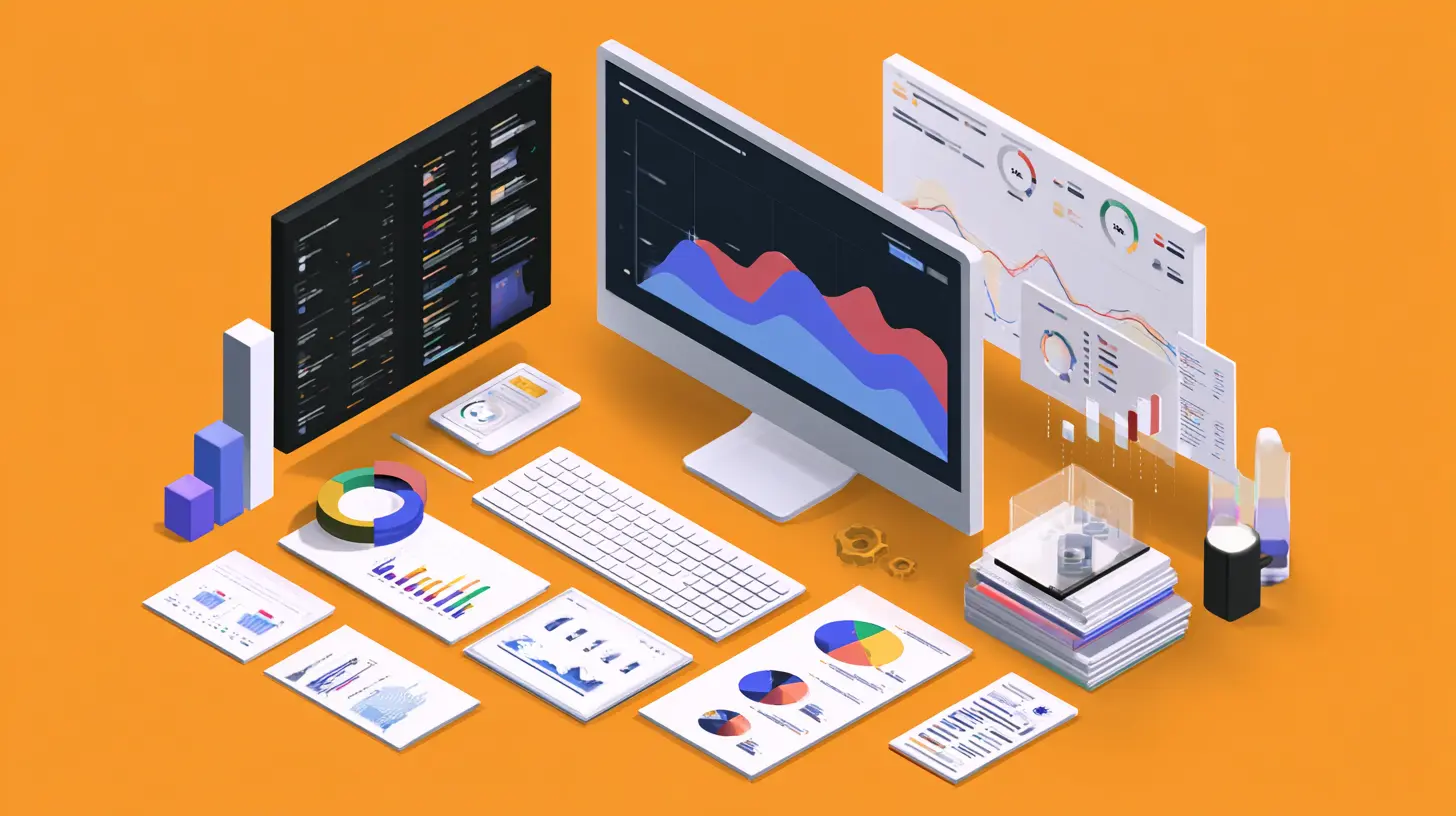
Why the Total Cost of Ownership Argument Is Over
The old argument against SaaS was cost. The logic went like this: over five years, subscription fees add up to more than a perpetual license, so on-premise is cheaper in the long run. That math was always a little dishonest, because it ignored the hidden costs of running your own system.Let me walk through what those hidden costs actually look like.
First, there is hardware. You need servers with enough capacity for peak load, not average load. That means you are paying for computing power you will only use a few days a month. Second, there is storage. CRM data grows. It grows faster than anyone expects. You will need to buy more disk, then more backup capacity, then more disaster recovery space. Third, there is the database administrator. Someone has to tune the database, manage indexes, and troubleshoot performance issues. That person costs anywhere from eighty to a hundred and fifty thousand dollars a year, and they are not spending all their time on your CRM.
Then there is the upgrade cycle. On-premise CRM vendors release new versions. You ignore them for a while because upgrades are painful and risky. Then you fall so far behind that the vendor stops supporting your version. Now you are facing a forced migration that requires consultants, testing, and user retraining. That project will cost more than three years of SaaS subscription fees.
When you add all of that up, the five-year total cost of ownership for on-premise is almost always higher than SaaS, often by a significant margin. The only way on-premise wins is if you ignore the cost of your own people's time, which is exactly what many financial models do.
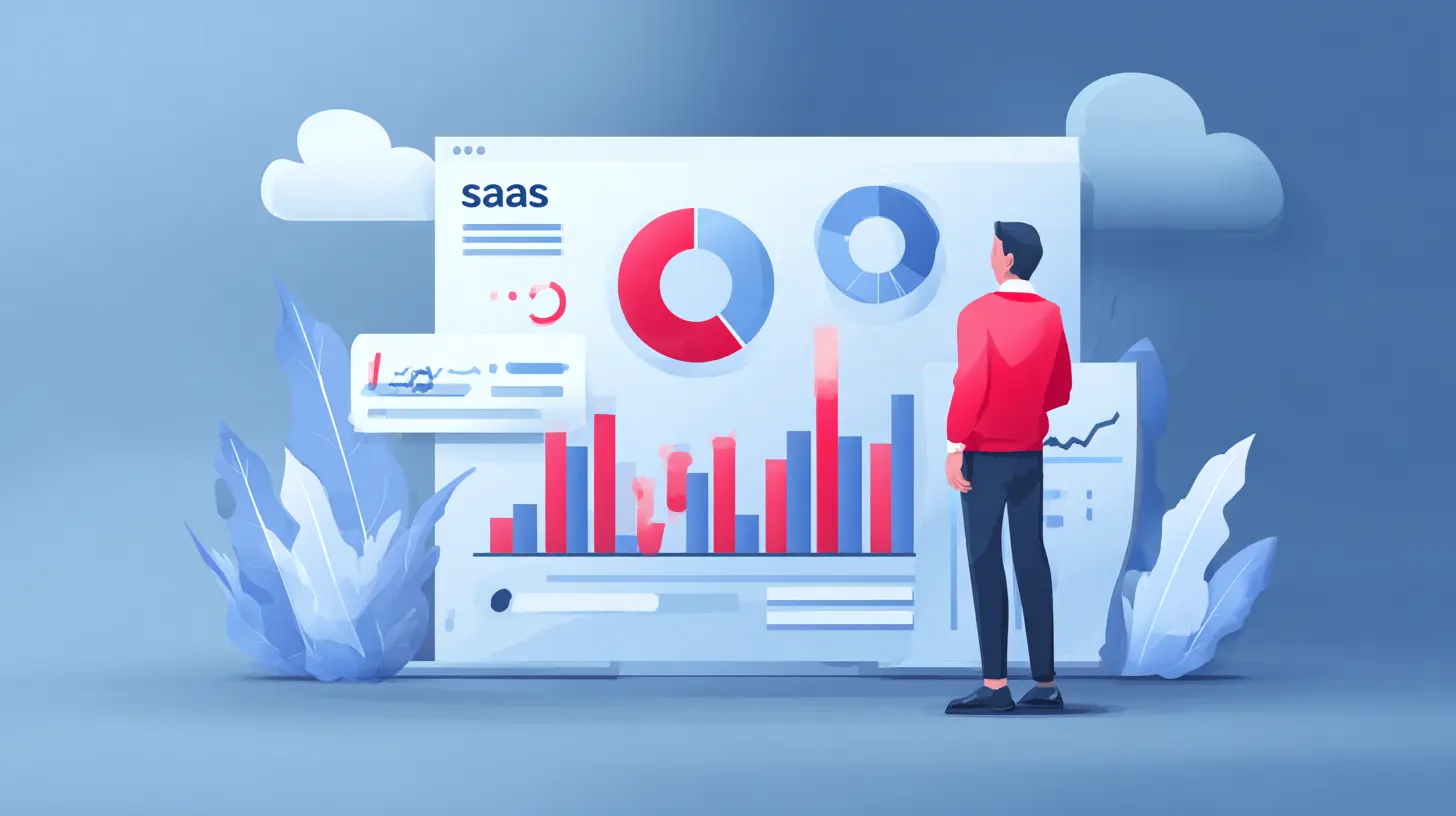
The Real Advantage: Continuous Delivery
Here is something that does not get enough attention. SaaS CRM is not a static product. It is a living system that changes every week.Traditional software releases happened once or twice a year. You waited for the big launch, hoped the new features were useful, and then spent months convincing users to adopt them. With SaaS, the vendor pushes updates continuously. Some are small fixes. Some are major new capabilities. But the key point is that you get them automatically, without a project plan, without a change advisory board, and without a weekend migration.
This changes the relationship between your business and your software. Instead of making a case for a new feature and waiting for the next release cycle, you simply find out that the feature exists and start using it. The speed of innovation becomes a competitive advantage, not a vendor talking point.
I have seen this play out in real companies. A sales operations manager discovers that the CRM now has native AI-powered lead scoring. She turns it on in an afternoon. Within a week, the sales team is prioritizing different accounts. Within a month, conversion rates improve. None of that would have happened with an on-premise system, where the same feature would have required a business case, a budget approval, and a six-month implementation.
That is the real reason SaaS wins. It compresses the time between recognizing a need and addressing it.
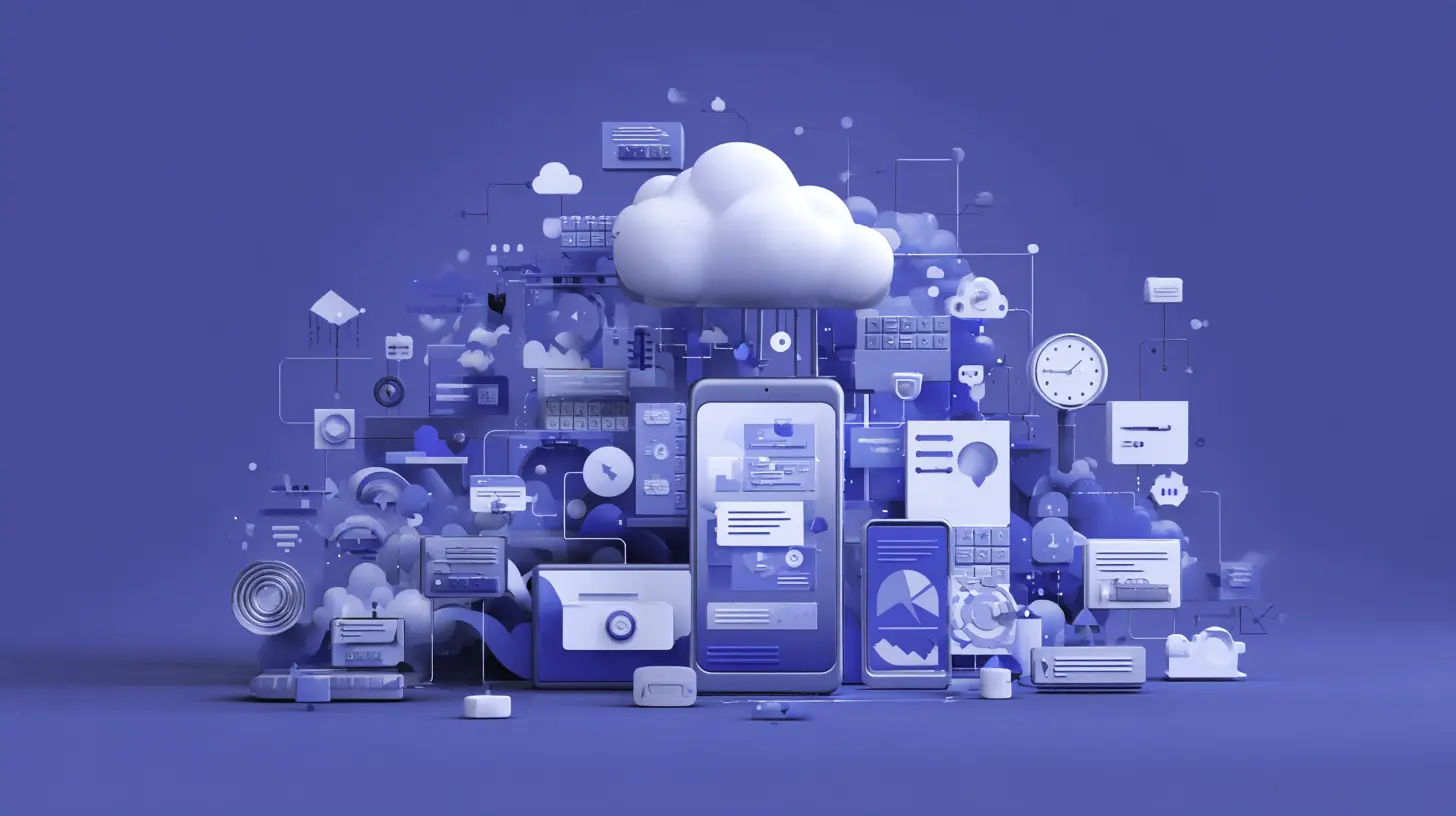
Integration Is the New Battlefield
CRMs do not exist in a vacuum. They sit at the center of a web of other tools: marketing automation, customer support, billing, e-commerce, and data warehouses. The value of a CRM is directly proportional to how well it connects to everything else.SaaS CRMs have a massive advantage here because they were built for integration from day one. They expose APIs, support webhooks, and have pre-built connectors for hundreds of other SaaS products. The modern integration approach is not about writing custom code to synchronize two databases. It is about using iPaaS tools like Zapier, Workato, or Tray.io to connect systems in a few clicks.
An on-premise CRM, by contrast, sits behind your firewall. Connecting it to cloud-based tools requires VPNs, open ports, and custom middleware. Every integration becomes a mini-project. Every project requires someone to maintain it. Over time, the integration backlog grows, and your CRM becomes an island.
The practical consequence is that companies using SaaS CRMs can build a connected customer data ecosystem much faster. They can sync leads from their website to their CRM, trigger follow-up emails from their support tool, and send real-time updates to their data warehouse. The whole system moves at the speed of the fastest tool, not the slowest one.
The Misconception About Customization
A common objection I hear is that SaaS CRMs are less customizable than on-premise systems. People say, "We have unique processes, so we need a system we can modify at the code level."That objection is based on a misunderstanding of what customization actually delivers.
On-premise CRMs allowed deep customization, but that customization came with a price. Every custom field, every modified screen, every bespoke workflow made the next upgrade harder. I have seen companies run ten-year-old versions of a CRM simply because they could not afford to reapply all their customizations to a new release. They were trapped by their own improvements.
Modern SaaS CRMs, especially the leading platforms, offer a different kind of flexibility. They have no-code configuration tools that let you build custom objects, fields, layouts, and workflows without touching the underlying code. They also support custom code through server-side functions and client-side scripts when you genuinely need something beyond the standard configuration.
The trade-off is real, though. If your business process is so unusual that it requires modifying the core data model in ways the vendor does not support, then a SaaS CRM will feel restrictive. But in my experience, that situation is rare. Most companies that demand deep customization are actually just trying to automate a process that is inefficient in the first place. A SaaS CRM forces you to align with industry best practices, which is often a good thing, even if it feels uncomfortable at first.
Security: The Fear That Keeps Companies Behind
The most persistent argument for on-premise CRM is security. The thinking goes like this: if our data is in our own data center, it is safer.That logic was understandable fifteen years ago. It is indefensible now.
SaaS vendors have security teams, compliance certifications, and audit trails that would be impossibly expensive for most companies to replicate. They undergo SOC 2 audits, ISO 27001 certifications, and GDPR compliance reviews. They hire penetration testers to attack their own systems. They monitor for threats around the clock.
Your internal IT team, no matter how talented, does not have those resources. They are also managing helpdesk tickets, onboarding, and the network. Security is one of many responsibilities, not their sole focus.
There is also the physical security angle. Your data center is a room in your office or a rack in a colocation facility. The SaaS vendor's data center has biometric access controls, redundant power, and armed guards. If you are honest about the threat model, the SaaS vendor is almost certainly the safer choice.
That said, there are legitimate concerns about data sovereignty and regulatory compliance. If you operate in a jurisdiction that requires data to remain within national borders, you need a vendor that offers local data residency. Most major SaaS CRMs do offer regional hosting options. The answer is not to avoid SaaS. The answer is to choose a vendor that can meet your compliance requirements.
The AI Factor That Changes Everything
We cannot talk about the future of CRM without talking about artificial intelligence. And this is where SaaS has an insurmountable advantage.AI in CRM is not a single feature. It is a layer of intelligence that affects every part of the system. It scores leads, predicts churn, suggests next best actions, drafts emails, and summarizes customer interactions. But to do any of that well, the AI needs massive amounts of data from across the vendor's entire customer base.
A SaaS vendor can train its AI models on millions of interactions across thousands of companies. That gives them the data volume needed to build accurate predictive models. An on-premise system can only learn from your data, which is a tiny sample size. The result is that SaaS AI will always be smarter, more accurate, and more useful than anything you could build internally.
This is not hypothetical. The leading SaaS CRMs already have AI features embedded in their core product. They are not add-ons that require a data science team to implement. They are toggles that you switch on. That is the future, and it is already here.
The implications are significant. Companies using on-premise CRM will find themselves at a competitive disadvantage not because their software is slower, but because it is dumber. Their sales reps will still be manually entering data and guessing which leads to call, while their SaaS-using competitors are guided by predictive analytics.
When On-Premise Still Makes Sense
I said earlier that the answer is almost always SaaS. But "almost" is doing a lot of work there. There are a few scenarios where on-premise is still the right call.The first is when you operate in a heavily regulated industry where data cannot leave your physical premises for reasons beyond standard compliance. Think defense contracting, certain government agencies, or organizations handling classified information. In those cases, the regulatory burden is so high that the cost and complexity of SaaS is not worth it.
The second is when you have a genuinely unique business process that the SaaS vendor cannot support, and you have the engineering resources to build and maintain custom functionality. This is rare, but it exists. If your CRM is not just a tool but a core part of your proprietary product, then you might need the control that only on-premise provides.
The third is when you have a legacy integration so deeply embedded that the migration cost would be genuinely prohibitive. This is usually a short-term justification, though. The longer you wait, the more embedded that integration becomes, and the harder the eventual migration will be. Delay is not a strategy.
For everyone else, the decision is clear. SaaS is the future, and the future is now.
Practical Advice for Making the Move
If you are convinced and ready to move to a SaaS CRM, here is some practical advice based on what I have seen work and fail.First, do not start with a feature comparison. Start with your sales process. Write down how your team actually sells from first contact to closed deal. Then map that process to the SaaS CRM's standard workflow. The more you can align with the tool's native model, the smoother your implementation will be.
Second, plan for data migration carefully. Your old CRM has years of dirty data: duplicate contacts, outdated statuses, and incomplete records. Clean it before you move. The SaaS CRM is not going to fix your data quality problems. It will just make them more visible.
Third, budget for change management. The software is the easy part. Getting your sales team to actually use it is hard. You need a champion inside the team, not just in IT. You need training that is specific to how your team works, not generic videos from the vendor. And you need leadership to model the behavior. If the VP of Sales does not use the CRM, no one will.
Fourth, start with a pilot. Pick one team, one region, or one product line. Implement the SaaS CRM for that group first. Work out the kinks. Measure the results. Then roll out to the rest of the organization. This approach reduces risk and gives you a success story to share internally.
Fifth, do not over-customize on day one. Use the standard configuration for at least the first quarter. Get people comfortable with the system. Then start adding custom fields and workflows based on real feedback, not hypothetical needs.
The Cost of Waiting
There is a cost to staying on an on-premise CRM that does not show up on a balance sheet. It is the opportunity cost of every feature you do not have, every integration you cannot build, and every hour your team spends on manual tasks that a modern SaaS system would automate.Your competitors are not waiting. They are already using AI to score leads while you are still exporting data to spreadsheets. They are automatically logging emails while your team is copying and pasting. They are getting real-time dashboards while you are waiting for the nightly batch job to finish.
The gap is not going to close. It is going to widen. Every year you wait, the migration becomes harder, the data becomes messier, and the competitive disadvantage becomes more pronounced.
A Final Word on the Human Element
Technology is only part of the story. The other part is human. Salespeople resist change. Administrators fear losing control. Executives worry about making a mistake that costs them their credibility.Those feelings are valid. But they should not drive the decision.
The future of CRM is SaaS because it aligns the interests of the vendor and the customer in a way that on-premise software never could. The vendor succeeds only when you succeed. They are motivated to keep improving the product, to keep it secure, and to keep you happy. That alignment is the real reason SaaS wins.
The software is just the vehicle. The future is in the relationship.
all images in this post were generated using AI tools
Category:
Saas ToolsAuthor:

Pierre McCord
Discussion
rate this article
1 comments
Bradley Monroe
SaaS shines, future bright.
August 5, 2026 at 3:21 AM