Top Graphics Cards for 3D Modeling and Animation Workflows
17 June 2026
If you're diving into the world of 3D modeling and animation, there’s something you’ll quickly realize — not all graphics cards are created equal. You can have the fastest CPU, loads of RAM, and a killer SSD, but if your GPU can't pull its weight, your rendering times will crawl, your real-time previews will lag, and your entire workflow will feel like a nightmare.
Whether you're a Maya master, Blender buff, or Cinema 4D wizard, your graphics card is the unsung hero powering all those complex vertex manipulations and real-time shaders. So, let’s cut through the marketing jargon and get serious about what really matters when picking the right graphics card for 3D modeling and animation workflows.
Why the GPU Matters So Much in 3D Workflows
First things first: why is the GPU such a big deal?Well, in 3D modeling and animation, you're constantly dealing with large datasets — high-poly meshes, complex textures, lighting, physics simulations — the works. While CPUs are great at handling general-purpose tasks, GPUs are like thousands of tiny workers that can crunch numbers in parallel, which is something 3D tasks love.
Imagine your CPU is a single brilliant artist painting a masterpiece—slow and steady. Your GPU? It's like a stadium full of artists each painting a section at the same time. Which one finishes first? Yep, you guessed it.
Key Features to Look For in a GPU for 3D Workflows
Before we get to the list, let’s break down what to look for.- VRAM (Video RAM): The more, the merrier. If you’re pushing 4K textures or working with complex particle systems, you’ll need at least 8GB. For professional work, 12GB+ is ideal.
- CUDA Cores / Stream Processors: Think of these as the muscles of the GPU. More cores generally mean better parallel processing, especially in NVIDIA cards.
- Ray Tracing Cores: These are handy for real-time lighting and reflections in supported software.
- Driver Support: A lot of pro software like Autodesk products or OctaneRender work better with NVIDIA due to better driver optimization.
- Cooling and Form Factor: Don’t ignore this. A GPU that overheats or doesn’t fit in your case is a non-starter.
Alright, now that we’ve set the stage, let’s get into the heart of the matter.
1. NVIDIA RTX 4090 — Absolute Beast for High-End 3D Workloads
If money’s no object and you want the absolute best, the NVIDIA RTX 4090 is the undisputed king of the hill.- VRAM: 24GB GDDR6X
- CUDA Cores: 16,384
- Ray Tracing Cores: Yes (3rd Gen)
- Best For: Unreal Engine, Blender Cycles, V-Ray, OctaneRender
This card is ridiculously powerful. It handles real-time viewport rendering like it’s nothing and chews through rendering tasks that used to take hours in a matter of minutes. It’s ideal for animation studios, freelancers working on large projects, and anyone dabbling in photorealistic rendering.
Is it overkill for beginners? Probably. But if you're planning to eventually scale up your projects or work with complex simulations, this GPU future-proofs your setup.
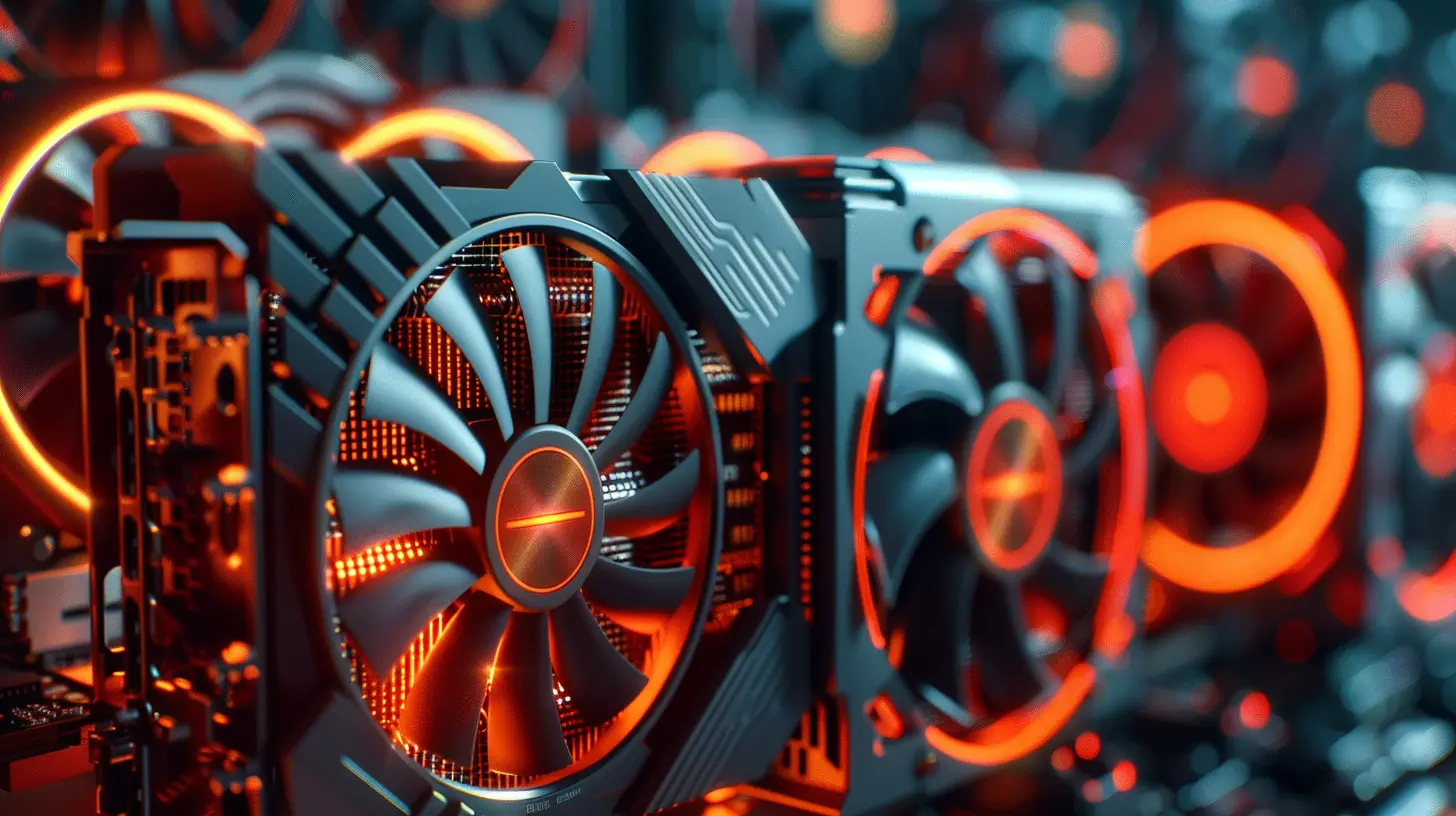
2. NVIDIA RTX 4080 — Sweet Spot Between Power and Cost
Still high-end, but a little friendlier on your wallet.- VRAM: 16GB GDDR6X
- CUDA Cores: 9,728
- Ray Tracing Cores: Yes
- Best For: Blender, Maya, 3ds Max
The RTX 4080 provides fantastic performance in modeling and animation software, especially when using multiple 4K textures or scenes filled with particles and physics. It doesn’t quite match the 4090, but honestly, it gets close — and at a significantly lower price point.
This is the card that says, “Hey, I’m serious about 3D work, but I’m not selling a kidney for it.”
3. NVIDIA RTX 4070 Ti — Upper Mid-Range With Solid Performance
The 4070 Ti offers great value for small studios or solo creators who work on moderately complex scenes.- VRAM: 12GB GDDR6X
- CUDA Cores: 7,680
- Ray Tracing Cores: Yes
- Best For: SketchUp, Blender (Eevee/Cycles), Marvelous Designer
If you’re working on architectural visualization, product design, or character animation, this GPU can handle it like a pro without torching your budget. It’s especially good for those focused on real-time preview rendering over final-frame photoreal output.
4. AMD Radeon RX 7900 XTX — A Powerful Alternative to NVIDIA
Not an NVIDIA fan? AMD has stepped up big time with the RX 7900 XTX.- VRAM: 24GB GDDR6
- Stream Processors: 6,144
- Ray Accelerators: Yes (RDNA 3 Architecture)
- Best For: Blender, Houdini, After Effects
This card is a great pick if you’re more aligned with open-source tools or software that doesn't rely heavily on CUDA architecture. The 24GB VRAM gives it a huge leg up for large scenes, and it generally costs less than NVIDIA's top-tier cards.
Just a heads-up: if your workflow involves CUDA-accelerated rendering engines (like Octane or Redshift), you might hit a wall with AMD cards.
5. NVIDIA RTX A6000 — The Professional’s Choice
This one’s not for the hobbyist. The RTX A6000 is a workstation-grade GPU designed for serious production environments.- VRAM: 48GB GDDR6 ECC
- CUDA Cores: 10,752
- Ray Tracing Cores: Yes
- Best For: Hollywood-level VFX, complex CAD, simulation-heavy workflows
This monster card is what studios use when working on feature films or AAA games. It’s overkill for most people, but if you’re doing simulation-based rendering or using datasets that make other cards vomit, the A6000 keeps its cool.
6. NVIDIA RTX 3060 — Budget-Friendly Yet Competent
Surprised to see the 3060 on the list? Don’t be. It’s a fantastic entry-level card for 3D artists just starting out.- VRAM: 12GB GDDR6
- CUDA Cores: 3,584
- Ray Tracing Cores: Yes
- Best For: Blender, ZBrush, low-poly work, students
If you’re a beginner or on a tight budget, this card can still get the job done. Just don’t expect it to handle complex simulations or 8K textures with ease. For modeling, sculpting, and light animation work? It’s surprisingly capable.
7. NVIDIA RTX 3090 — Last Gen, But Still a Heavy Hitter
Even though the RTX 40-series is out, don’t overlook last-gen powerhouses.- VRAM: 24GB GDDR6X
- CUDA Cores: 10,496
- Ray Tracing Cores: Yes
- Best For: Video editing, 3D rendering, multitasking
The RTX 3090 offers massive VRAM and performance that still holds up in 2024. And now that it’s slightly “older,” you might even find a good deal. If you’re juggling between rendering, compositing, and editing, this multitasking monster has your back.
NVIDIA vs. AMD — The Eternal Debate for 3D Artists
You might be wondering — should you go NVIDIA or AMD?Here’s the gist: NVIDIA cards are generally better supported across most 3D applications. CUDA cores are a huge deal for rendering engines like Octane, Redshift, Arnold, and V-Ray. So if you're using any of those, NVIDIA is a safer bet.
AMD has come a long way, and the RX 7900 XTX is a legit contender. But you'll need to be sure that your software fully supports it, especially if you're getting deep into GPU-based rendering.
Real-Time vs. Offline Rendering — What’s Your Priority?
Ask yourself this — are you doing mostly real-time work (like game design or motion graphics previews)? Or is your workflow more about final-frame, high-quality renders?- For real-time workflows, focus on GPUs with higher clock speeds and good viewport performance. Cards like the RTX 4070 Ti are great here.
- For offline rendering, where the goal is quality over speed (like architectural visualization or VFX), go for more VRAM and CUDA cores — think RTX 4090 or A6000.
Don’t Forget About Software Compatibility
Your GPU might be a beast, but if it’s not playing nice with your software, you’re in for a world of frustration. Always check compatibility with your preferred tools. Here's a quick cheat sheet:| Software | Best With GPUs |
|-----------------|----------------------------|
| Blender (Cycles)| NVIDIA (CUDA, OptiX) |
| Maya | NVIDIA |
| Cinema 4D | NVIDIA |
| Houdini | Both, but NVIDIA preferred |
| Unreal Engine | Either (depends on use) |
| OctaneRender | Strictly NVIDIA (CUDA) |
| Redshift | NVIDIA preferred |
Final Thoughts
There’s no one-size-fits-all GPU for 3D modeling and animation. What works for a beginner Blender artist might not cut it for a studio pumping out AAA game cinematics. Your budget, software, and workflow all play a role in finding the best GPU.But here's the truth — investing in a solid graphics card isn't just about speeding things up, it's about unlocking creative freedom. With the right GPU, you're not limited by lag, bottlenecks, or crashes. You're limited only by your imagination.
So whether you’re just starting out or you're deep into character rigs and particle simulations, choose a GPU that lets your creativity thrive.
all images in this post were generated using AI tools
Category:
Graphics CardsAuthor:

Pierre McCord
Discussion
rate this article
1 comments
Nix McBride
In a world where pixels become reality, the right graphics card can unlock hidden potential. Each choice is a key to a new dimension of creativity, waiting to be explored. Which card will elevate your 3D modeling and animation game? The answer might surprise you... or lead you down an unexpected path.
June 28, 2026 at 3:53 AM
Pierre McCord
Great point! The right graphics card truly can transform your workflow. It's all about finding that perfect match for your creative vision.