Gaming Laptops with the Best Cooling for Extended Play Sessions
17 December 2025
Gaming laptops pack serious power, but that power generates heat—and lots of it. If you're an avid gamer, you know how frustrating it is when your laptop overheats, throttles performance, or worse, crashes mid-game. That’s why choosing a gaming laptop with an exceptional cooling system is crucial.
But how do you know which laptops keep their cool under pressure? Well, you're in the right place. We'll dive into some of the best gaming laptops with top-tier cooling solutions designed for extended play sessions, so you can game harder, longer, and without interruptions.
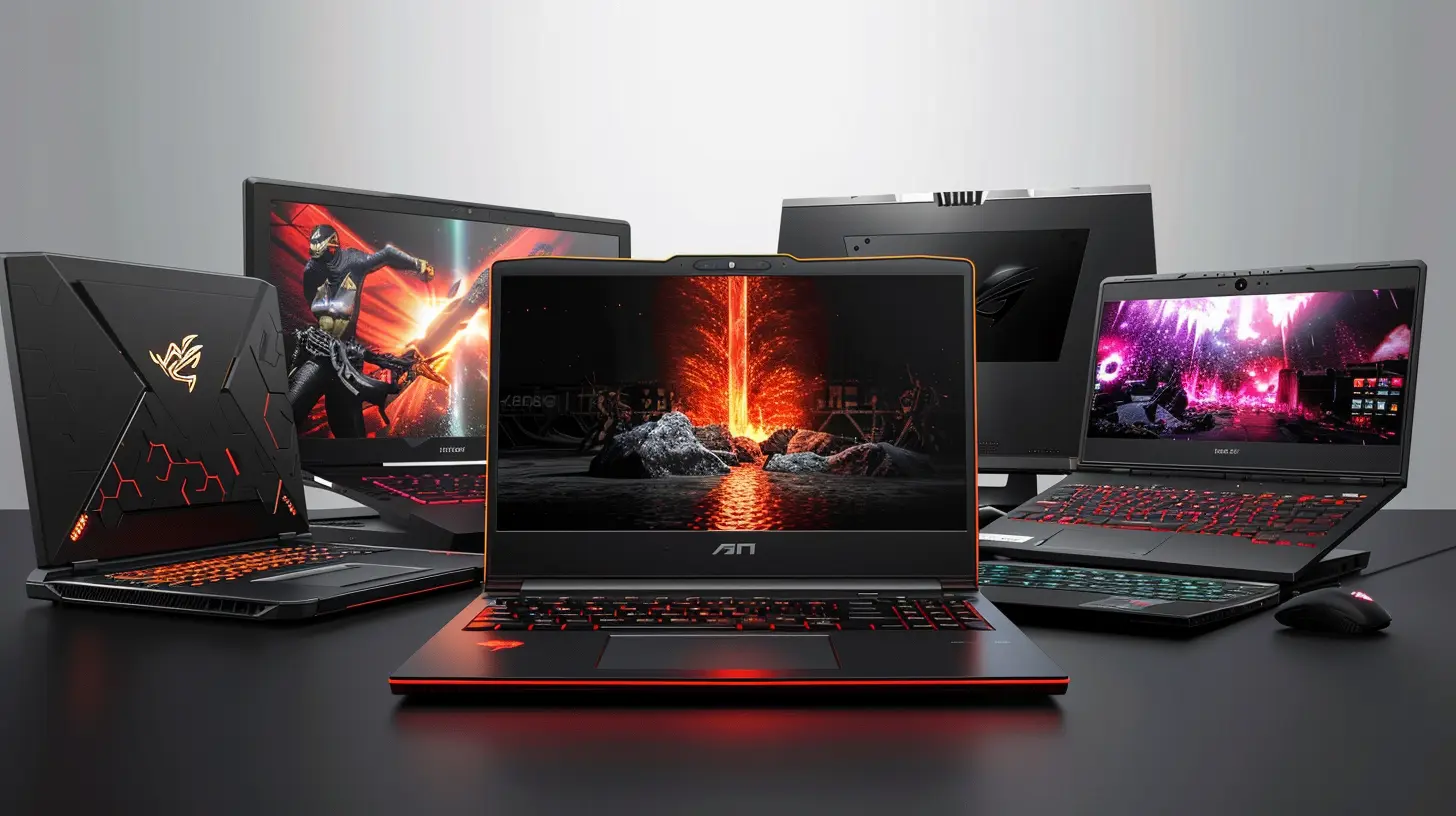
🔥 Why Cooling Matters in Gaming Laptops
Gaming laptops house high-performance CPUs and GPUs that generate intense heat, especially during long gaming sessions. Without proper cooling, laptops can suffer from thermal throttling—where the system reduces clock speeds to prevent overheating. This leads to:- Lower FPS (Frames Per Second) – Your game might stutter or lag.
- Reduced Lifespan – Heat is a major killer of internal components.
- Louder Fans – A weak cooling system will rev up fans, making them unbearably noisy.
A well-cooled gaming laptop ensures maximum performance, reliability, and a quieter gaming experience. Now, let’s check out some of the best options available. 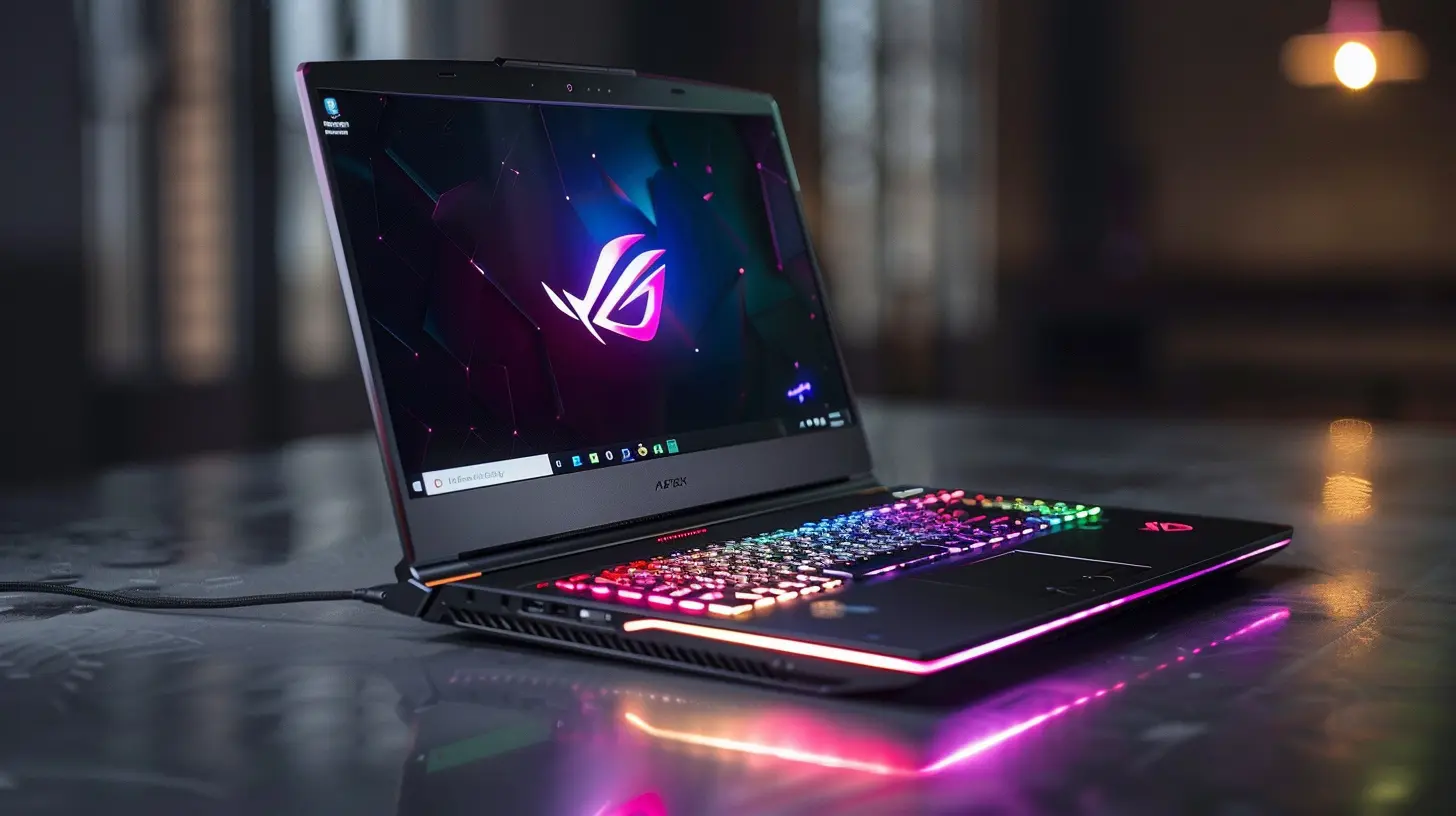
🏆 Best Gaming Laptops with Superior Cooling Systems
1️⃣ ASUS ROG Strix Scar 16 – Liquid Metal and Intelligent Cooling
The ASUS ROG Strix Scar 16 is built for hardcore gamers who care about both power and cooling. It features:✔ Liquid Metal Thermal Paste – Applied on the CPU and GPU, this paste reduces temperatures significantly compared to standard thermal pastes.
✔ Tri-Fan Cooling System – Three fans efficiently dissipate heat, ensuring even cooling across all components.
✔ Ventilation Optimization – Additional vents and exhausts work to constantly push hot air out.
👉 If you're looking for a powerful machine that doesn’t overheat even under stress, this one is a beast in both cooling and performance.
2️⃣ Alienware x17 R2 – Advanced Cryo-Tech Cooling
Dell’s Alienware x17 R2 is a premium gaming laptop that takes cooling technology very seriously.🔹 Vapor Chamber Cooling – This spreads heat evenly across the internals, preventing hot spots.
🔹 Quad-Fan Cooling System – Unlike dual-fan setups, this system enhances airflow efficiency.
🔹 Gallium-Silicone Thermal Interface Material – A high-end compound that improves heat dissipation better than traditional thermal pastes.
If you play demanding AAA titles, this laptop stays impressively cool under heavy loads.
3️⃣ Razer Blade 17 – Vapor Chamber Excellence
Razer’s Blade 17 stands out with its minimalist design and powerful internal specs. But don’t let the sleek chassis fool you; it's an advanced cooling machine.🔹 Vapor Chamber Cooling – Instead of traditional heat pipes, it uses a vapor chamber to spread and dissipate heat evenly.
🔹 Ultra-Thin Cooling Fans – Engineered for high air pressure without excessive noise.
🔹 Graphite-Based Thermal Pads – Assist in rapid heat transfer, keeping core components cool.
For gamers who prefer premium build quality with efficient cooling, the Razer Blade 17 is a solid choice.
4️⃣ MSI GE78 HX Raider – Game-Changer in Airflow Design
MSI is known for its high-performance gaming laptops, and the GE78 HX Raider is no exception.🔥 Cooler Boost Trinity+ Technology – Features five heat pipes and three powerful fans for maximum cooling.
🔥 Dedicated Exhausts – Hot air is consistently pushed out, preventing internal heat buildup.
🔥 Phase-Change Liquid Metal – Improves thermal conductivity, ensuring lower temperatures.
MSI laptops are a favorite among esports players, and for good reason—amazing performance without the overheating issues.
5️⃣ Lenovo Legion Pro 7i Gen 8 – AI-Powered Cooling
Lenovo has stepped up its gaming laptop game, and the Legion Pro 7i Gen 8 proves it with impressive cooling tech.🌀 Coldfront 4.0 Thermal System – Uses AI-powered fan control to optimize temperature regulation in real-time.
🌀 Vapor Chamber Design – Covers both CPU and GPU, ensuring balanced cooling.
🌀 Dual Intake and Exhaust – Constant airflow keeps the internal temperature under control.
If you love marathon gaming sessions and need a laptop that won’t break a sweat, this is a fantastic option. 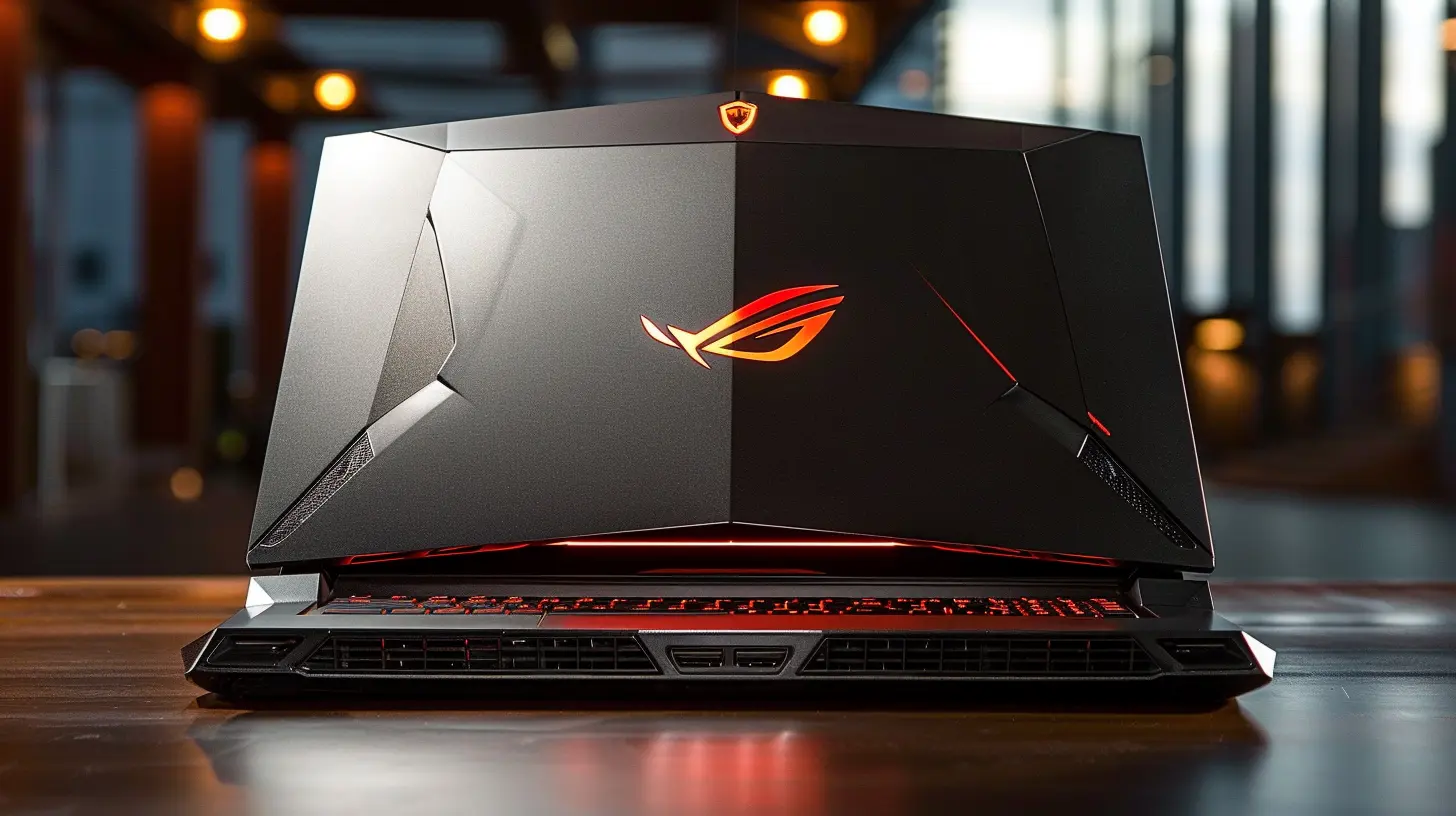
✅ What to Look for in a Gaming Laptop Cooling System
When picking a gaming laptop, cooling should be a top priority. Here’s what to look for:🎯 1. Efficient Thermal Paste
Liquid metal or high-quality thermal paste greatly improves heat dissipation. Avoid laptops using standard pastes, as they degrade over time.🎯 2. Advanced Fan Design
More fans don’t always mean better cooling—what matters is air pressure and placement. Look for dual or tri-fan setups with large intakes and exhausts.🎯 3. Vapor Chamber Cooling
Vapor chambers provide better heat distribution than traditional heat pipes. This results in more even cooling across all components.🎯 4. Heat Pipe Configuration
More heat pipes = better heat transfer. A multi-heat pipe setup helps efficiently spread heat away from the CPU and GPU.🎯 5. Software-Based Cooling Management
Some laptops feature AI-driven cooling systems that adjust fan speeds dynamically. This not only improves cooling efficiency but also minimizes fan noise when games aren’t demanding.
🚀 Pro Tips to Keep Your Gaming Laptop Cool
Even with the best cooling system, you can take extra steps to prevent overheating:🔹 Use a Cooling Pad – An external cooling pad with extra fans can reduce surface temperature.
🔹 Elevate the Laptop – Proper airflow is crucial. Use a stand to allow better ventilation.
🔹 Clean the Vents Regularly – Dust buildup traps heat, making cooling less effective.
🔹 Limit Background Processes – Running too many apps in the background increases CPU load and heat.
🔹 Adjust Fan Profiles – Most gaming laptops let you manually tweak fan speeds for better cooling.
🎮 Final Thoughts
A gaming laptop is only as good as its cooling system. If your machine runs too hot, it won’t matter how powerful the CPU or GPU is—you’ll get lower performance, stuttering gameplay, and reduced lifespan.The laptops on this list offer some of the best cooling solutions in 2024, ensuring you can enjoy long, uninterrupted, high-performance gaming without worrying about overheating.
So, if you're investing in a gaming laptop, make sure cooling is a key factor in your decision. After all, your games—and your laptop’s health—depend on it!
all images in this post were generated using AI tools
Category:
Gaming LaptopsAuthor:

Pierre McCord
Discussion
rate this article
2 comments
Zeke Sawyer
Cooling isn't just a feature—it's essential. If you're serious about gaming, don't settle for less. Only the best cooling solutions will keep your performance blazing hot!
December 26, 2025 at 3:36 AM
Pierre McCord
Absolutely! Effective cooling is crucial for maintaining peak performance during long gaming sessions. Investing in quality cooling solutions can make all the difference.
Oberon Ortiz
Great article! It’s essential for gamers to understand the importance of cooling in gaming laptops. Your insights will definitely help readers choose the right device for those long, intense gaming sessions!
December 18, 2025 at 4:24 PM
Pierre McCord
Thank you! I’m glad you found the insights valuable for gamers looking to optimize their experience. Happy gaming!