How to Upgrade Your Graphics Card Without Breaking the Bank
20 June 2026
So, you've finally had enough of your laggy, stuttering, potato-powered gaming experience? I get it. A decade-old GPU just doesn't cut it anymore, especially when newer games demand more power than ever. But before you start hyperventilating over the ridiculous GPU prices, take a breath. Upgrading your graphics card doesn't have to drain your wallet.
Let’s break down how you can get a better graphics card without selling a kidney! 
1. Determine If You Really Need an Upgrade
First things first—do you actually need a GPU upgrade, or are you just experiencing performance issues that can be fixed with a little troubleshooting?Signs You Need an Upgrade:
✔️ Your games look like a slideshow (low FPS or stuttering).✔️ Your GPU is so old that newer drivers don’t even support it anymore.
✔️ Graphical glitches or crashes during gameplay.
✔️ You can’t run modern games even at low settings without suffering.
When You DON’T Need an Upgrade:
? You’re only experiencing slight FPS drops that could be fixed with optimization.? Your GPU isn't being fully utilized due to CPU bottlenecks.
? Your PSU (power supply unit) isn’t strong enough to support a new GPU.
If tweaking your graphics settings, updating drivers, and overclocking doesn’t give you a noticeable FPS boost, then yes—it’s time for an upgrade. 
2. Set a Budget and Stick to It
Before you go hunting for a new graphics card, set a hard limit on how much you're willing to spend. Graphics cards can range anywhere from around $100 for entry-level models to insanely overpriced ones reaching $1,500+.? Pro Tip: A solid budget-friendly GPU should cost somewhere between $150 – $400. Anything cheaper might not be worth it, and anything pricier might not be "budget" anymore. 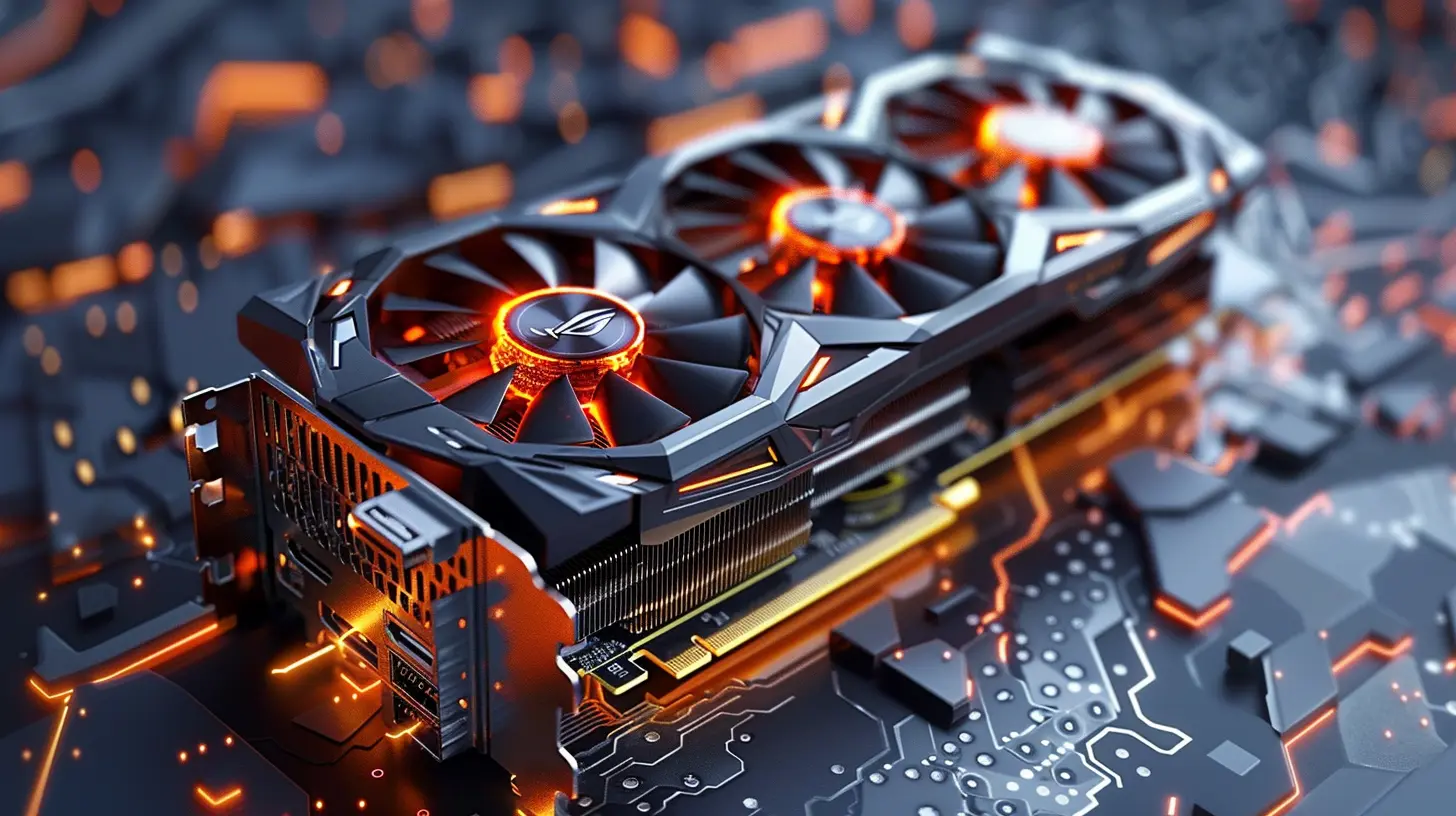
3. Choose the Right GPU for Your Needs
Not all GPUs are created equal. You don’t need a $1,500 graphics card if all you want to do is play Minecraft or run League of Legends at 144 FPS.AMD vs. NVIDIA – Which One Wins?
- AMD: Generally cheaper, better price-to-performance ratio, and great for budget-conscious gamers.- NVIDIA: More expensive but has better driver support and extra features like DLSS & RTX.
Best Budget-Friendly Graphics Cards (As of 2024)
? Entry-level ($100 - $200):- NVIDIA GTX 1650 Super
- AMD RX 6400
⚡ Mid-range ($200 - $400):
- NVIDIA RTX 3050
- AMD RX 6600
? Best Bang for Your Buck ($400 - $600):
- NVIDIA RTX 3060 Ti
- AMD RX 6700 XT
If you’re looking for the best price-to-performance ratio, AMD often offers more power for fewer dollars. 
4. Consider Buying Used or Refurbished GPUs
This is where smart people shop. Buying a used or refurbished graphics card can save you up to 50% OFF retail prices. But, let's keep it real—you've gotta be careful when buying used hardware.Where to Find Good Deals:
✅ eBay – Great if you know what you’re looking for. Stick with trusted sellers.✅ Facebook Marketplace – You can often negotiate better prices here.
✅ Reddit (r/hardwareswap) – A solid place to find GPUs from actual PC enthusiasts.
✅ Local Tech Stores – Some sell refurbished GPUs with warranties.
What to Watch Out For:
⚠️ Avoid cards that were used for crypto mining (excessive wear & tear).⚠️ Always check the condition, ask for benchmarks, and if possible, test before buying.
⚠️ No warranty? Could be a red flag.
Buying second-hand can be risky, but if you do your homework, you can score an amazing deal without regrets.
5. Sell Your Old GPU to Offset Costs
Why let your old graphics card collect dust when you can sell it and cover part of your upgrade costs? There’s a huge market for used GPUs, especially if yours is still functional.Where to Sell Your Old GPU:
? eBay – Widest audience, but seller fees apply.? Facebook Marketplace – No fees, and you can negotiate better deals.
? Reddit (r/hardwareswap) – Enthusiasts looking for good deals.
? Local PC resellers – Some trade-in programs give store credit for upgrades.
Just make sure to clean the GPU, take clear pictures, and be honest about its condition before listing it. A well-maintained GPU can still fetch a nice price!
6. Timing Is Everything – Buy During Sales & Restocks
Do NOT—I repeat—DO NOT buy a graphics card at random. The market fluctuates like crazy, and if you're patient, you can grab a sweet deal.Best Times to Buy a GPU:
? Black Friday & Cyber Monday – Absolute jackpot for deals.? Back to School Sales – Some retailers offload stock.
? New GPU Releases – Older models become significantly cheaper.
? Amazon Prime Day – Another solid time to check for discounts.
If you time your purchase right, you could save hundreds of dollars on your GPU upgrade.
7. Optimize & Upgrade Other Components First
Let’s be real: A new GPU won’t fix a bottlenecked system. If your CPU is outdated or your RAM is holding you back, you might want to address those first.Upgrade These First If Needed:
? RAM: If you have less than 16GB, consider upgrading.? Power Supply Unit (PSU): Can your PSU handle the new GPU’s power requirements?
? Cooling & Case: Bigger GPUs need proper airflow and space!
A balanced system gives better performance than just slapping in a high-end GPU and calling it a day.
8. Consider Alternative Ways to Boost FPS
If you're on an ultra-tight budget, upgrading your GPU might not be an option just yet. But don’t worry—there are still ways to squeeze extra performance out of your current card:? Overclocking – Mild GPU & VRAM overclocking can give a free FPS boost.
? Lowering Graphics Settings – Tweaking in-game settings can make a huge difference.
? DLSS or FSR – If your game supports it, this can improve performance significantly.
? Driver Updates & Optimization – Keeping drivers updated ensures the best performance.
Sometimes, a little tweaking is all you need to make your GPU last a bit longer before a full upgrade.
Final Thoughts
Upgrading your graphics card on a budget isn’t impossible—you just need a smart strategy.✔️ Know when to upgrade.
✔️ Set a reasonable budget.
✔️ Search for the best deals.
✔️ Consider second-hand options.
✔️ Sell your old GPU to offset costs.
✔️ Optimize your system before upgrading.
So, before you drop a ridiculous amount of cash on a brand-new GPU, follow these steps, and you’ll level up your gaming experience without going broke. Happy upgrading!
all images in this post were generated using AI tools
Category:
Graphics CardsAuthor:

Pierre McCord
Discussion
rate this article
1 comments
Oriel McKale
Consider budget-friendly options and check compatibility before upgrading your graphics card effectively.
July 15, 2026 at 5:01 PM
Pierre McCord
Great suggestion! It's crucial to balance cost and compatibility when choosing a new graphics card.