The Best Privacy Tools for Secure Browsing
15 July 2026
Let’s be real for a second — browsing the internet these days feels a bit like walking around your house… with the curtains wide open. Every click, scroll, and search is getting scooped up by someone — advertisers, governments, even hackers lurking in the digital shadows. That’s where privacy tools come in, like digital curtains, locks, and alarms to keep your online world a little more your own.
If you've ever felt like your computer or phone knows a little too much about you, or you’re just tired of those creepy ads that seem to follow you from one website to another, you're in the right place. In this guide, we’re diving into the best privacy tools for secure browsing — all handpicked to give you better control over your digital life.
Why Should You Care About Privacy Online?
Before we get into the good stuff, let's ask the obvious: why does online privacy even matter?Think about it — your browser history, messages, location, contacts, even what time you went to bed — it’s all collected, stored, analyzed, and often sold (yep, like some kind of invisible currency). This isn't just about staying anonymous from companies trying to sell you shoes you looked at last week. It’s about protecting your identity, your sanity, and in some cases, your safety.
Online privacy is basically the digital version of locking your front door. You wouldn’t just leave it wide open, right?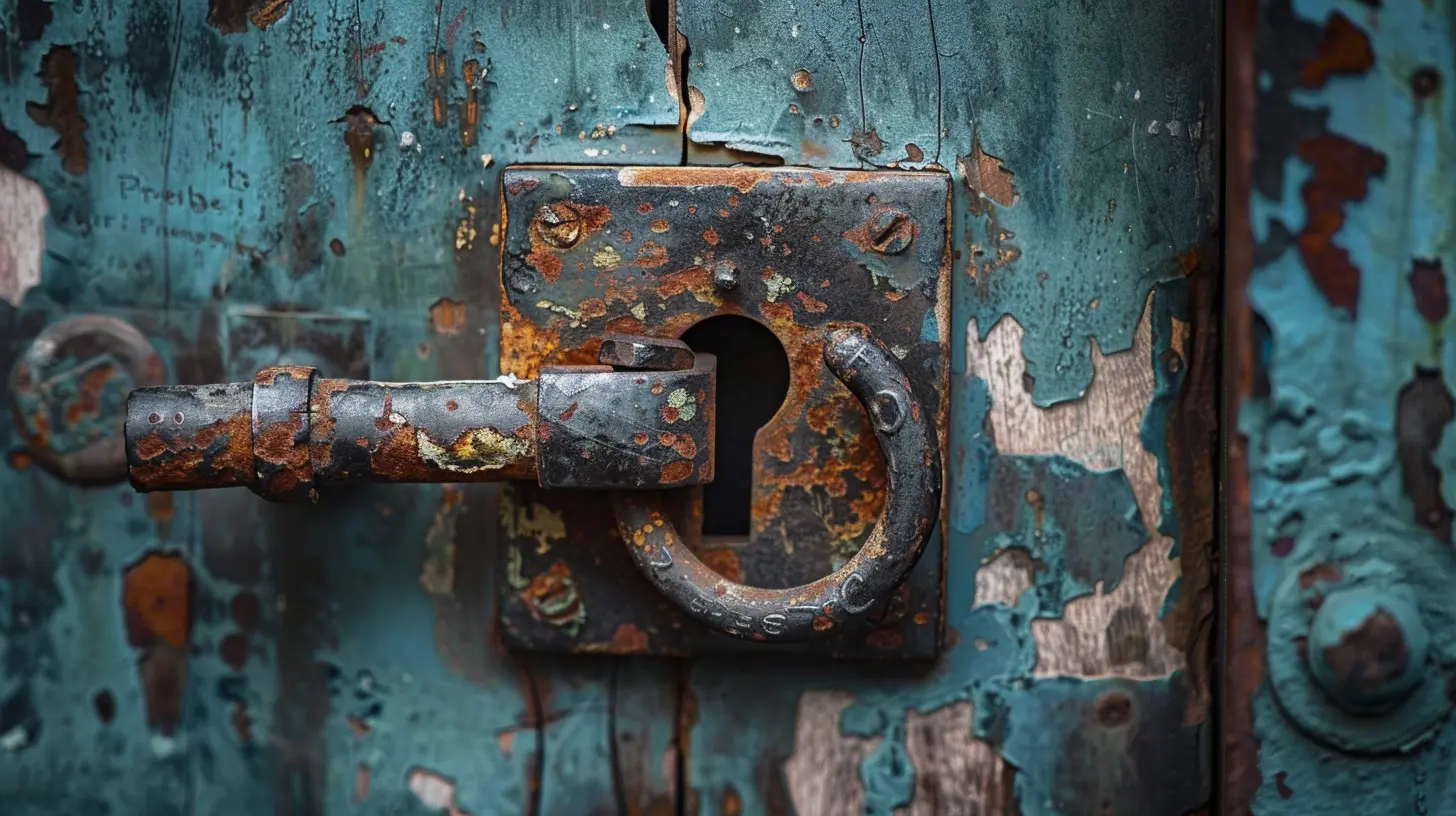
1. VPNs – Your First Line of Defense
Let’s start with the OG of online privacy: the VPN, or Virtual Private Network.What Does a VPN Do?
Imagine you're sending a letter — a VPN puts that letter in an envelope, hides your return address, and then sends it through a secure tunnel. It masks your IP address, encrypts your data, and makes it look like you're browsing from another location entirely.Top VPNs for Secure Browsing:
- NordVPN – Fast, secure, and well-established. Known for its strong security features.- ExpressVPN – Super easy to use and works well even in countries with heavy censorship.
- ProtonVPN – Built by the folks behind ProtonMail, with a strong privacy-first approach.
- Surfshark – Great budget-friendly option with unlimited device support.
Why it rocks: Perfect for protecting yourself when using public Wi-Fi, avoiding geo-blocks, and keeping your browsing habits private.
2. Private Browsers – Because Incognito Isn’t Enough
Heads up — opening an "Incognito" or "Private" tab doesn't really make you private. It only hides your browsing from others using your device, but it won’t hide anything from websites, ISPs, or snoopy advertisers.Better Browser Alternatives:
- Brave – Built-in ad and tracker blocking, and it’s lightning-fast.- Firefox (with privacy tweaks) – Strong commitment to open-source and user privacy. Add-ons make it a beast for secure browsing.
- Tor Browser – For when you need maximum anonymity. It routes your traffic through multiple servers for extreme privacy.
- DuckDuckGo Browser – Solid choice on mobile, blocks trackers, and doesn’t collect your data.
Why it matters: A private browser helps cut down on digital footprints and stops advertisers from tracking you like a bloodhound.
3. Secure Search Engines – Say Goodbye to Google...Maybe
You know how your search results seem a little too tailored? That’s not magic — that’s tracking.Google and Bing keep detailed profiles based on your searches. If that freaks you out (as it should), you might want to check out a search engine that doesn’t watch your every word.
Best Privacy-Focused Search Engines:
- DuckDuckGo – Doesn’t track you and has its own web crawler now, so it's not just piggybacking off Google.- Startpage – You're basically searching Google but anonymously. Win-win.
- Mojeek – One of the few truly independent search engines, with its own index and no tracking.
Why switch: Search engines collect more data than you'd think. Using a private search engine is a simple switch that makes a big difference.
4. Ad and Tracker Blockers – Silence the Noise
Those ads that follow you around the internet? That’s not just annoying — it’s also invasive.Top Tools to Block Ads and Trackers:
- uBlock Origin – Lightweight, open-source, and extremely powerful. Works like a charm with most browsers.- Privacy Badger – Made by the EFF, it learns to block trackers as you browse.
- Ghostery – Blocks trackers and gives you detailed info on what’s being blocked.
- AdGuard – Works across devices, including Windows and Android. Totally cleans up your browsing experience.
Why it’s useful: Say bye to creepy targeted ads, faster loading times, and better battery life on mobile. Boom.
5. Password Managers – Because '123456' Won’t Cut It
Let’s be honest — most people aren’t great at passwords. We reuse them, we forget them, or we make them so simple a toddler could guess them.Enter the password manager.
Best Password Managers for Privacy:
- Bitwarden – Free, open-source, and super secure.- 1Password – Slick design and rock-solid encryption.
- LastPass – Popular choice, although it’s had some recent security hiccups — use with caution.
- KeePassXC – Offline, open-source option for the truly paranoid.
The takeaway: A password manager creates, stores, and fills in strong, unique passwords for every account you have. That’s a privacy win.
6. Encrypted Email – Stop Sending Postcards
Traditional email is like a postcard — anyone in the delivery chain can read it. If you want your communications sealed like a confidential envelope, consider switching to encrypted email.Top Encrypted Email Services:
- ProtonMail – End-to-end encryption, open-source, and hosted in Switzerland.- Tutanota – Fully encrypted inbox and contact list, with a sleek interface.
- Mailfence – Includes calendar, docs, and email — all encrypted.
- Posteo – Privacy-first email service that doesn’t even require your name.
Why it’s better: Keep your emails from being read, mined for data, or stored indefinitely by third parties.
7. Tracker-Free Mobile Apps – Take Back Your Phone
Our phones are like digital diaries — full of personal info. But tons of apps silently collect data in the background.How to Take Control:
- Use apps from F-Droid instead of the Play Store – It’s an open-source app repository.- Use Bouncer – Temporarily give apps permission to access things like your camera or location.
- Replace Google apps with alternatives:
- Google Maps → OsmAnd or Here WeGo
- Gmail → ProtonMail
- Chrome → Brave or DuckDuckGo
- Google Calendar → Etar
Pro tip: Always check app permissions, and don’t give apps access to things they shouldn’t need.
8. Secure Messaging – Text Like Nobody’s Watching
Old-school texting and even many chat apps are super leaky, privacy-wise. Switching to an encrypted messaging app is one of the best things you can do for personal security.Best Private Messaging Apps:
- Signal – Encrypted end-to-end, open-source, and trusted by privacy pros.- Session – Doesn’t even need your phone number. Conversations go through a decentralized network.
- Threema – Swiss-based, super secure, and doesn’t require an email or phone number.
- Element (Matrix) – Best for group chats with encryption baked in.
Why care: Private messages should stay private. These apps make sure they do.
9. DNS Privacy – A Quiet Superpower
DNS is like the phonebook of the internet — it translates the website you type into an IP address. But traditional DNS isn't encrypted, which means others can see what sites you’re visiting. Not cool.Private DNS Options:
- Cloudflare DNS (1.1.1.1) – Secure, fast, and doesn’t store your data.- NextDNS – Fully customizable and blocks trackers at the network level.
- Quad9 (9.9.9.9) – Focuses on security by blocking malicious domains.
Here’s why it helps: Encrypting your DNS requests is like whispering your website requests — not shouting them for anyone to hear.
10. Bonus: Browser Extensions That Actually Respect You
If you’re using one of the big browsers, here are a few extensions that can seriously level-up your privacy game:- HTTPS Everywhere – Forces websites to use HTTPS for secure connections.
- Decentraleyes – Protects against tracking through content delivery networks (CDNs).
- NoScript – Allows you to choose which sites can run scripts. Great security, but a bit geeky.
Final Thoughts: It’s All About Balance
Now, you don’t have to go full "off-the-grid" mode to stay private online. But even a few small changes — like switching browsers or using a VPN — can go a long way.Think of your privacy toolkit like a lockbox. The more layers you add, the harder it is for anyone to peek inside. Whether you're a casual Chrome surfer or a digital ninja, there’s always something you can do to improve your online privacy.
Start small, stay consistent, and remember — it's your data. Own it.
all images in this post were generated using AI tools
Category:
Privacy ToolsAuthor:

Pierre McCord